


Solo travel has never been more popular. Online searches for the term “solo travel” increased by nearly 73 percent from April 2023 to April 2024, and the momentum has only grown since. With that surge in independent exploration, one practical question keeps surfacing: how do you let the people who care about you know where you are, without handing that information to the wrong people?
Solo travelers most often address safety concerns by sharing their location with friends and family, at 30 percent. It sounds simple, but the devil is in the details. The gap between sharing smartly and oversharing dangerously is thinner than most people realize, and the consequences of getting it wrong can range from a mildly awkward burglary to something far more serious.
Understand Why Location Sharing Matters More Than Ever
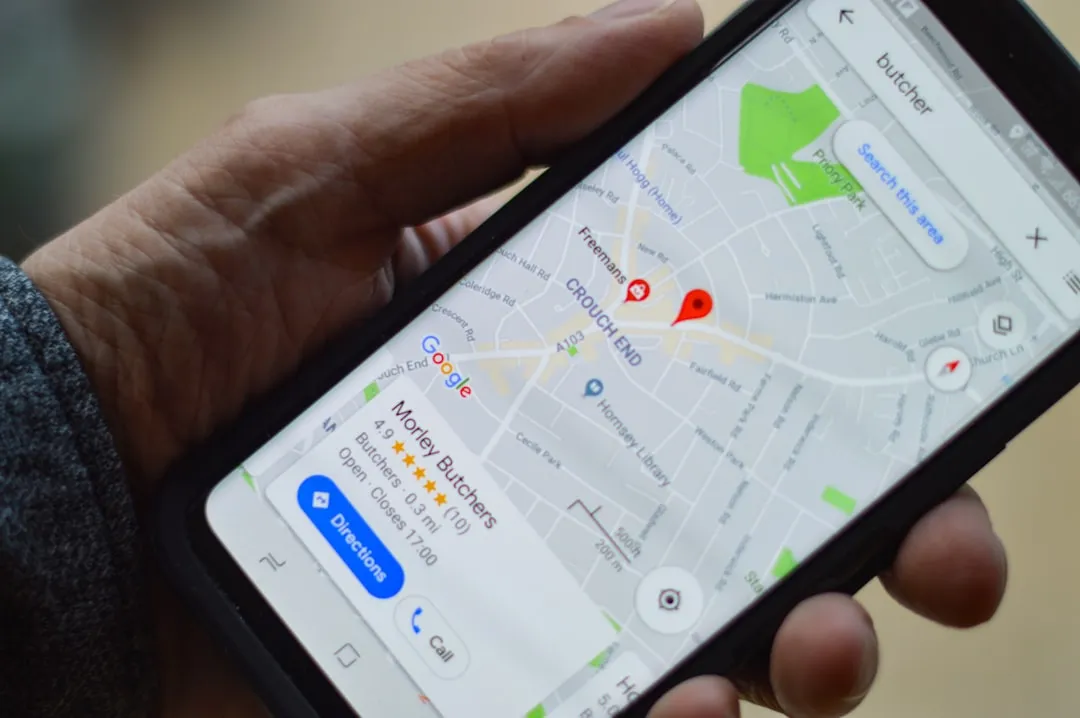
Safety is a top concern for roughly 41 percent of solo travelers, and the gender gap is significant: 55 percent of women say safety is a primary worry, compared to just 18 percent of men. These aren’t abstract numbers. They reflect real decisions that solo travelers make every day about where to go, when to check in, and who to tell.
Survey data suggests that solo travelers are more likely to share itineraries with family or friends as a direct response to heightened safety sensitivities. Sharing a live location has become one of the most practical ways to travel independently while still keeping a trusted safety net in place. The challenge is doing it in a way that protects your privacy from everyone else.
Know the Real Risks of Oversharing Your Location
A 2024 review by privacy researchers found that the average smartphone has four to seven apps with location-sharing toggled on, and most users couldn’t list which apps were active. That’s a quiet, invisible risk most travelers don’t think about until something goes wrong.
Oversharing your location can compromise your home security. If you’re posting in real time from a vacation spot, it’s a clear signal that your home is unoccupied, making it a possible target for burglary. The cumulative effect of data builds up a pattern over time, which can be pieced together to predict your future movements. The risk isn’t just immediate. It’s architectural.
Share With Trusted Contacts Only – Not the Internet
Don’t share “Find My Phone” with anyone except your most trusted friends and family. This principle sounds obvious, but in practice many travelers blur the line between private check-ins and public social posts. Those are two very different acts with very different audiences.
Review privacy settings on your main platforms. In many cases, switching from “Public” to “Friends” or to a small, curated list dramatically reduces your exposure. For travel photos, consider posting after your return, or sharing them only with a limited group. Giving trusted contacts access to your live location is thoughtful. Broadcasting it to your full social network is not.
Use Built-In Phone Safety Features Before Downloading Any App
Modern phones now come with strong, built-in safety features that solo travelers should set up before leaving home. On iPhone, Check In in Messages automatically notifies a trusted contact when you arrive. If you don’t reach your destination, it can share your location, battery, and signal status, so someone can follow up or call for help.
Apple’s Safety Check also allows users to quickly stop sharing location data if things change. On Android, Google’s Personal Safety app offers Emergency Sharing, which allows continuous live location sharing with selected contacts. It also includes Safety Check, a timer that starts sharing your location if you don’t respond. These tools exist on most phones already. Use them before reaching for a third-party solution.
Choose the Right Location-Sharing App for the Job
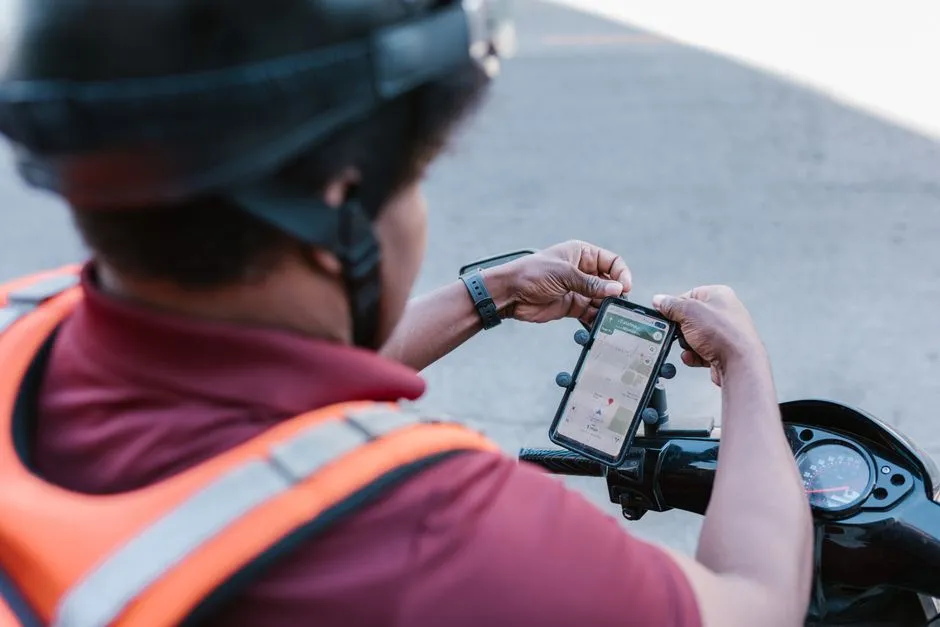
Apps like bSafe offer SOS alerts and live tracking, GeoSure provides safety ratings for cities, and Life360 allows location sharing with trusted contacts. Each serves a slightly different purpose, and knowing the difference matters when you’re deciding what to install before a trip.
iSharing takes a consent-based approach to location sharing. Users must agree to participate, and location sharing can be controlled through group settings and permissions. The app also supports multiple circles, allowing you to share different levels of information with different groups of people. That kind of granular control is exactly what responsible location sharing looks like in practice.
Control What You Share and for How Long
Find My on iPhone, Google Maps location sharing, WhatsApp live location, and dozens of niche apps offer continuous, real-time location broadcasting. These features are useful until you forget you enabled them, leave them on after a trip, or share with someone whose account is later compromised.
To mitigate the risk of oversharing your data, don’t authorize location sharing for apps on your phone that you don’t need. Make sure that you only authorize sharing “while using the app.” Setting a time limit on shared location access means you’re always in control, rather than passively broadcasting your position indefinitely.
Share Itineraries Instead of Constant Live Tracking
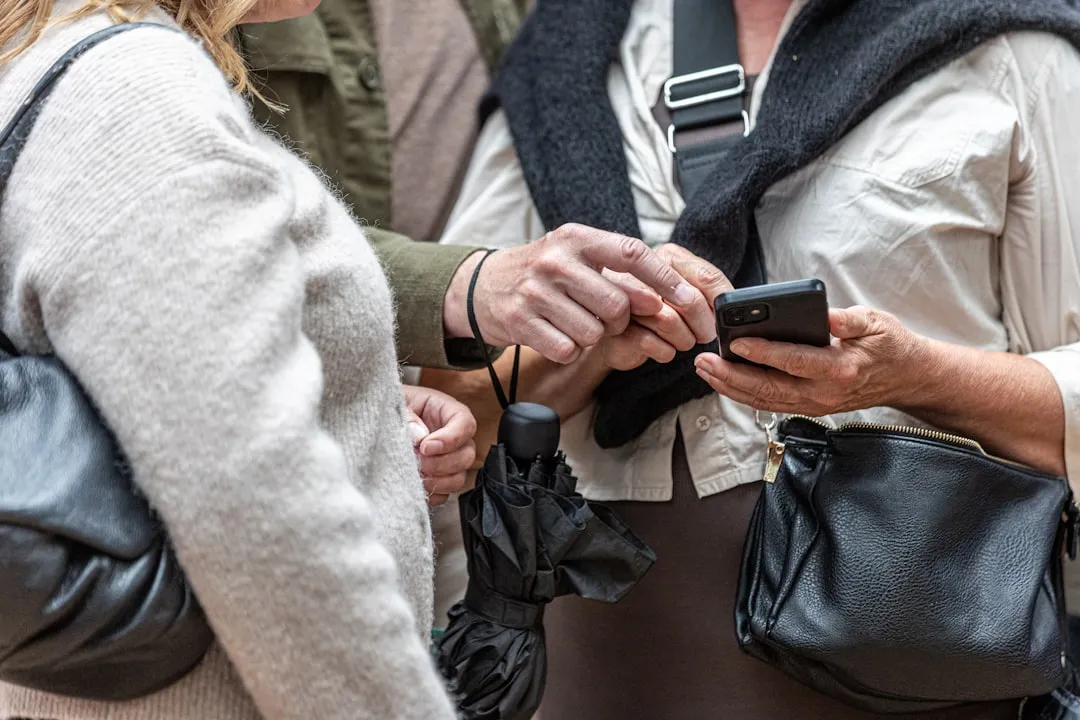
Airbnb added new safety features to their app, including the ability to share reservation itineraries with a trusted person, get tips for traveling safely in the local area, and get suggested questions to ask their host during their stay. This itinerary-based approach is worth paying attention to.
Sharing a planned route, accommodation details, and expected check-in windows with a trusted contact achieves the core goal without requiring a live GPS feed at all times. It gives someone enough information to act if they don’t hear from you, without leaving a permanent digital trail of your exact movements. Solo travelers are increasingly opting for this kind of structured safety buffer as a middle ground between full transparency and full independence.
Audit Your App Permissions Before Every Trip
Your location data can be collected through your mobile device, certain logged-in accounts, your internet connection, and location services. Most travelers only think about this once, at setup. The smarter move is to audit it before each trip, since app permissions often change after updates.
Review the list of third-party apps under location services. You are probably sharing more than you think. A quick check before departure can surface location access for apps that have no obvious reason to know where you are. Revoking that access takes seconds and costs nothing.
Be Thoughtful About Geotagged Photos and Social Posts

Even when EXIF data is stripped, public posts often carry an explicit place tag that you added voluntarily. Combined with timestamps, an account history of geotagged posts builds a movement profile that attackers can mine. This is a risk that sits outside most people’s mental model of location sharing.
Burglars use location posts to identify when homeowners are away, making oversharing your travel plans a serious security risk. The simplest precaution is to delay posting. Saving the photo dump for after you’ve moved on, or after you’ve returned home entirely, removes the real-time signal without sacrificing the memory.
Maintain Connectivity So Sharing Actually Works When It Counts

Airalo solves the problem of buying local SIM cards by offering eSIMs for nearly every country. You can purchase a data plan before you leave home and activate it instantly upon landing, ensuring you have internet access the moment you step off the plane. This allows immediate access to maps, ride-share apps, and emergency contacts.
Location sharing only functions when your device is connected. About 66 percent of solo travelers ensure they bring a power bank, which is directly relevant: a dead battery means your contact has no idea where you are, often at the worst possible moment. Keeping the device charged and connected is the unglamorous but essential foundation that makes every other safety tool work.
Final Thoughts
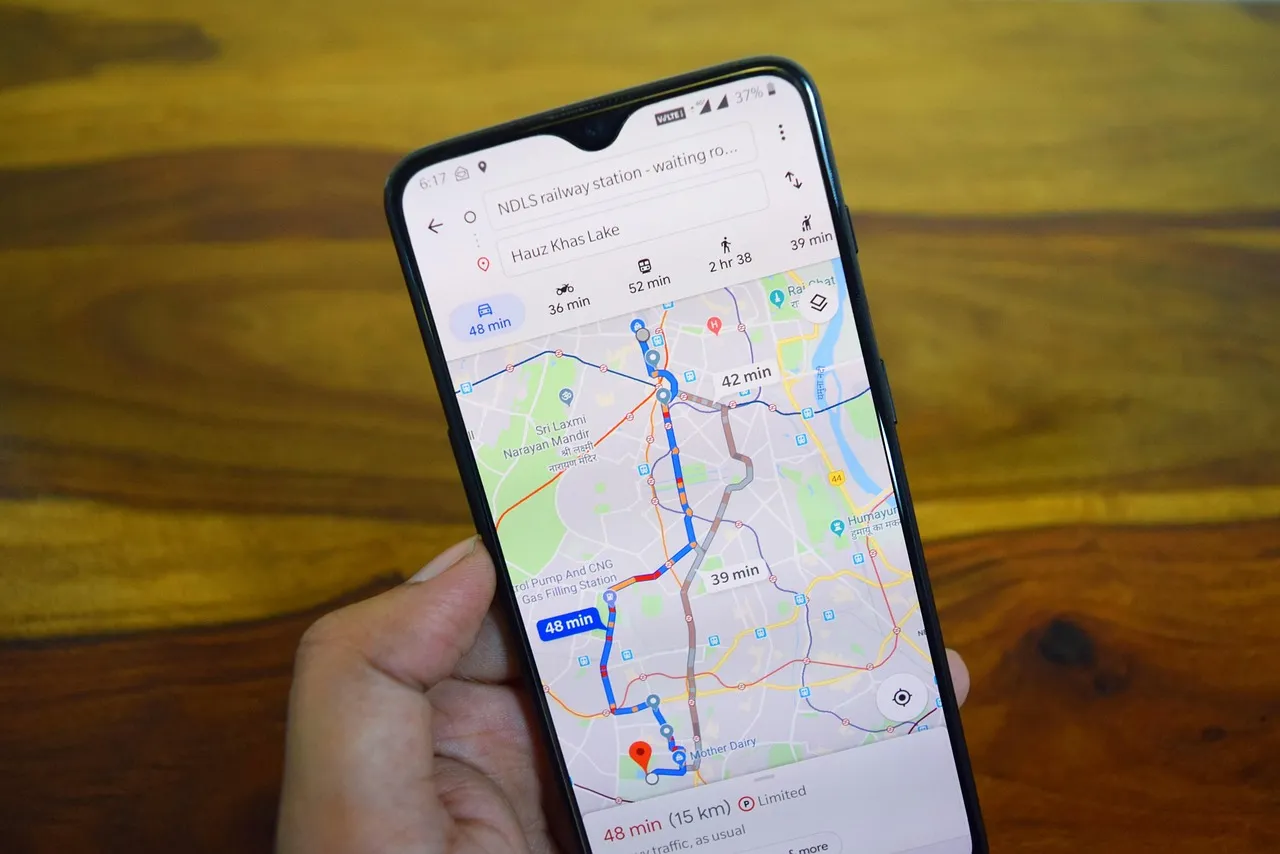
The goal of sharing your location while traveling solo is fundamentally about peace of mind on both ends: yours and the people who care about you. The risks of doing it carelessly are real, ranging from compromised home security to trackable movement patterns. The good news is that the tools available in 2026 make it entirely possible to stay accountable to a trusted few without broadcasting your whereabouts to the world.
Smart location sharing isn’t about choosing between safety and privacy. It’s about being deliberate. Audit your permissions, use time-limited sharing with a small circle of trusted people, delay your social posts, and let the built-in features of your own phone do more of the heavy lifting. The most dangerous thing a solo traveler can do digitally is assume the defaults are working in their favor. They rarely are.
AI Disclaimer: This article was created with the assistance of AI tools and reviewed by a human editor.