

There’s a certain quiet satisfaction in opening your laptop in a sunlit café somewhere far from home, ordering a flat white, and getting a full day of work done without issue. For millions of remote workers, this is no longer a fantasy. It’s a Tuesday.
Roughly 34.3 million Americans worked remotely or from home for pay in April 2025 alone. That’s a staggering pool of people who have, at some point, had to figure out how to make café Wi-Fi actually work for them while abroad. The tricks they’ve collected along the way are worth knowing.
Run a Speed Test Before You Sit Down and Order
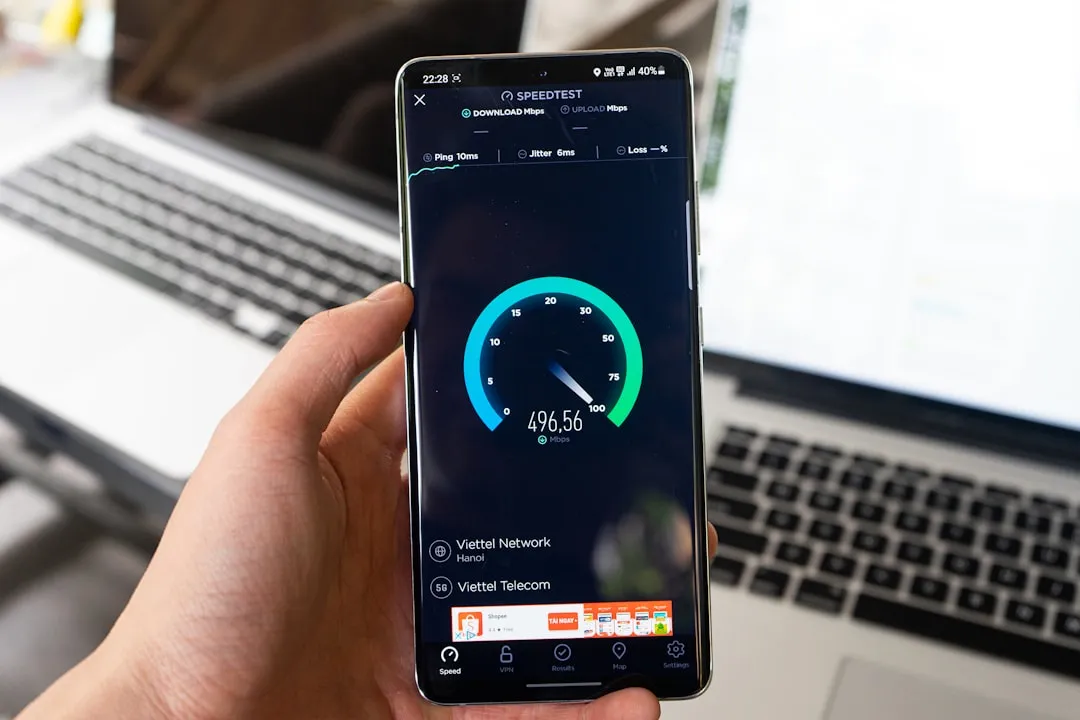
One of the most reliable habits among experienced remote workers abroad is testing the Wi-Fi before they’ve even taken their coat off. Free tools like Speedtest let you check download and upload speeds instantly, and if the results are poor with no alternative in sight, it’s worth moving on and finding something better.
Most people sit down, connect, and only discover the connection is unusable twenty minutes later mid-deadline. Testing first saves both time and frustration. When searching for a good coffee shop to work from, the essentials to look out for include free Wi-Fi, a fast internet connection, comfortable seating, and, of course, decent coffee. But speed is arguably the most important of all of those.
Always Arrive Early to Claim the Router-Adjacent Seat
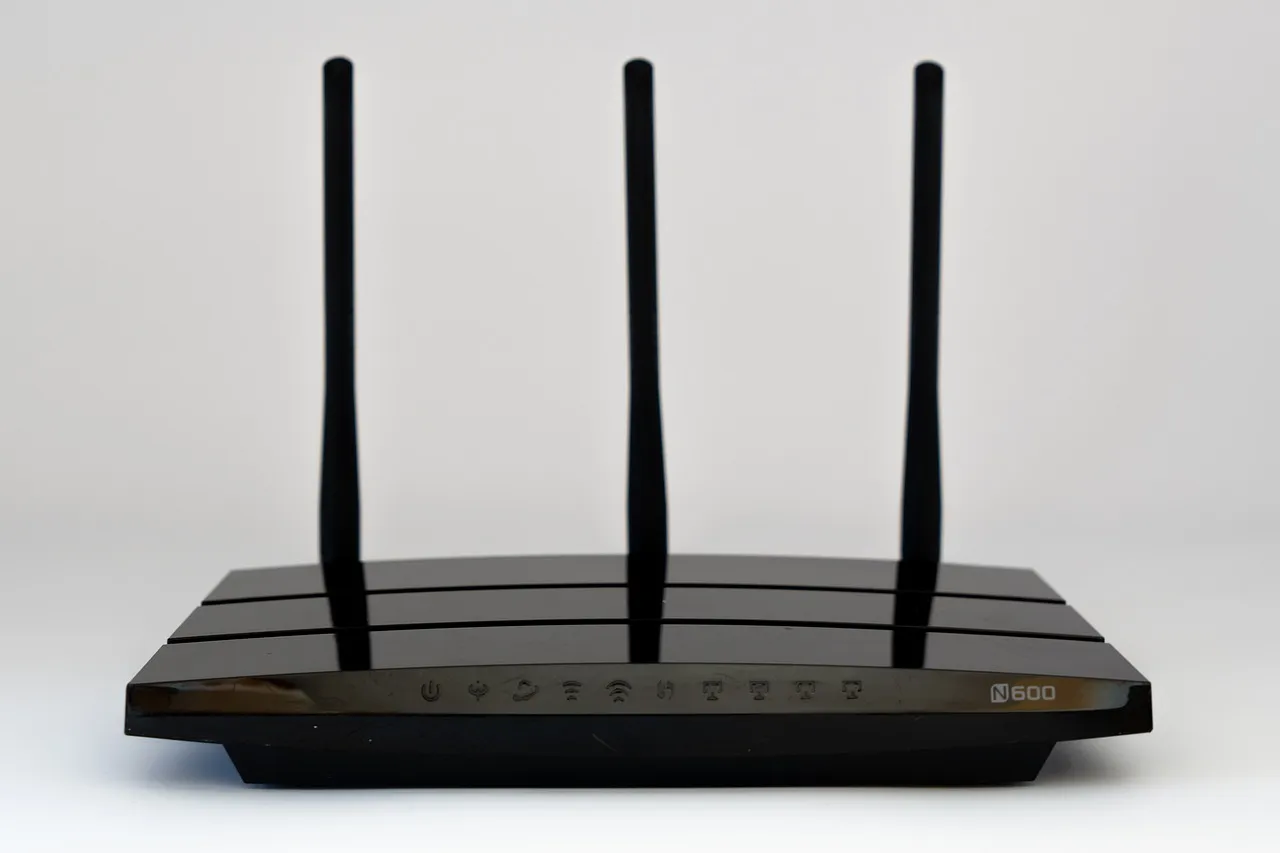
Signal strength drops considerably with distance and physical obstructions. Walls, pillars, other customers’ devices, and the general chaos of a busy midday café all chip away at what might otherwise be a decent connection. Experienced café workers abroad know that arriving early, ideally at opening, gives them the pick of seats closest to the router.
Many laptops also reduce the strength of their wireless card when running on battery power to save energy, which can make a weak Wi-Fi signal impossible to hold. Plugging into a power outlet can noticeably improve your connection. So the best seats aren’t just near the router. They’re also near a socket.
Turn Off Background App Syncing the Moment You Connect
This is one of the less obvious tricks, but it makes a genuine difference. When you reconnect to the internet after a gap, apps like Skype, Dropbox, and Evernote immediately begin syncing and updating in the background, consuming bandwidth that should be going to your actual work. Shutting them down or disabling automated background processes instantly frees up more bandwidth for your browser and email.
On a shared café network, where multiple people are competing for the same bandwidth, this matters even more. When you’re at home, running Netflix in the background while doing other tasks is rarely a problem, but in a coffee shop, other people are using the Wi-Fi too, and every device adds load. Keep your connections lean and deliberate.
Use a VPN Without Exception on Public Networks
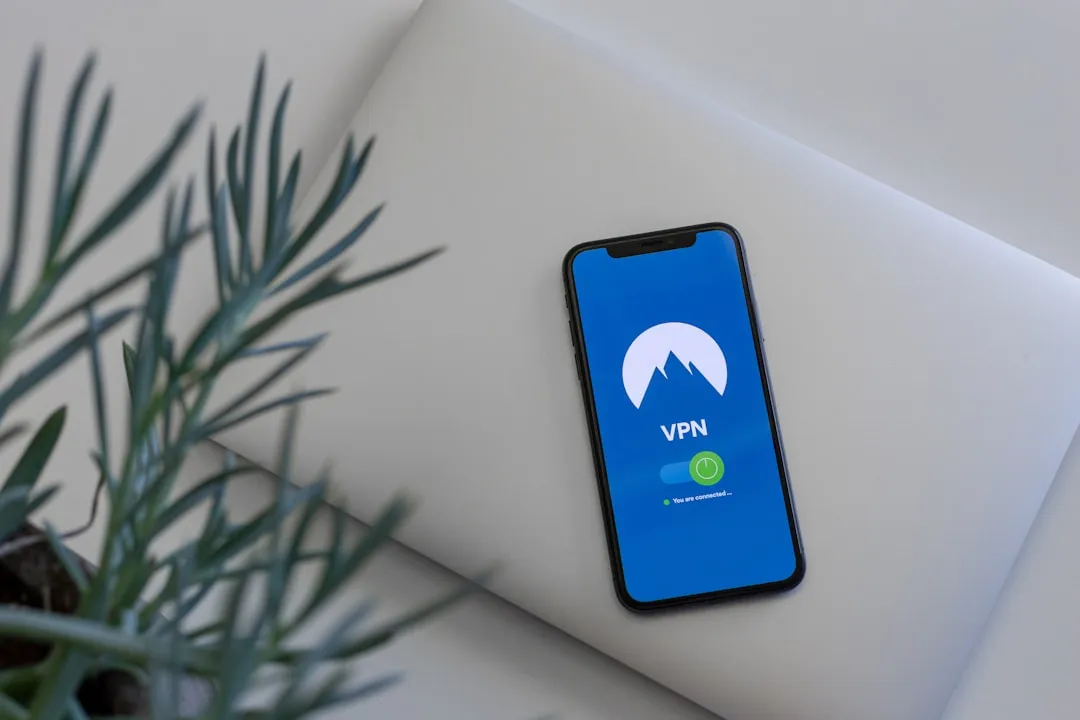
A VPN creates an encrypted tunnel for all your internet traffic, making your data far harder to intercept even on public Wi-Fi. Many freelancers and remote workers use VPNs as a standard go-to for peace of mind. This isn’t overcaution. It’s basic operational hygiene when working abroad.
According to IBM’s 2024 Cost of a Data Breach Report, the average cost of a data breach reached $4.88 million, and remote work environments consistently increase both the likelihood and the cost of a breach. The stakes are real. AES-256 encryption, offered by reputable VPN providers, means you can work in hotels, coffee shops, airports, or anywhere else without fear of your data being intercepted. Turning it on takes seconds.
Carry a Local SIM or eSIM as Your Personal Backup Hotspot

Transforming your smartphone into a portable Wi-Fi router via local SIMs or multi-country eSIM data plans lets you tap into the convenience of an all-in-one device for calls, mobile data, and on-demand Wi-Fi when cafés or accommodations lack infrastructure. This backup layer is arguably the single most important move remote workers make when traveling abroad.
Using a portable 4G or 5G device is one of the most effective ways to create an on-demand private secure network wherever you are. When café Wi-Fi fails mid-call, you don’t scramble or apologize. You switch seamlessly. One thing to keep in mind is the potential for roaming charges without international data plans, as well as battery life limitations on long trips. Plan for both before you leave.
Scout Cafés Using Community-Reviewed Platforms Before You Travel
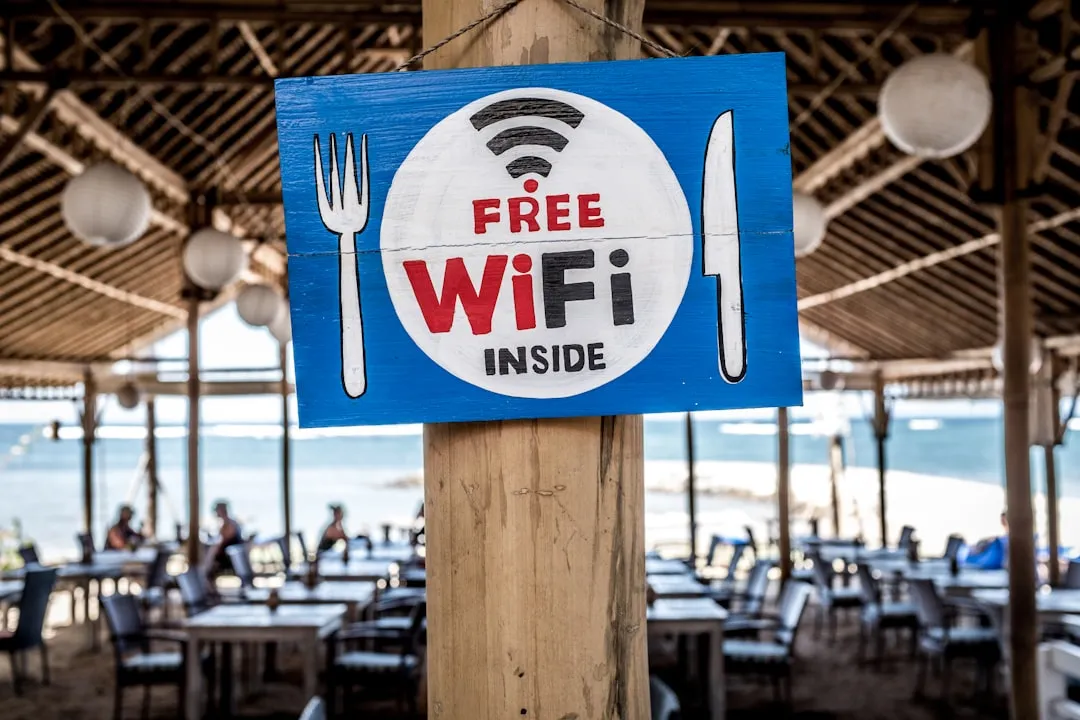
Choosing where to work is a skill in itself, and the smartest remote workers don’t leave it to chance. Platforms like Remote Work Café help remote workers and digital nomads stay productive in work-friendly coffee shops around the world, with every listing coming from real experiences and honest testimonials. That crowdsourced intelligence is worth far more than a generic Google Maps search.
Cities vary dramatically in their café culture for remote workers. Tokyo, for instance, has an estimated 100,000 cafés, and the key requirements for remote work there include free, fast, and reliable Wi-Fi with no time limits, comfortable workspaces, and good ambiance. Knowing this kind of local nuance before arriving turns a stressful hunt into a ten-minute decision.
Pick Off-Peak Hours to Maximize Shared Bandwidth
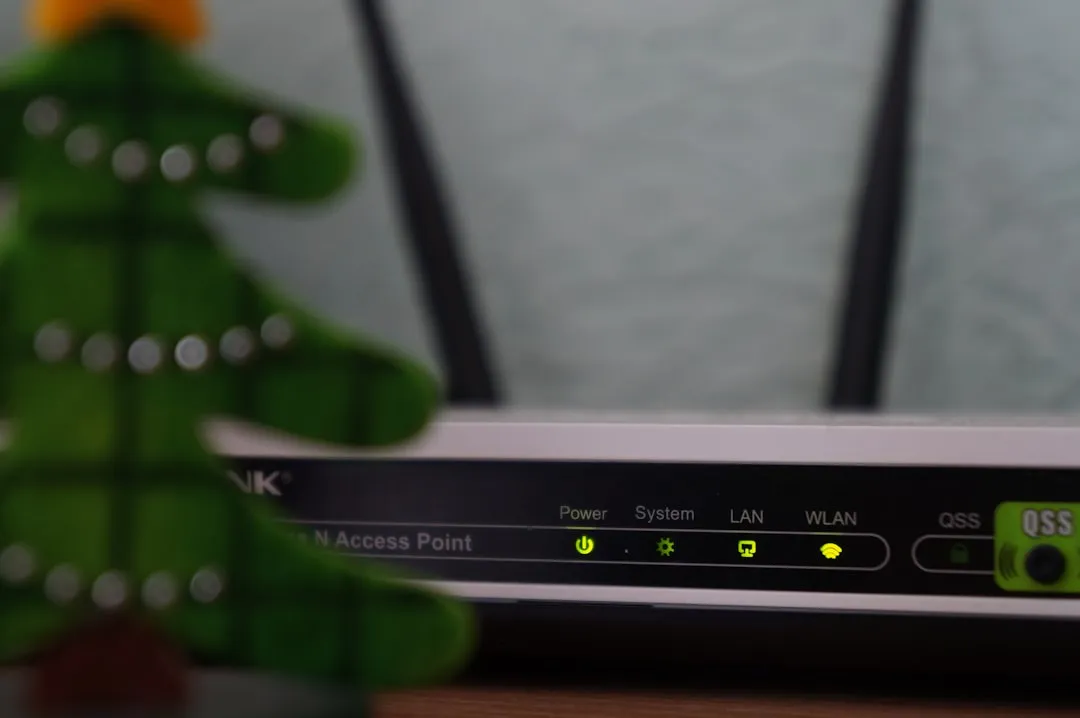
Shared public networks slow down as more devices connect. This is simply how bandwidth works. A café that offers a perfectly usable 50 Mbps connection at 8 a.m. can feel unusable by noon when it’s split between forty simultaneous users. Experienced remote workers schedule their heaviest tasks, video calls, large uploads, file transfers, for the early hours when foot traffic is low.
Remote and hybrid workers credit flexible work arrangements with improving their work-life balance, and boosting overall satisfaction. That flexibility extends to when you work, not just where. Shifting your schedule by even ninety minutes to match a café’s quiet window can make the difference between a productive day and a lost one.
Be Mindful of Screen Visibility and What You’re Accessing
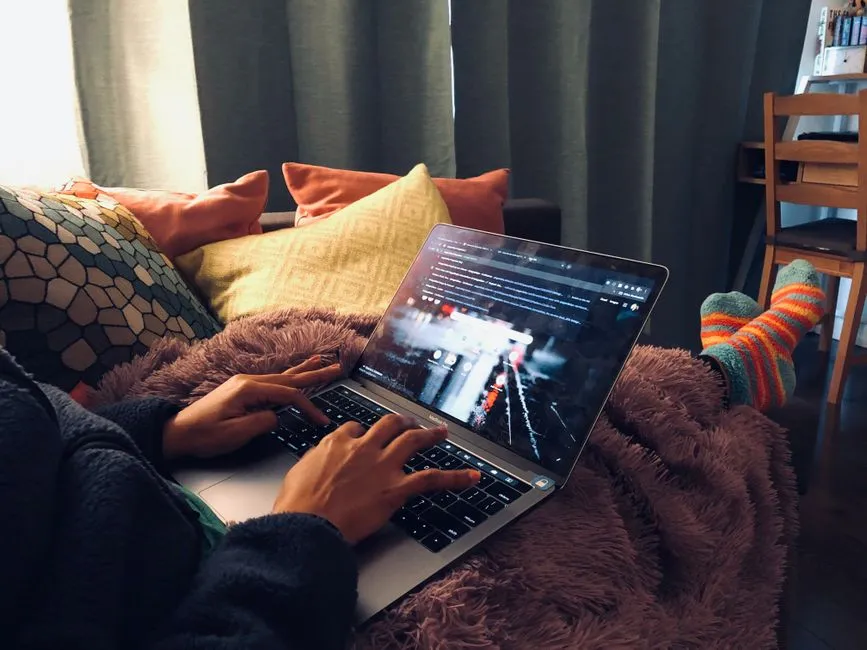
Cafés and co-working spaces are often busy with strangers. Most will be minding their own business, but it’s still a good idea to find a secluded seat to prevent others from seeing what’s on your screen, even accidentally. This is called “visual hacking,” and it’s more common than people realize.
Public Wi-Fi should never be your first choice for tasks like online banking or entering sensitive payment details. If it’s unavoidable, use a secure personal network like your mobile hotspot instead. This applies equally to accessing company intranets, internal dashboards, or any client data. Keep sensitive work for private connections whenever possible.
Respect the Space and Buy More Than One Coffee

There’s an unspoken contract in café culture when you’re using a space as an office for three or four hours. Working at a coffee shop provides a change of scenery that can help you feel more focused and motivated, but it comes with social responsibilities. Ordering regularly, tipping where appropriate, and not monopolizing a table during a lunch rush are practices that keep café owners willing to welcome remote workers.
You also may not want your company’s private business overheard across a coffee shop, which is another reason to keep calls quiet. Keep meetings small and discreet, and you generally won’t have any problems. Being a considerate guest also means the staff is more likely to help you if the Wi-Fi password rotates or the router needs a reset.
Know When to Upgrade to a Coworking Space Instead
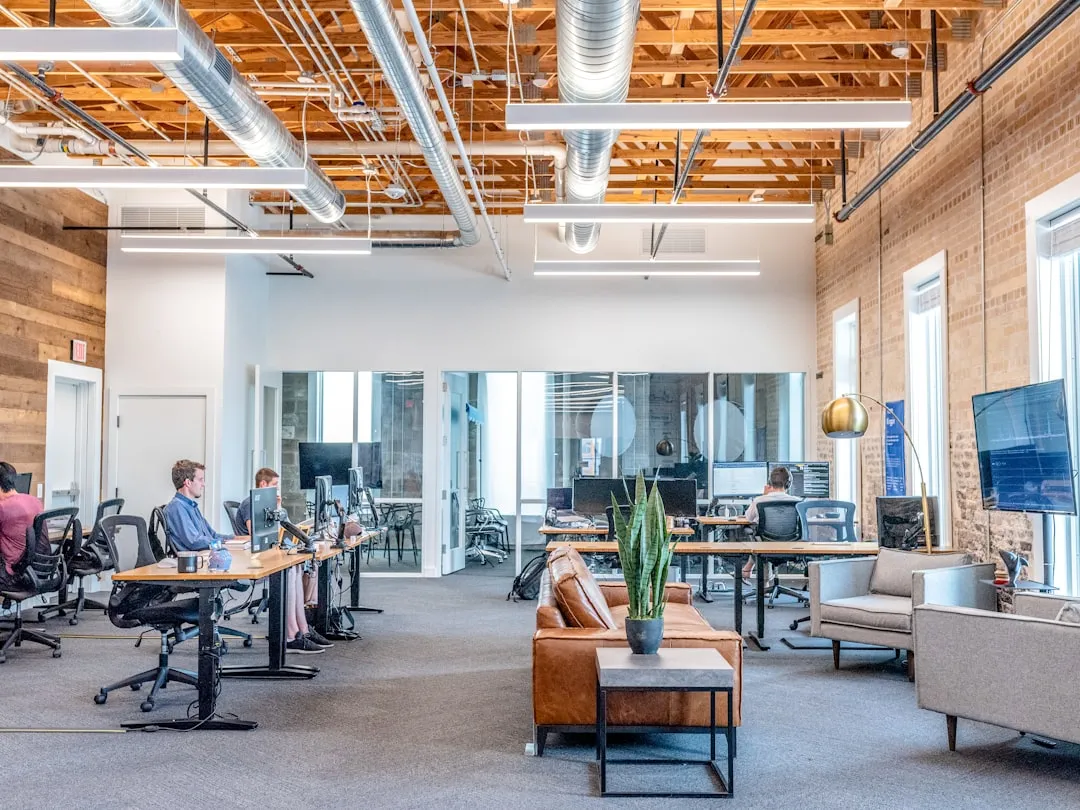
Cafés are great for focused solo work, but they have real limits. If you’re juggling video calls, cloud-based collaboration, and a heavy workload, coworking spaces provide the most distraction-free environment with stable internet connections, and most invest in secure enterprise-level infrastructure so you’re not at the mercy of unreliable guest networks.
Coworking spaces are the best option for bandwidth-intensive remote work, often including high-speed internet, dedicated workstations, private offices, and meeting rooms, with casual access available in some parts of the world for as low as a few dollars per day. For those days when the work is genuinely heavy, that upgrade is worth every cent. Cafés are the rhythm of working abroad. Coworking spaces are the safety net.
The Quiet Confidence of a Well-Prepared Remote Worker

None of these tricks require expensive equipment or technical expertise. Most of them are just habits that experienced remote workers have quietly assembled over time, through trial and error, missed calls, and slow-loading files in beautiful places.
For today’s digital nomads and remote workers, reliable internet isn’t just nice to have. It’s the lifeline that makes location independence possible. The café is still one of the great joys of working abroad. A little preparation simply means you’re able to enjoy both the espresso and the deadline, rather than choosing between them.
AI Disclaimer: This article was created with the assistance of AI tools and reviewed by a human editor.