

There’s a routine that plays out countless times a day in airport terminals around the world. A traveler settles into a gate seat, spots a free network called something like “Airport_Free_WiFi,” taps connect, and gets on with their journey. It feels like a perfectly sensible thing to do. In most cases, though, it’s the moment a cybercriminal has been waiting for.
The risk isn’t abstract. Security agencies, federal law enforcement, and researchers have spent the last two years issuing increasingly direct warnings about exactly this behavior. What follows is a closer look at how the threat actually works, what’s already happened to real passengers, and what you can do instead.
The Simple Tap That Starts Everything
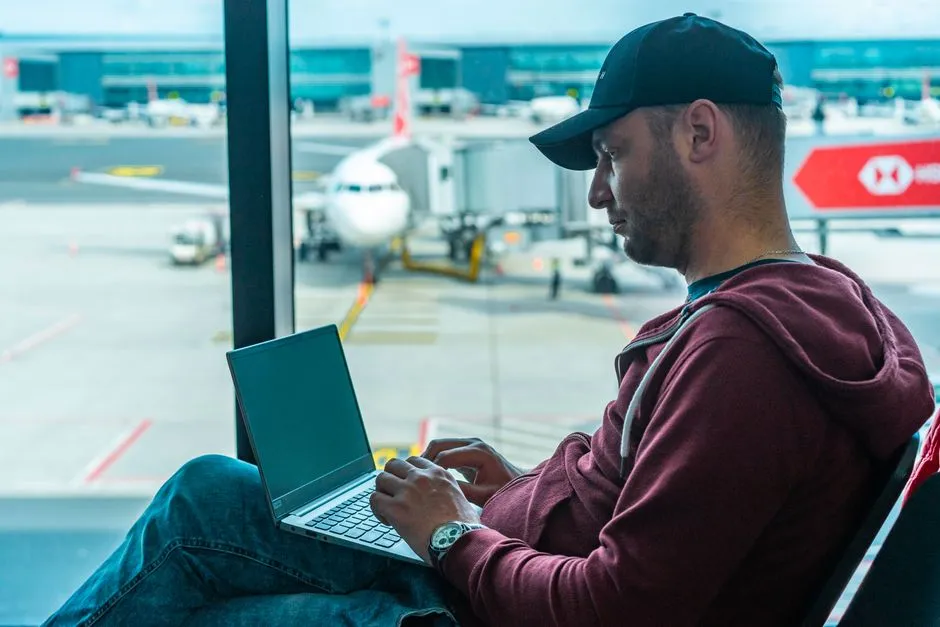
Airports are notorious for their poor cellular network signals, and as a result, users often turn to the free airport WiFi, especially when traveling abroad. It’s an instinctive move, the same one most of us make in coffee shops or hotel lobbies. The problem is that airports are uniquely high-value targets for people who want to harvest personal data at scale.
Many unsecured networks, even ones officially managed by an airport, feature loopholes that knowledgeable hackers can exploit. Cybercriminals can steal your personal information or even install malware on your phone or computer. Some hackers may even create fake WiFi hotspots that seem legitimate, and by the time you enter your sensitive data, your information may have already been stolen.
The TSA Has Officially Warned You
In March 2025, the TSA issued two cybersecurity warnings to travelers. The first tip: “Don’t use free public WiFi, especially if you’re planning to make any online purchases. Do not ever enter any sensitive info while using unsecure WiFi.” That’s a federal security agency telling you, plainly, to stay off it.
In June 2025, the FBI also issued a warning about cybercriminal groups who have intricate ways of bypassing an airport’s cybersecurity system and gaining access to sensitive information. When two major federal agencies issue separate public warnings within months of each other, the threat is worth taking seriously.
What an “Evil Twin” Network Actually Is
In an evil twin WiFi attack, a deceptive wireless access point is set up with the same SSID (WiFi network name) as a legitimate network in the vicinity. Many flights and airports provide WiFi services that require passengers to connect to the airline’s or airport’s network. In this attack, cybercriminals create a fake network with the same name, tricking users into connecting to it.
The bigger threat is linking to a spoof network, or “evil twin” network. Bad actors can create hotspots mimicking the name of public WiFi networks, such as “AirPort-WiFi” versus “Airportwifi” or “Free-AirPort-WiFi.” The name differences are often too subtle for a distracted traveler to notice. Once you’re connected, the attacker can see everything you send.
The Australian Case That Made Global Headlines

In June 2024, the Australian Federal Police charged a 42-year-old Western Australian man with nine cybercrime offenses after he deployed evil twin WiFi networks on domestic flights and at airports across Perth, Melbourne, and Adelaide. Airline employees aboard a commercial flight identified a suspicious WiFi network broadcasting from within the cabin and reported it to authorities. When the man landed at Perth Airport, investigators searched his luggage and found a portable wireless access device, a laptop, and a mobile phone. The entire attack kit required to impersonate legitimate in-flight and airport WiFi networks fit inside a carry-on bag.
Travelers connected, saw what looked like a login page from the airline or terminal, and handed over their email or social credentials. Dozens did, before staff caught on and flagged the rogue SSIDs. The ease of execution was what alarmed security researchers most: no advanced technical setup, just a bag and a convincing name.
How the Man-in-the-Middle Attack Actually Works

A man-in-the-middle (MITM) attack happens when a third party secretly intercepts connections and collects data as it travels to its destination. You connect to an authentic WiFi network, but a hacker reads or even changes traffic before it reaches its destination. Hackers use packet sniffers to eavesdrop on your data or manipulate it without your knowledge. The packet sniffer monitors the information you send while relaying your traffic to its intended destination at the same time, so the attack goes unnoticed.
Once connected, all of the victim’s internet traffic flows through the attacker’s device. The attacker can observe unencrypted traffic, inject content into HTTP pages, present fake login portals, and log every DNS request to build a profile of the victim’s online activity. You might browse normally, completely unaware that every keystroke is being logged.
What Data Is Actually at Risk
Hackers can spy on you and intercept data you send over a compromised network. This means any information that you enter, such as passwords or even your Social Security number, could be used to steal your identity or break into your online accounts.
Financial losses from stolen bank or credit card information are a direct consequence. Unsecured WiFi may allow cybercriminals to steal your financial information as well, such as bank account numbers or credit card data. Cybercriminals also often target business travelers specifically, trying to access their email accounts to conduct fraud. The scope of exposure is wider than most people assume.
Your Device May Connect Automatically

When a device transitions from a mobile data session to a WiFi network, it scans for known SSIDs and connects to the strongest signal. An evil twin broadcasting the same SSID as a corporate guest network will win that contest if the attacker positions the rogue access point nearby.
The fundamental authentication gap persists: SSIDs are not cryptographically bound to access points, and devices have no built-in mechanism to distinguish a legitimate network from an impostor. This is a structural vulnerability in how WiFi works, not a flaw in any particular device. It means that even cautious travelers can get caught out if their phone auto-connects to a saved network name that a nearby attacker has cloned.
Evil Twin Attacks Are Growing More Common

Boingo, which offers public WiFi services at dozens of airports in North America, told CNBC that evil twin attacks are happening with regularity in the United States. Another expert highlighted that as widespread access to free WiFi becomes the norm in public places, evil twin attacks will be on the rise.
Evil twin attacks have been demonstrated at security conferences for over two decades. Documented cases of criminal prosecution reveal that these attacks are not just theoretical. They happen in real airports, to real passengers, with real consequences. The gap between “known risk” and “acted-upon risk” has been wide for a long time, and that gap is what attackers rely on.
Business Travelers Face a Compounded Risk

A man-in-the-middle attack can expose information that users or organizations assume is secure by default. In many cases, the compromise happens without malware or a breach, just by intercepting what moves between trusted endpoints. The consequences include compromise of sensitive data: attackers can capture anything transmitted across the network, including personal identifiers, email content, customer records, or internal business data.
Attackers on public networks can intercept unencrypted data from your phone, steal login credentials, hijack sessions, and distribute malware through compromised downloads or fake app updates. iPhones are generally more resistant to direct attacks than Android devices due to iOS security architecture, but both can have credentials stolen through man-in-the-middle attacks. No device is entirely immune, regardless of brand or operating system.
What You Can Actually Do About It
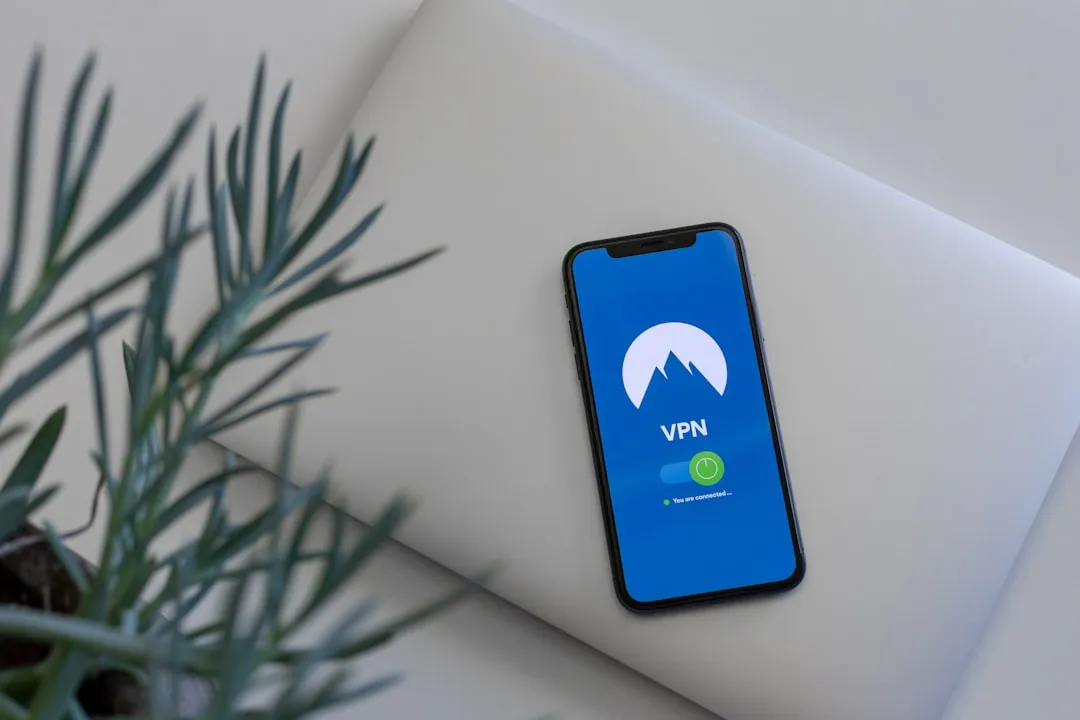
Using a trusted VPN service is the best defense to guard your privacy and data on public WiFi networks. A VPN encrypts your traffic before it leaves your device, which means that even if someone intercepts it, the data is unreadable. Untrusted wireless networks remain one of the easiest man-in-the-middle vectors. Using mobile data or a trusted VPN when traveling is the recommended approach, though experts caution to avoid free VPNs that may themselves be harvesting traffic.
For travelers who want to bypass these risks entirely, using a cellular data plan is often a much safer alternative than hunting for a hotspot. Checking out eSIM options can help find a reliable provider that offers a private, encrypted connection without the vulnerabilities of shared WiFi. While coming across malicious WiFi access points in public spaces is rare, individuals should exercise caution when sharing login credentials on such networks. It is advisable to disable file sharing on untrusted WiFi networks and use a VPN to encrypt internet traffic and safeguard sensitive information.
A Quiet Habit With Loud Consequences

The WiFi login tap at an airport gate takes about two seconds. The consequences of doing it on the wrong network can unfold over weeks or months, in the form of drained accounts, hijacked email, or stolen identity. The inconvenience of using mobile data or a VPN is genuinely minor by comparison.
Hackers are preying on personal data in more sophisticated ways than ever, and travelers are at their most vulnerable at the airport. The advice from security agencies has been consistent and clear for years. The only real question is whether this time, more travelers choose to act on it.
AI Disclaimer: This article was created with the assistance of AI tools and reviewed by a human editor.