

Your Phone Is Still Locked to Your Home Carrier
This is the root cause behind a surprising number of “no signal” situations abroad, and many travelers don’t even know it applies to them. A locked phone is one that is tied to a specific carrier or network provider, meaning you cannot use SIM cards from different carriers or switch between service providers without changing your device. Inserting a foreign SIM into a locked handset will almost always result in no service at all.
In 2024, the FCC finalized a rule requiring all U.S. carriers to unlock phones within 60 days of activation, free of charge, and the process must be simple and consistent across providers. That’s useful news, but only if you plan ahead before leaving home. Some carriers may not unlock your phone if you still owe money on it.
Whether your phone is locked or unlocked, you should check with your mobile service provider before you travel internationally to find out if your mobile phone will work abroad. Don’t assume. Verify before you pack.
Data Roaming Is Switched Off
A very common mistake travelers make when trying to use international SIM cards is that they don’t enable data roaming on their device. The phone might show signal bars, but without data roaming turned on, no internet traffic flows through. It looks like it’s working. It isn’t.
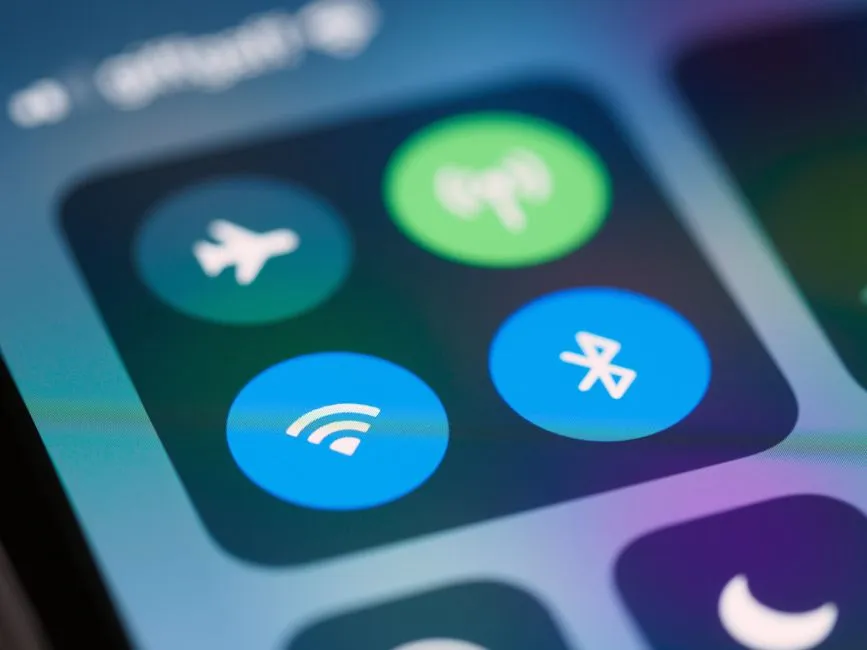
Forgetting to turn on data roaming blocks internet access even if signal bars appear on your screen. This trips up experienced travelers too, not just first-timers. You should check if service is available in the country you’re visiting, ensure data roaming is turned on, and make sure airplane mode is off.
The APN Settings Are Wrong or Missing
One of the most common reasons an international SIM card stops working is incorrect APN (Access Point Name) settings, which are crucial for your device to connect to the internet and send or receive data. Many travelers see signal bars and assume everything is fine, not realizing the data pathway itself is broken.
A 2024 analysis by Opensignal found that incorrect APN configuration is responsible for roughly 30 percent of “no data” complaints on newly activated SIM and eSIM profiles, making it the single most common fixable cause of mobile data failure at setup. That’s a significant share of avoidable problems. Device and operator combinations are often not in the phone’s pre-configured database, so the data connection won’t start until you enter the APN settings provided by the local operator. For travel eSIMs, if you see signal but no internet, the solution almost always involves manually entering the APN provided by the eSIM provider.
The Phone Isn’t Compatible with Local Network Bands
Mobile networks differ from country to country, and your phone may be incompatible with the networks where you are traveling. Even if your phone works for voice calls, some other functions such as sending and receiving mobile data or text messaging might not work. This is a hardware limitation, not a settings issue, and it’s one that no amount of troubleshooting will fully resolve.
Most modern smartphones, including every iPhone sold since the iPhone 12, support all major U.S. carriers as well as a wide range of international networks, meaning that once your phone is unlocked, you are free to use it anywhere. Older handsets are far less forgiving. If you’re traveling with a phone that’s more than four or five years old, checking band compatibility before you leave is worth your time.
The SIM Card Isn’t Seated Properly
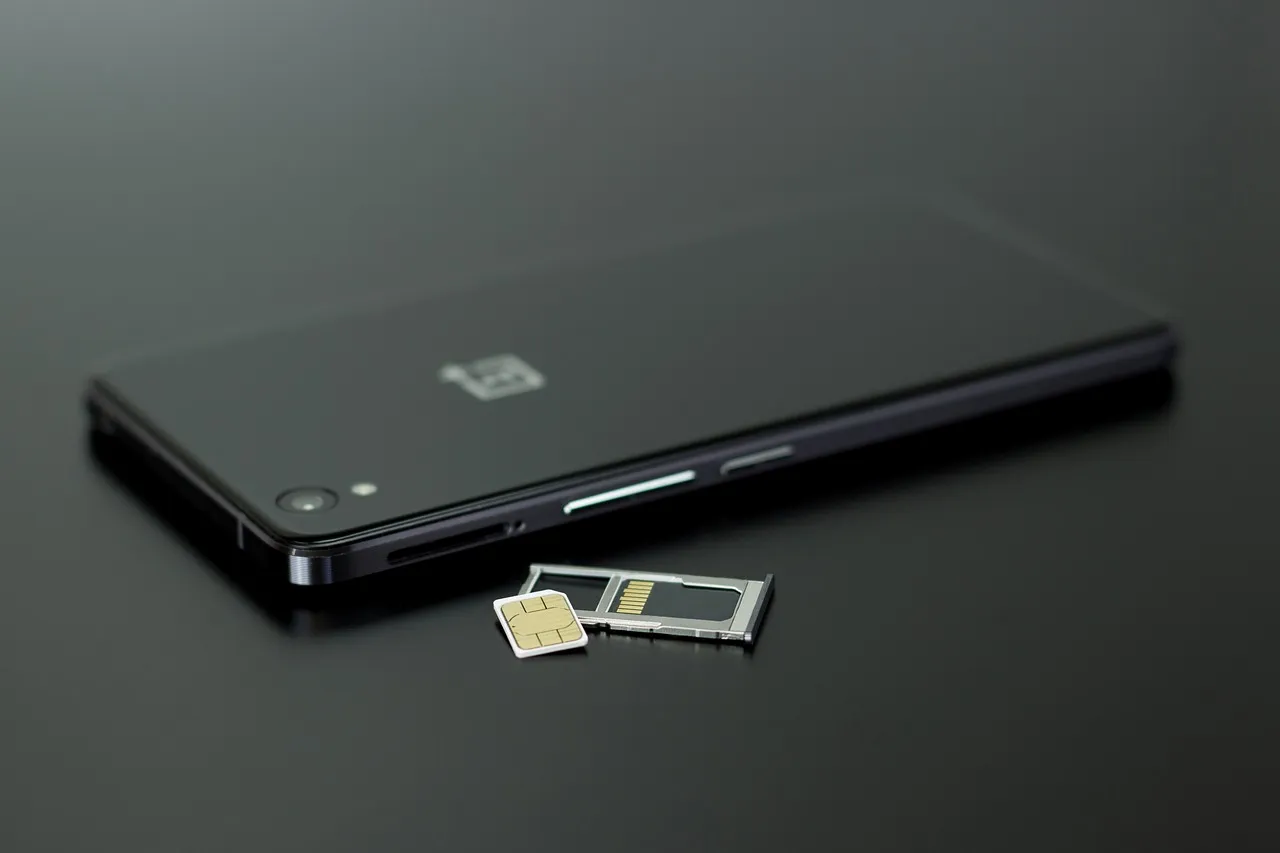
Many people assume that inserting a SIM card means instant internet access, but the most commonly overlooked issue is whether the SIM card is properly installed. A tray that’s slightly misaligned or a card that isn’t fully clicked into position can cause the phone to read no SIM at all, which shows up as no signal.
If your data suddenly drops, it’s worth checking whether the physical SIM card is badly inserted, as even a slight misalignment can prevent your phone from connecting. Dirty or damaged contacts are also a factor: dust, scratches, or wear on the SIM’s metal surface can break the connection. Removing the card, gently wiping the gold contacts, and reseating it often resolves the issue immediately.
The SIM Card Was Never Activated
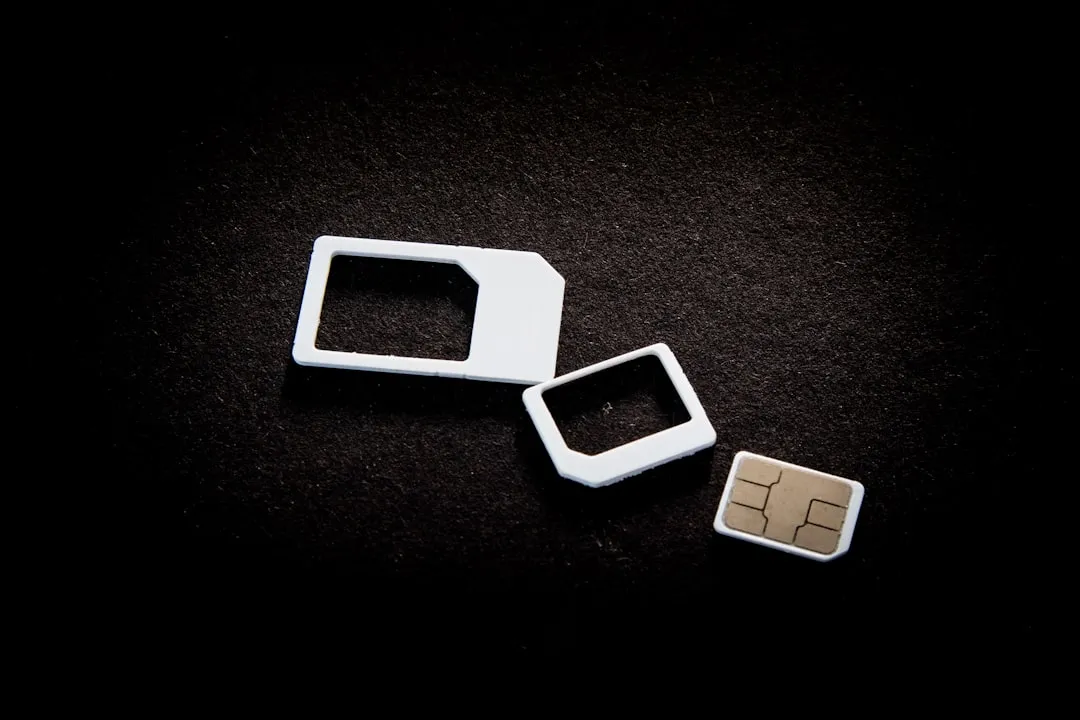
Sometimes the SIM card simply hasn’t been activated properly. This could be due to a delay in activation from the service provider or an issue with the activation process itself. Travelers often buy SIM cards at airports or convenience stores and assume the card is ready to go out of the packaging. That isn’t always the case.
An inactive SIM card is a real possibility, especially if you just got a new SIM or switched carriers, as it may not be fully set up yet. Some providers require you to register the SIM with a local ID, call an activation number, or top it up before service begins. Reading the packaging carefully before you land saves a great deal of confusion later.
3G Networks Have Been Shut Down in Your Destination
This one catches even technically confident travelers off guard. Many major networks have completed or are completing their 2G and 3G shutdowns: Australia’s 3G network was shut down in 2024, the UK’s major operators completed 3G sunset in 2024 and 2025, and in the United States, 2G and 3G on the major national networks are already gone.
As of mid-2026, over 60 countries have completed or formally scheduled 3G shutdowns, making IMS and VoLTE support a non-negotiable feature for any travel SIM, not a nice-to-have. If your device or SIM plan doesn’t support LTE or 5G, you may land in a country where there is simply no compatible network for your card to latch onto. If your travel SIM doesn’t support VoLTE, you may have no voice call capability at all on these networks, not just degraded quality.
Dual SIM Settings Are Creating Conflicts
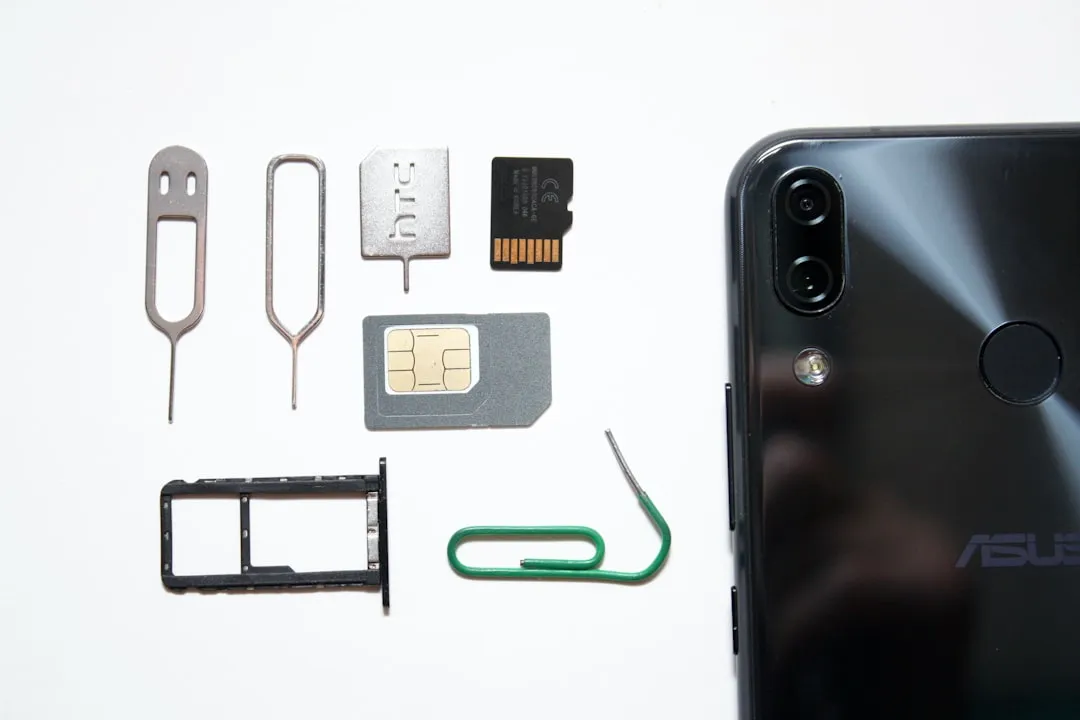
Many modern phones support two SIM slots or a physical SIM combined with an eSIM, and that flexibility can backfire if the settings aren’t configured correctly. On dual SIM phones, you should insert your travel SIM into SIM slot 1 and keep slot 2 empty to avoid conflicts. When both slots are active with different profiles, the phone can get confused about which one to use for data.
You should disable airplane mode, enable data roaming, and select the correct SIM for mobile data, especially on dual SIM phones. This last step is easy to miss. The phone defaults to whichever SIM was set as primary at home, not the new travel SIM you’ve just inserted. Going into your mobile data settings and manually selecting the travel SIM takes about thirty seconds and often resolves the issue completely.
The eSIM Profile Has Deactivated Mid-Journey
eSIM technology has made international travel significantly more convenient, but it comes with its own quirks. International eSIMs sometimes deactivate if you switch networks too often. On a train from France to Germany, for example, your eSIM might lock to one tower and refuse to connect elsewhere. This kind of mid-journey disconnection is disorienting because you had signal an hour ago and now you don’t.
If restarting the phone fails, deleting the eSIM profile and reinstalling it can help. However, there may be restrictions on how many times you can reinstall an eSIM profile, so keep this as a last resort. Activating your eSIM before leaving home is always the smarter move. Testing it while you still have Wi-Fi access means you can troubleshoot from a position of comfort rather than panic.
Wrong Dialing Format Is Being Used
Travelers often don’t use the correct country codes or dialing format when making a call. This is most common when dialing a saved contact from the handset, as people rarely save numbers in international dialing format. The SIM card itself may be working perfectly, but calls simply won’t connect without the right prefix.
Travelers often blame the SIM card and reach out to customer care to solve an issue where there is none. Remembering the correct dialing format can save considerable time and frustration during travels. Most countries require you to dial the plus sign, followed by the country code, before the local number. Updating your contacts to use the international format before you depart is a small habit that prevents a surprisingly common headache.
The Real Fix Starts Before You Leave Home

Practically every signal failure described above shares one thing in common: it’s far easier to prevent than to fix while standing in a foreign airport with no Wi-Fi and dwindling phone battery. Confirming your phone is unlocked, activating your SIM before departure, checking APN settings, and testing your eSIM at home are all tasks that take minutes. On the road, those same tasks can take hours.
Most failures happen because travelers skip the basics, such as checking phone compatibility, reading plan details, or testing APN settings. The good news is that none of this requires technical expertise. It just requires a little attention before the trip begins. Setting up a travel SIM isn’t complicated; it just means following the steps, and most problems can be resolved easily by checking each item either before departure or right after arrival.
Connectivity abroad isn’t luck. It’s preparation. Give your SIM setup the same attention you give your passport, and the signal bars will likely follow.
AI Disclaimer: This article was created with the assistance of AI tools and reviewed by a human editor.