
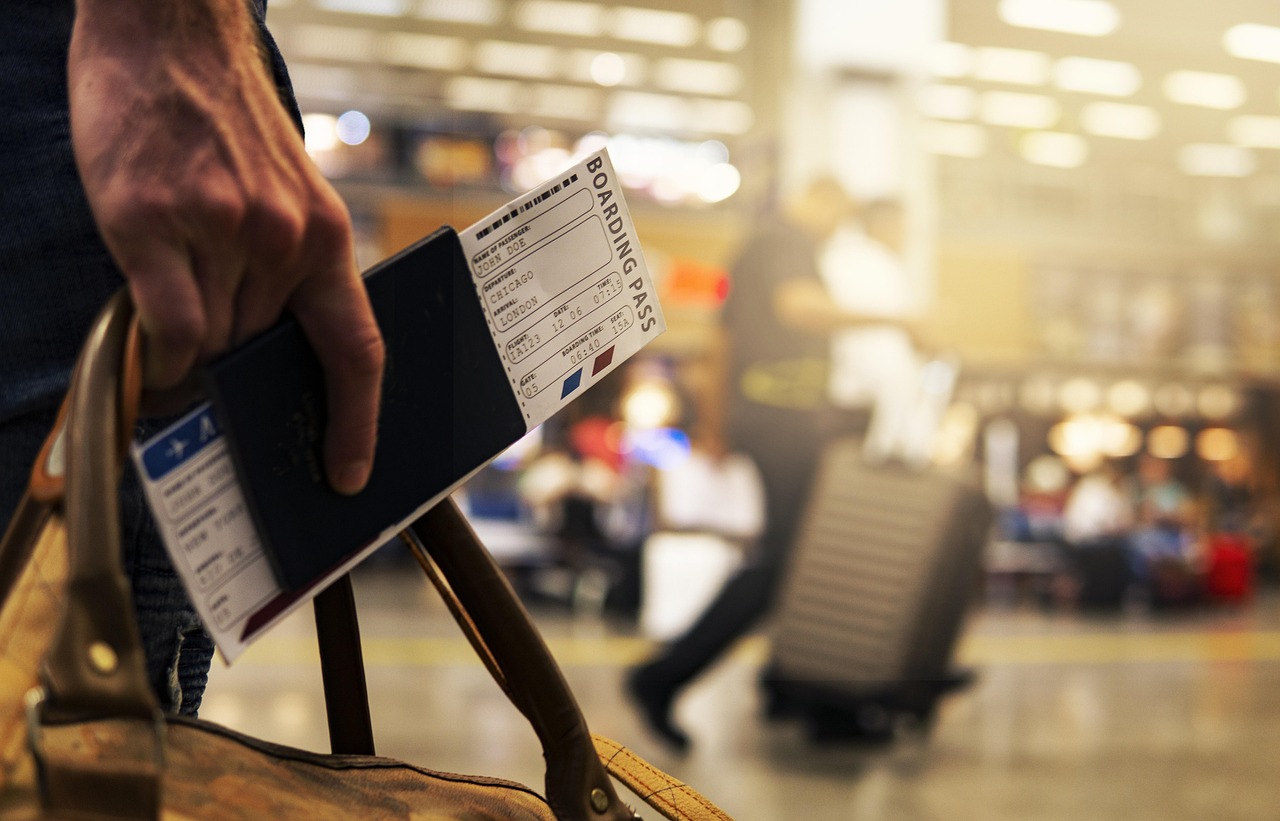

Most people pack carefully. They check the weather forecast, confirm the hotel, and double-check their flight times. Yet a surprising number of seasoned and first-time travelers alike board their plane without doing one of the simplest, most protective things possible: making a physical copy of their passport photo page.
It sounds almost too basic to matter, until it isn’t. When a passport goes missing in a foreign country, that single sheet of paper can be the difference between a manageable situation and a week-long ordeal. The numbers behind this problem are bigger than most people realize.
The Scale of the Problem Is Larger Than You’d Think
There were nearly 170 million valid U.S. passports in circulation in 2024, and of those, almost 900,000 were reported missing between January 2024 and July 2025. That’s not a freak occurrence reserved for careless travelers. It happens to experienced people, careful people, people who thought it couldn’t happen to them.
Between 2020 and July 2025, over 82,000 emergency travel documents were issued to UK travelers by the Foreign, Commonwealth and Development Office. In 2024 alone, nearly 20,000 UK travelers received one after losing or having their passport stolen abroad. The pattern is consistent across nations, and it is not slowing down.
Why the Passport Photo Page Is the One to Copy
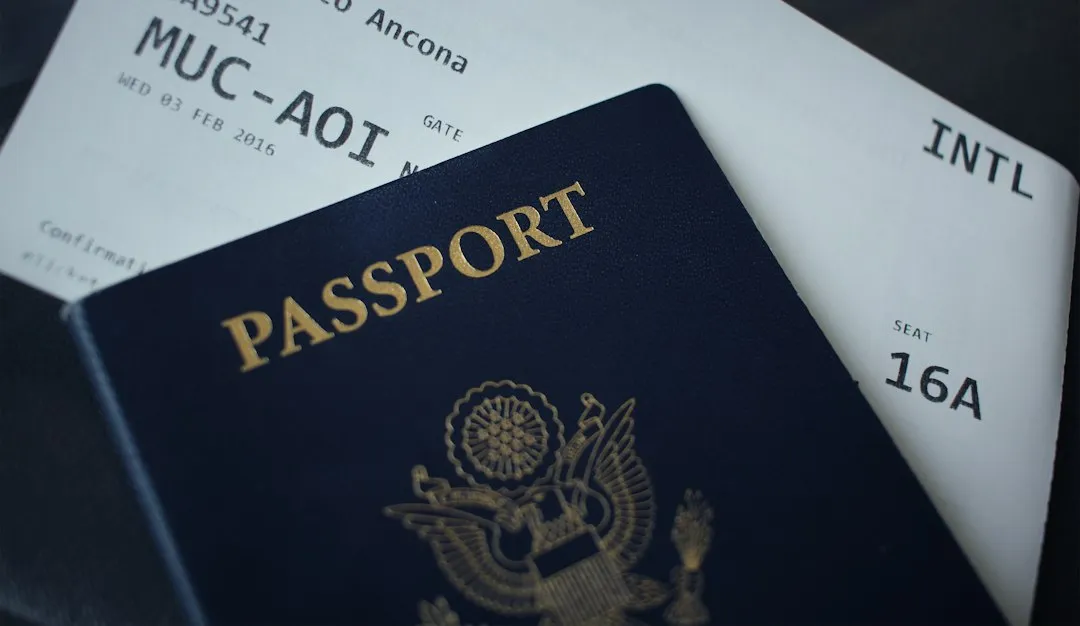
You should photocopy the pages that contain information such as your passport number, photo, and name. The photo page, typically the second page, should be scanned and kept as a backup in case your passport is lost or damaged, since it contains your passport photo and personal information.
For security reasons, it is recommended to take a photocopy of the information page before you travel, especially for international trips where you are not in your home country. It makes passport renewal easier, particularly if the passport is lost, damaged, or stolen. Embassy staff and consular officers rely heavily on this page when processing emergency replacements. Without it, proving your identity to your own government from abroad becomes far more difficult.
Official Guidance Has Said This for Years

The U.S. Department of State directly advises travelers to safeguard their passport and, while overseas, to carry copies of their passport ID page and foreign visa. The Department of State advises travelers to make multiple copies of their documents so they can replace originals if those documents are stolen or lost. This advice has appeared on government traveler tip cards for years, yet it remains one of the most commonly skipped steps in pre-trip preparation.
The Department of State suggests that every U.S. citizen have a photocopy of their passport when traveling abroad. The guidance is clear, official, and freely available. The problem is simply that most travelers overlook it in the rush of packing and logistics.
Barcelona Is the World’s Hotspot for Lost Passports
Barcelona saw the highest number of emergency travel document applications among UK travelers, with 5,570 requests made between 2019 and 2023. The city is a major tourist hub, and its popularity partly explains the numbers. Crowded markets, busy transit stations, and high foot traffic all create conditions where documents go missing, whether through theft or simple misplacement.
One in ten British travelers admitted to losing their passport while away, and of those, roughly a quarter needed to travel outside their immediate country to reach an embassy for an emergency travel document. On average, those travelers covered about 99 miles to reach the nearest embassy and spent around £221 getting there. A photocopy does not prevent loss, but it can shorten the recovery process considerably.
What Actually Happens When You Lose Your Passport Abroad
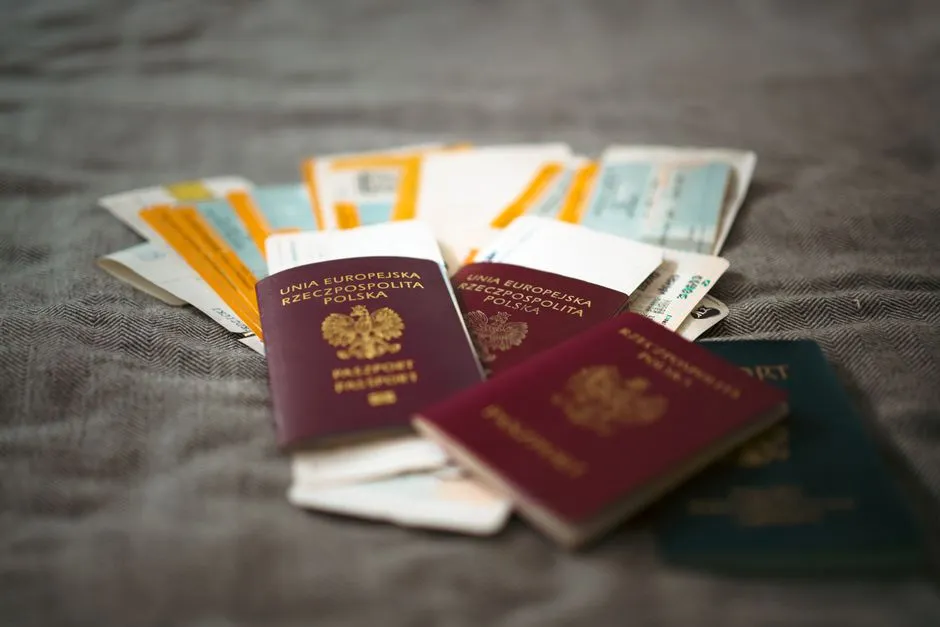
The exact steps required to replace a lost passport abroad vary depending on which country issued your travel document, though most countries follow the same basic procedure for reporting a lost or stolen passport. Filing a police report is a necessary step in many countries, not only to document the loss but also because some embassies will require it to issue a replacement.
Emergency passport services are designed for genuine travel emergencies where immediate documentation is needed to return home or continue essential travel, and these services can process a replacement in as little as one business day, though the exact timeline depends on your location and circumstances. Having a photocopy on hand can compress that timeline even further, since identity verification is already partially done.
The Real Financial Cost of a Lost Passport
The cost of replacing a lost or stolen passport while traveling abroad can vary depending on your country and whether you choose standard or expedited services, with embassies and consulates sometimes charging extra for emergency handling. Replacement costs for a U.S. passport are $130 for adults, plus any consular fees and an additional $60 for expedited service.
Among British travelers who lost their passport before departure, one in three had to cancel their plans entirely and another quarter had to reschedule, costing them around £227 on average. These are real, measurable losses that a five-minute photocopying task before leaving home could help soften significantly. Travel insurance can sometimes cover replacement costs, but the time lost and stress involved remain squarely on the traveler.
Paper Copy vs. Digital Copy: You Really Want Both
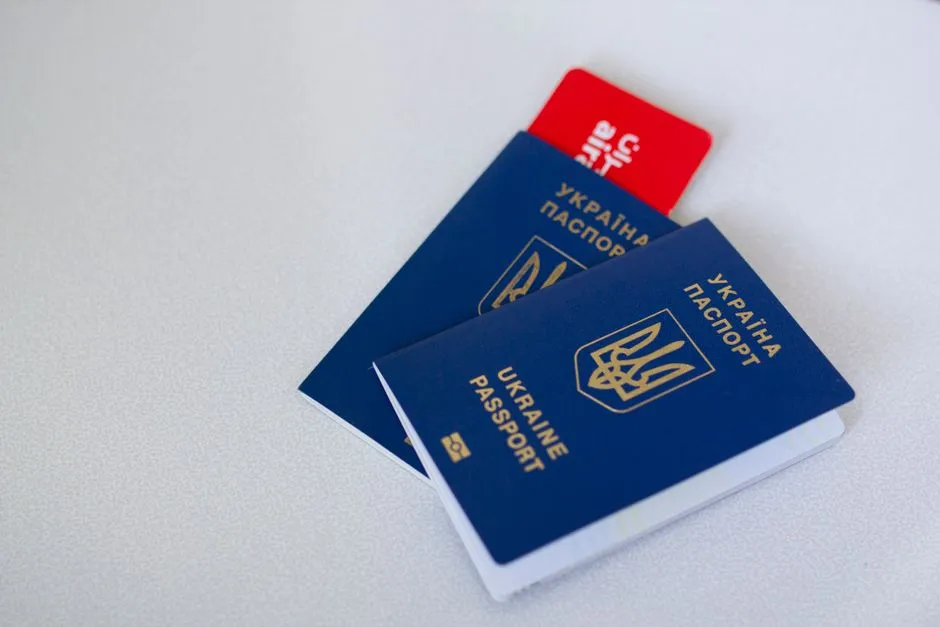
Always carry a photocopy of your passport and save a digital version in your email or cloud storage. The physical and digital copies serve different purposes. A paper copy kept separately from your passport, say in your hotel safe or a different bag, works when your phone is dead, stolen, or simply unavailable at a critical moment.
A digital copy stored in cloud email or a secure app works when the paper copy has also gone missing. Neither replaces the other. Some experienced travelers keep a photo of their passport on their phone and a paper copy in their trip paperwork stored at the hotel. That dual approach is the most practical protection most travelers will ever need.
The Six-Month Validity Rule Compounds the Risk
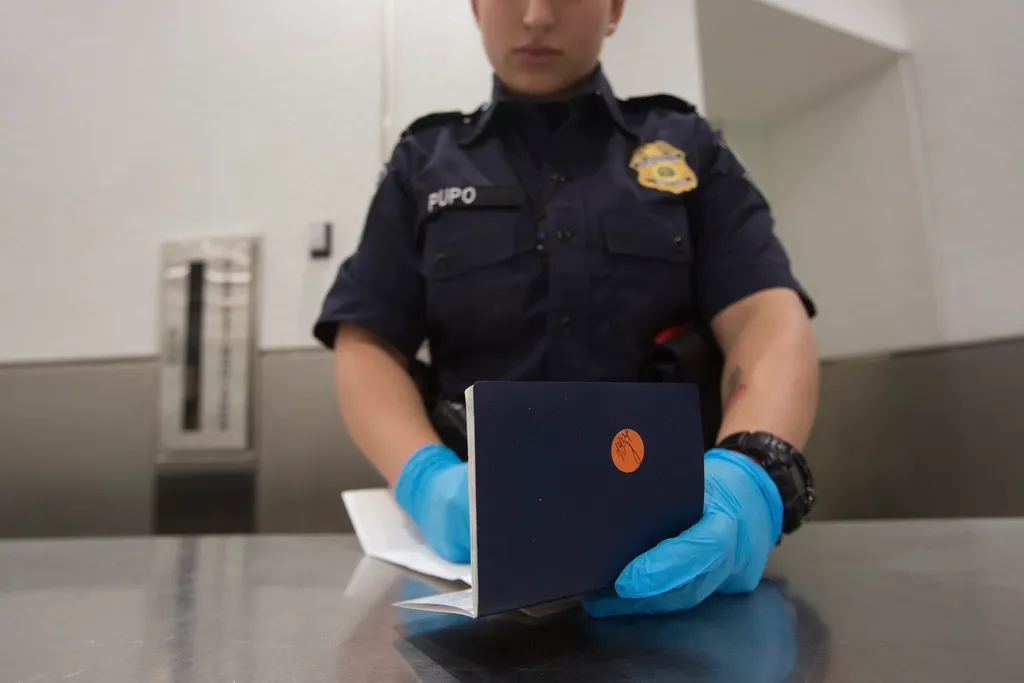
Some foreign destinations require that your passport have at least six months of validity beyond the dates of your trip, and some airlines will not allow you to board if this requirement is not met. Many countries in the Asia-Pacific and Middle East regions require at least six months of validity for permission to enter, while areas like Hong Kong require just one month.
A photocopy helps travelers confirm their own expiry date quickly during pre-trip planning. Having copies is useful in case you lose your passport and want to reference key data, since many people may not know their passport number, date of issue, or date of expiry off the top of their head. Knowing that date accurately can prevent a much larger problem at the check-in desk.
The Three-Stage Backup Method That Actually Works

The best time to build a travel backup pack is not at midnight before a flight. Using three review moments instead works far better: one week before departure for time-sensitive gaps like an expired passport or missing visa confirmation, and the night before for fresh items like updated boarding passes and the first hotel address.
After arrival is a useful third moment for local reality: taking a photo of your entry stamp if useful, picking up the hotel business card, noting the local emergency number, and checking whether your cloud or offline copies still open on the network you actually have. Building the habit across three distinct moments removes the pressure of doing everything at once and dramatically reduces the chance of missing anything important.
Japan Offers a Useful Global Perspective

In 2024, the number of reported passport losses or thefts in Japan was approximately 30,000, with about 80% of those occurring within Japan itself. That context is worth noting. Lost passports are not just a pickpocket problem in crowded tourist zones. A significant share of losses happen closer to home than travelers assume, sometimes in accommodation, at airports before departure, or in transit hubs.
Japan’s government data from 2025 showed approximately 28,000 reported lost or stolen passports, down about eight percent from the previous year. Even with modest improvements in some countries, the global scale of the problem remains significant. The solution is not dramatically different in any one country; good backup habits travel well.
The Right Way to Photocopy Before You Leave
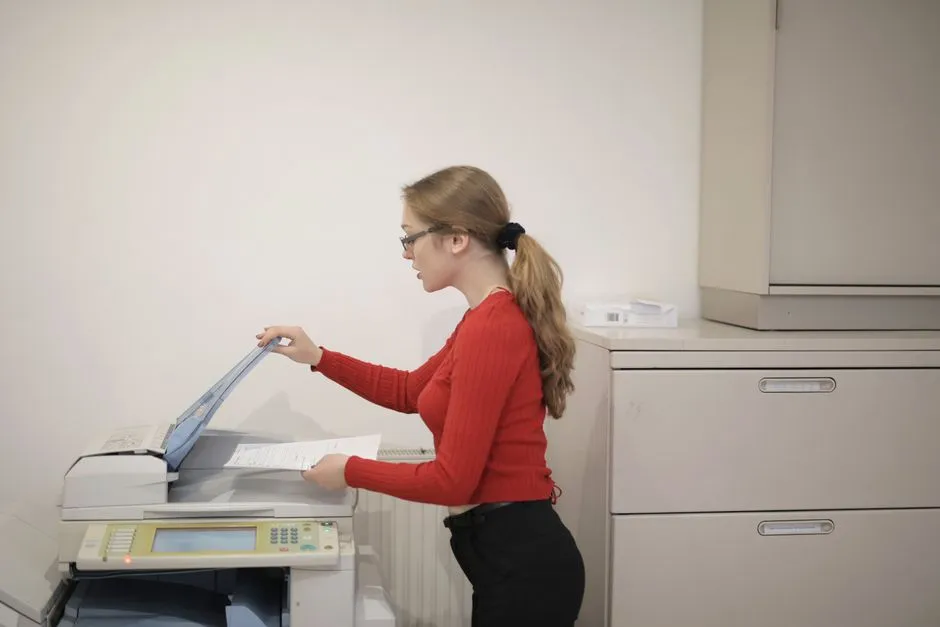
It is not enough to have copies of documents left at home. The recommendation is to carry copies of all your identification while traveling, ideally one for each checked bag. Placing one copy in your carry-on bag and another in checked luggage creates redundancy that covers most loss scenarios.
To scan your passport information page, you can use a commercial scanner, a home scanner, or your smartphone’s camera with a scanning app on Android or iOS. It takes less than two minutes. Store the digital file in at least two places, one being accessible without an internet connection, and print at least one physical copy to keep physically separate from the original passport.
A Quiet Habit That Earns Its Keep
Travel preparation tends to focus on the visible stuff: itineraries, currency, adapter plugs, and reservations. The photocopy habit asks very little of you and almost never gets used. That’s exactly why it’s worth doing.
When things go smoothly, the copy sits quietly in your bag, unneeded and unremarkable. When they don’t, it becomes the most useful piece of paper you’ve ever packed. Few travel preparations offer that kind of return on a five-minute investment, and fewer still are as consistently overlooked.
AI Disclaimer: This article was created with the assistance of AI tools and reviewed by a human editor.