
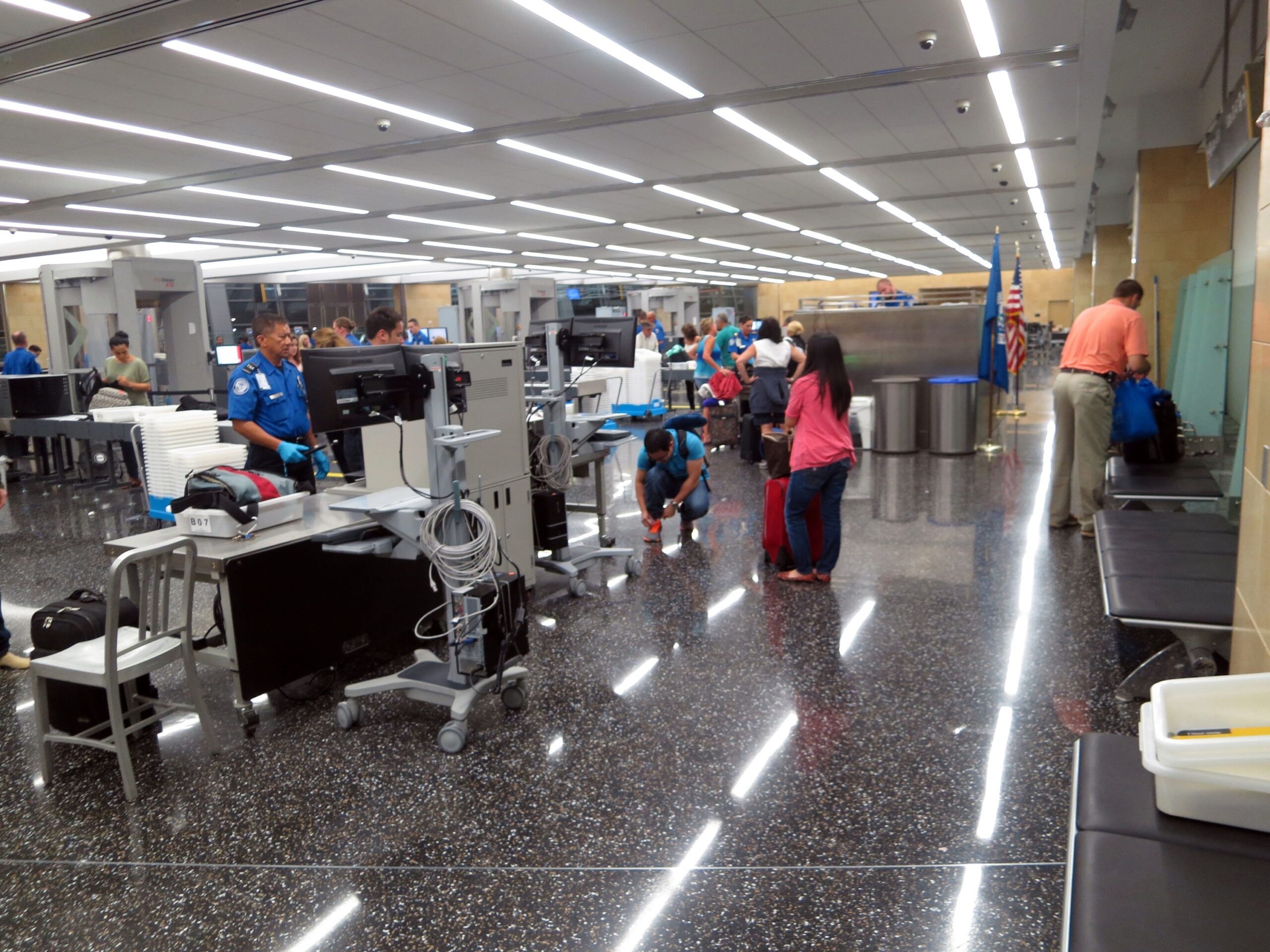

TSA PreCheck was built on a straightforward promise: pay once, get vetted, and move through airport security faster than everyone else. For most members, it works. For a surprisingly large number, it doesn’t, and the reason almost never involves TSA itself.
The real culprit is a cluster of avoidable mistakes that members make before they ever reach the airport. Some of these errors take 30 seconds to fix at home. Others cause you to stand in the standard line on the day of travel, watching your fellow passengers breeze through the expedited lane you paid to access. Here’s what’s actually going wrong.
1. Not Adding Your KTN to the Reservation
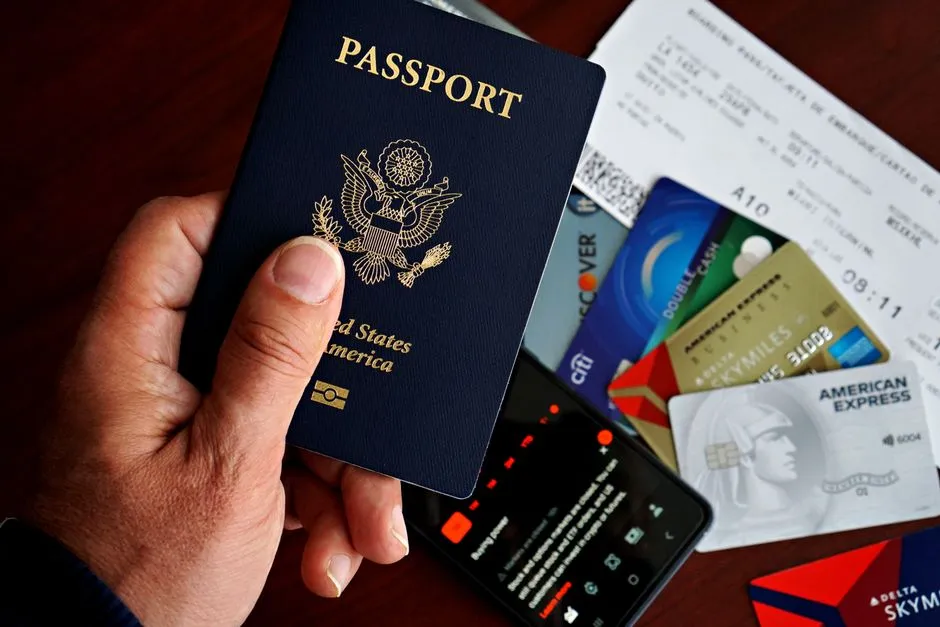
TSA PreCheck benefits are not automatic. To get the TSA PreCheck indicator to appear on your boarding pass, you must add your Known Traveler Number in the KTN field of all airline reservations, double-checking that you enter the digits correctly. This is the single most common mistake members make, and it costs them every time.
If you do not have a valid boarding pass with a TSA PreCheck indicator on it, you cannot access the TSA PreCheck lane. There’s no workaround at the checkpoint itself, so catching this error before you leave home is essential.
2. Mismatched Name Between Your Booking and Your Enrollment
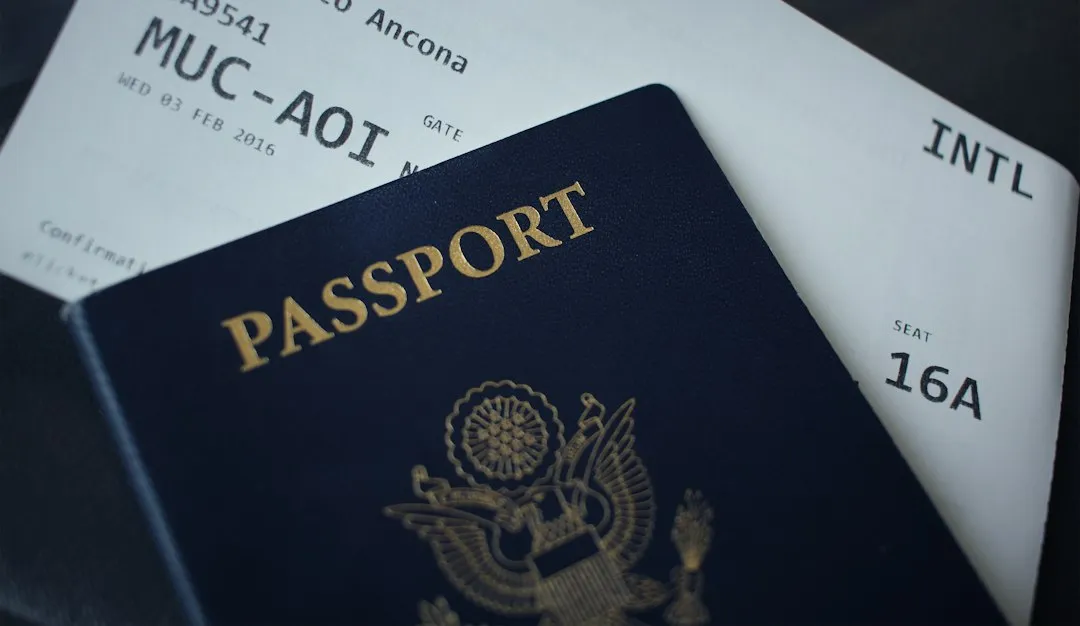
The information in your airline profile, including your name, date of birth, and KTN, must match exactly the information you reported to TSA PreCheck. Even minor differences could cause an issue. A nickname, a dropped middle name, or a simple typo can silently strip your PreCheck status from a boarding pass.
Even small differences, such as nicknames, missing middle names, or spelling errors, can cause delays during check-in and security screening. Airline staff may need to manually verify your identity if there is a mismatch, which can slow things down. The fix is straightforward: make sure every reservation uses your name exactly as it appears in your TSA enrollment record.
3. Booking Through a Third-Party Site

Travel agents and third-party websites don’t always add the KTN to your reservation. Even if your KTN is saved in your frequent flyer profile, booking through an outside platform can create a separate reservation that doesn’t pull that information through automatically.
After you receive your KTN, or when flying a new airline, immediately add it to your frequent flyer profile so it automatically populates into the correct field when booking flights. This is especially important if you’re flying with a carrier you don’t frequently fly. Getting into this habit eliminates a lot of frustration on travel day.
4. Flying on a Non-Participating Airline
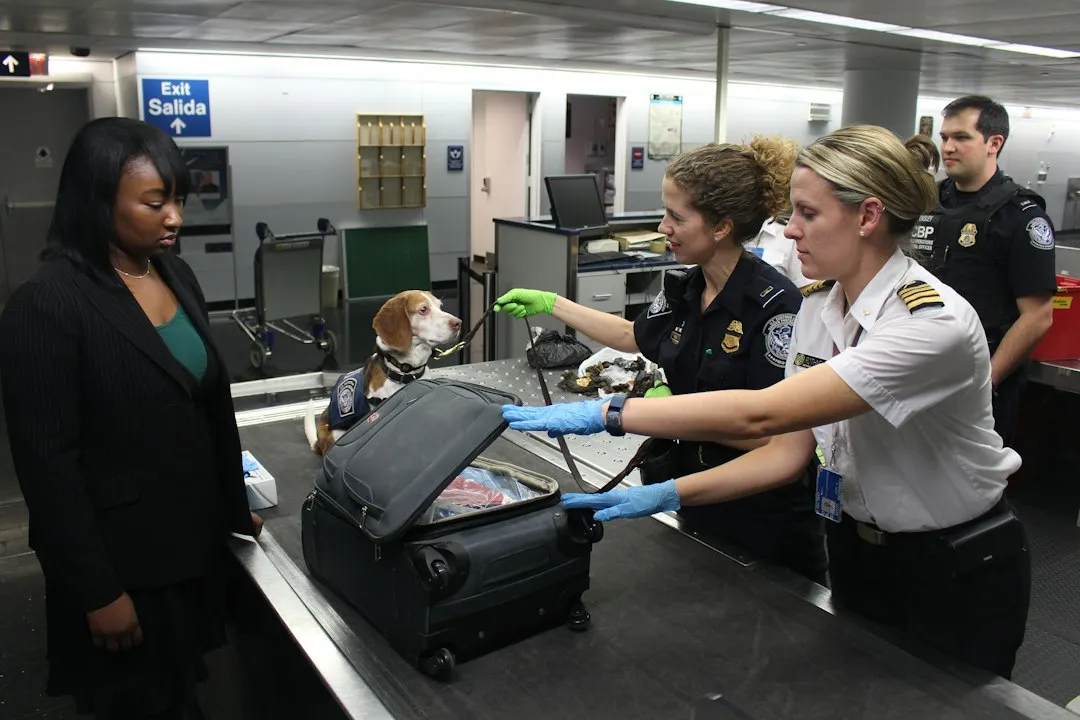
Most major airlines participate in TSA PreCheck, but there are a few who do not. TSA provides a current list of airlines that participate in TSA PreCheck. Members who assume all carriers support the program can end up surprised at the checkpoint with no recourse.
Do some prior research on whether your airline participates in TSA PreCheck so you won’t be flustered when you get to security and have to wait in the general security line. It takes about one minute to check the TSA website before booking, and it’s well worth doing every time you fly a new or regional carrier.
5. Letting Your Membership Expire Without Noticing
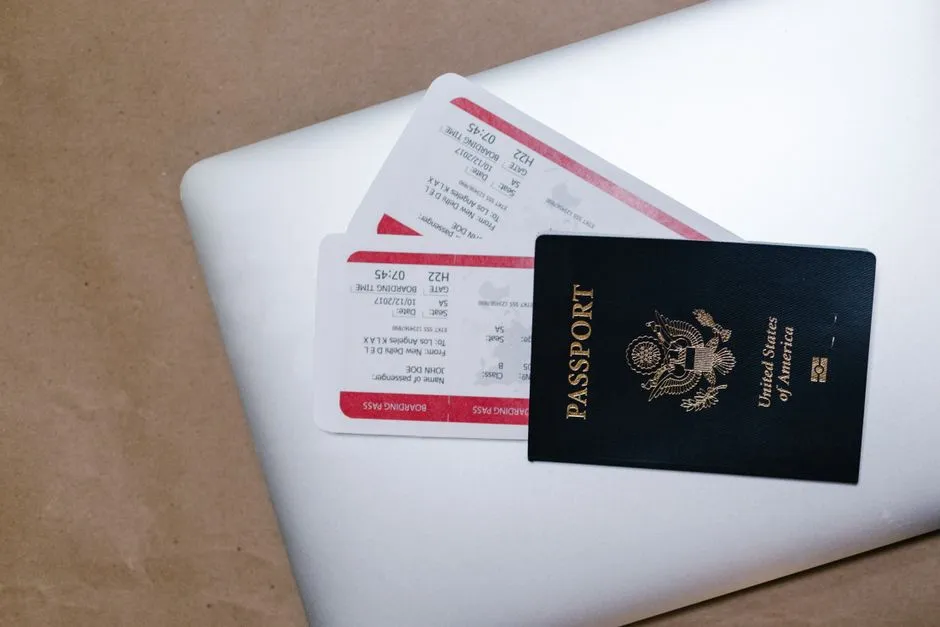
Your KTN may not show up on your boarding pass if your membership has expired. PreCheck memberships last five years, and many travelers lose track of the renewal window entirely, especially those who enrolled once and stopped thinking about it.
For renewals, do so at least 60 days before your current TSA PreCheck indicator expires. That buffer matters because, while most applicants receive their new Known Traveler Number quickly, background-check issues or high application volumes can extend processing to as long as 60 days. Renewing too close to an expiration is a gamble that experienced travelers avoid.
6. Putting the KTN in the Wrong Field
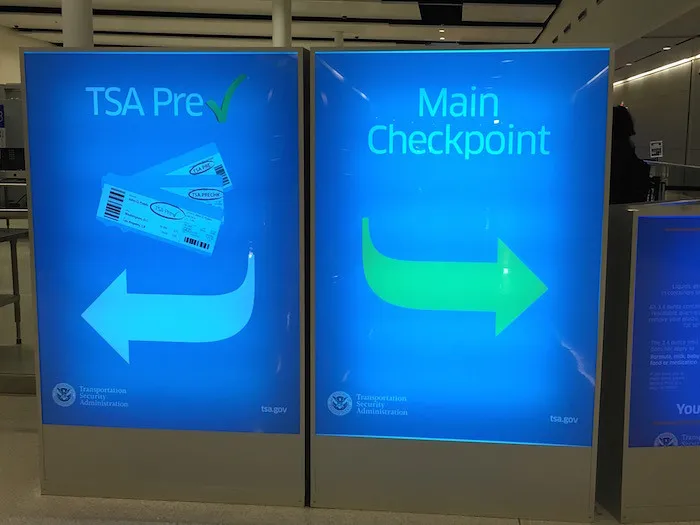
Under no circumstances should you put your KTN in the “Redress number” box. When booking a flight, you will have the option to input your TSA PreCheck number along with your other passenger information. Your Known Traveler Number is what you need to enter there.
These two fields look similar during checkout on some airline websites, and confusing them is more common than you’d expect. The Redress Number is a separate identifier for travelers who have faced watch-list issues. Entering your KTN there does nothing to activate your PreCheck lane access.
7. Expecting PreCheck to Work for Everyone in Your Party

Adults 18 and up each need their own TSA PreCheck membership and their own KTN attached to the reservation. There’s no spouse benefit, no family membership, and no “ride along” for adults. This surprises a lot of couples and group travelers who assumed a single enrollment covered the whole party.
Kids 17 and under can use the PreCheck lane with an enrolled parent or guardian, with no separate membership of their own, as long as they’re booked on the same reservation. Same reservation is the operative phrase. If you and your kids are on separate confirmation numbers, the kids lose the ride-along privilege.
8. Arriving Without Valid Identification
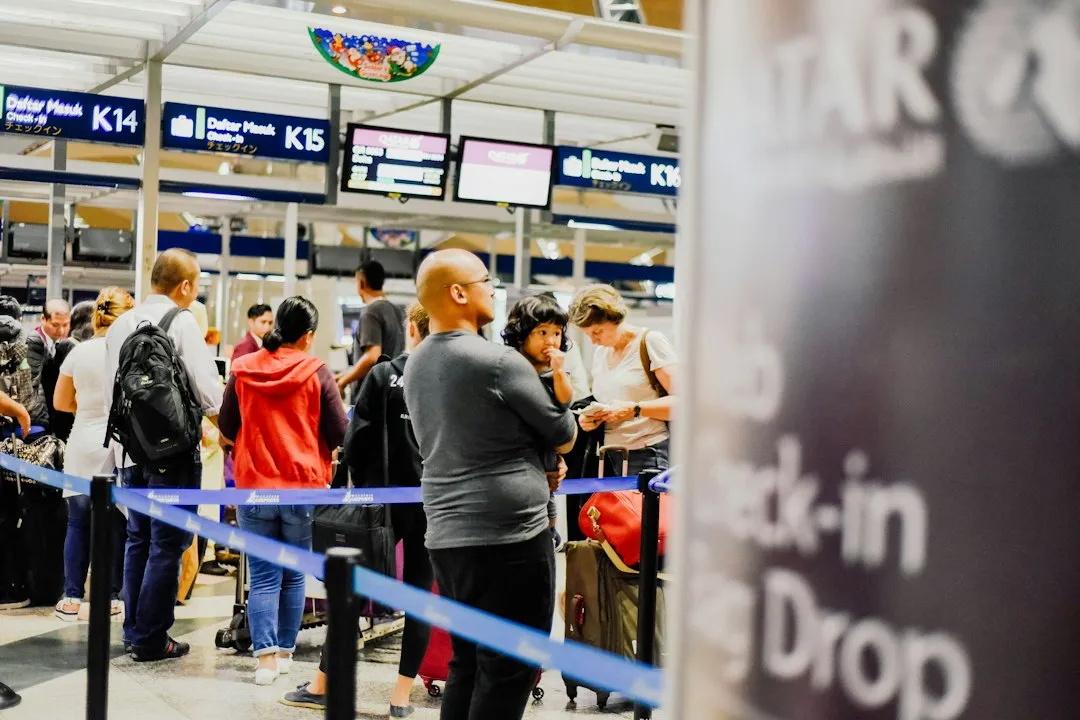
REAL ID enforcement went into effect nationwide in May 2025. Accepted IDs include a REAL ID license, a valid passport, a passport card, or military ID. PreCheck membership doesn’t override this requirement. Every member still needs compliant photo identification at the checkpoint.
An expired license is one of the most common reasons travelers get pulled aside. Even PreCheck members still need a physical, valid ID at every checkpoint. While face recognition technology through CLEAR and TSA PreCheck allows for Touchless ID, that feature may not be operating or available at every airport.
9. Applying Too Late Before a Trip
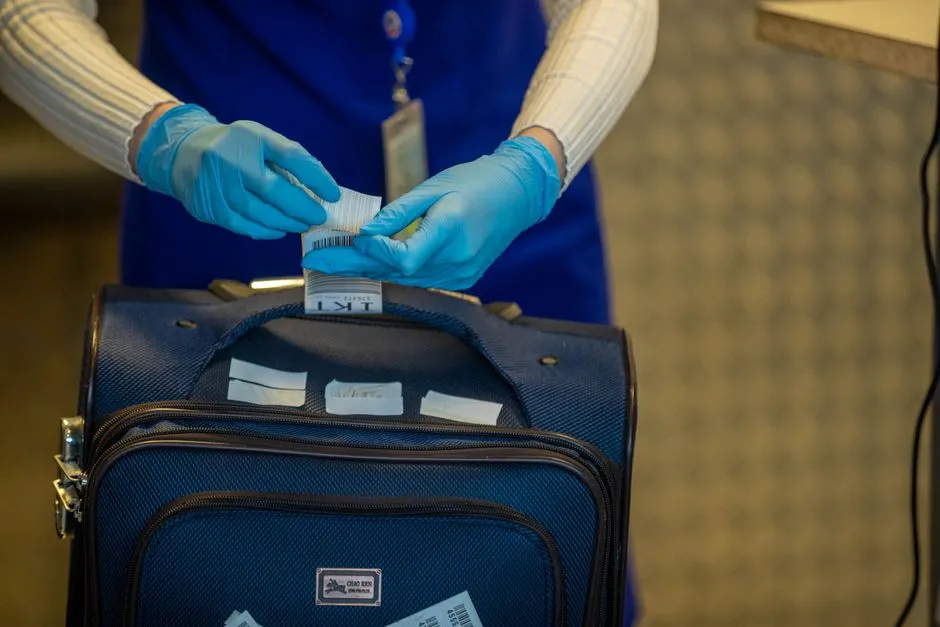
The total process from application to approval typically takes two to four weeks when you factor in scheduling the enrollment appointment. Most TSA PreCheck applicants receive their Known Traveler Number within three to five days of completing their in-person enrollment appointment. But that assumes no hiccups, and first-time applicants often underestimate the scheduling step.
Enrolling in TSA PreCheck is relatively simple, involving filling out an online application and attending an in-person appointment. Still, travelers should be prepared to wait at least a week before getting approved. Some airports may not be operating TSA PreCheck lines due to reduced staff. Applying the week before a trip is almost always too late.
10. Not Checking the Boarding Pass Before Leaving Home
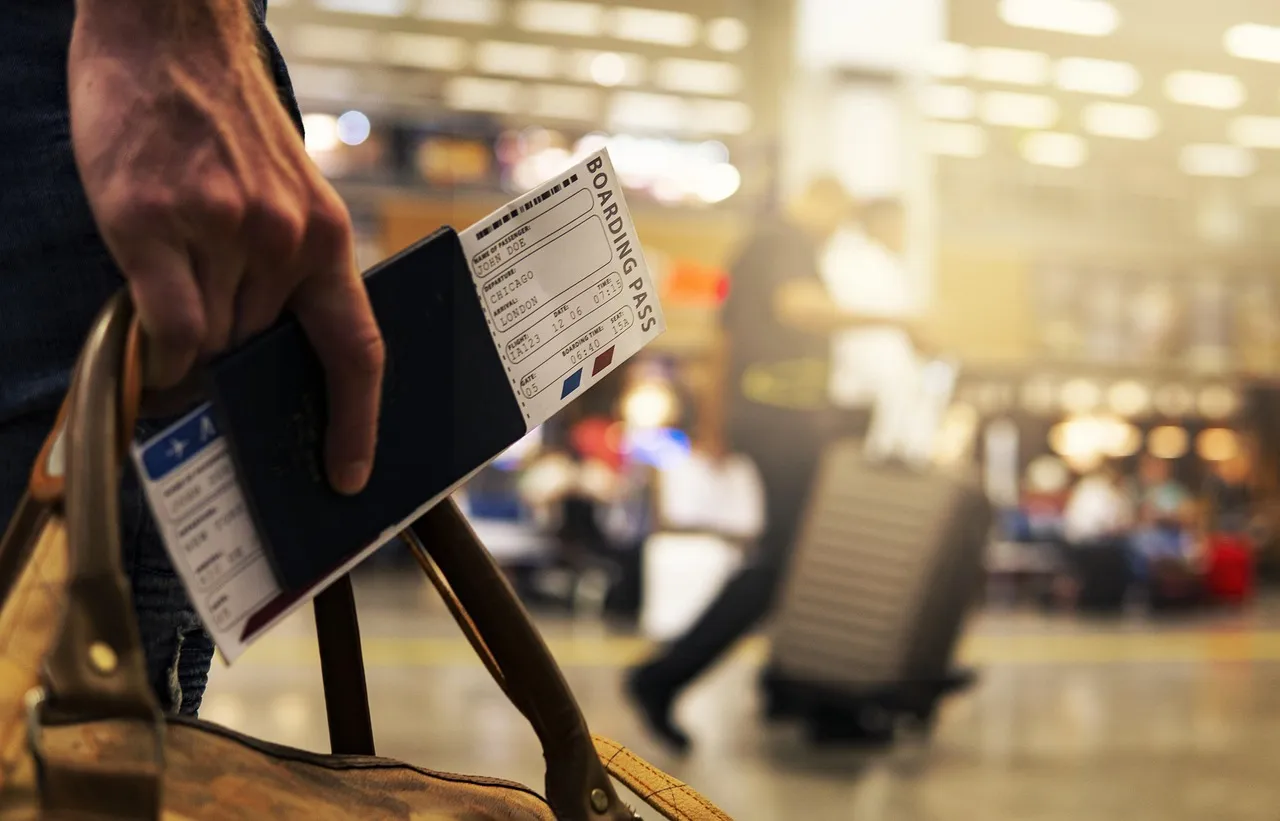
TSA PreCheck missing from a boarding pass almost always means the airline didn’t transmit your Known Traveler Number to TSA, usually because the KTN wasn’t on the reservation, was typed wrong, or got dropped during a rebooking. The fix before you leave home: log in to the airline, edit traveler info on the reservation, paste in your nine-digit KTN, and pull a fresh boarding pass.
Day-of fixes work too. Check-in counter agents and gate agents can add a KTN and reprint; TSA officers at the lane can sometimes look you up by ID even if your boarding pass is blank. That said, none of these airport-side solutions are guaranteed, and relying on them adds stress to what should be a smooth morning.
The Bigger Picture Worth Keeping in Mind
The Transportation Security Administration announced that its TSA PreCheck Trusted Traveler program surpassed 20 million active members, setting a new record for the program that launched in December 2013. With that many people enrolled, even a small percentage of members making avoidable mistakes translates to thousands of confused travelers per day.
About 99% of passengers wait less than 10 minutes in TSA PreCheck lanes when the system works as designed. Recent 2024 to 2025 data show PreCheck saves about seven minutes on average, with reported averages of roughly 36 minutes for PreCheck versus 43 minutes for standard lanes. That’s a real, measurable benefit, but only for members who’ve done the prep work correctly.
The program itself is solid. The mistakes are almost entirely preventable with a quick checklist before every trip: confirm your KTN is in the reservation, verify the name matches your enrollment exactly, and check that your boarding pass shows the PreCheck indicator before you leave the house. Those three steps alone will spare you the slow lane more often than anything else.
AI Disclaimer: This article was created with the assistance of AI tools and reviewed by a human editor.