

Your Screenshot Is Already Out of Date the Moment You Take It
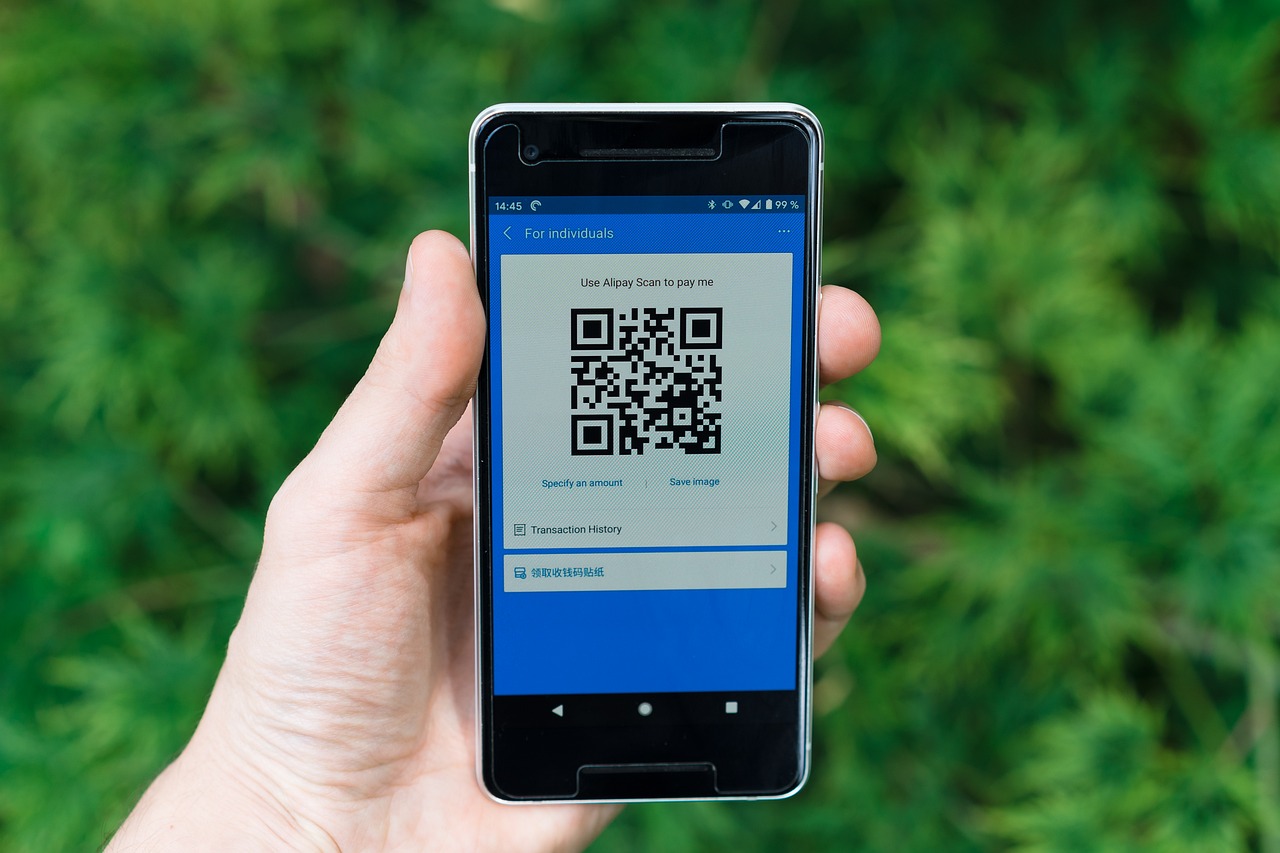
Modern boarding pass systems use barcodes or QR codes that contain constantly updated information. A screenshot, being a static image, doesn’t reflect these dynamic updates. Changes to your gate, flight time, or even seat assignment won’t be reflected on the screenshot.
Digital boarding passes in 2026 are “dynamic,” meaning they often include live updates on gate changes, boarding groups, and seat assignments that a static photo will miss. A screenshot essentially freezes a moment in time. The airport’s systems, meanwhile, keep moving.
Rotating QR Codes: The Technology That Makes Screenshots Obsolete
Many airlines now use “rotating QR codes” for security, where the code refreshes every few minutes to prevent fraud. A screenshot of such a code will be invalid by the time you reach the scanner.
This is the most immediate and concrete reason a screenshot can fail at the gate. The code you photographed fifteen minutes ago may no longer match what the airline’s system expects to receive. It doesn’t matter how crisp your phone’s camera is. The code itself has expired.
Ryanair Made It Official: Screenshots Are Explicitly Banned
Screenshots are explicitly prohibited by Ryanair and will be rejected at the gate. As of November 12, 2025, Ryanair switched to one hundred percent digital boarding passes, with paper passes no longer accepted.
Passengers who arrive without a charged phone and the Ryanair app installed may face denied boarding or unexpected fees at the airport desk. The airline’s push to eliminate paper cuts its printing costs, but shifts the burden of device readiness entirely to travelers.
The airline estimated, as of November 2025, that about twenty percent of Ryanair passengers relied on printed boarding passes, which gives some sense of how many people this policy disrupted almost immediately.
The Fraud Concern That Gate Staff Take Seriously
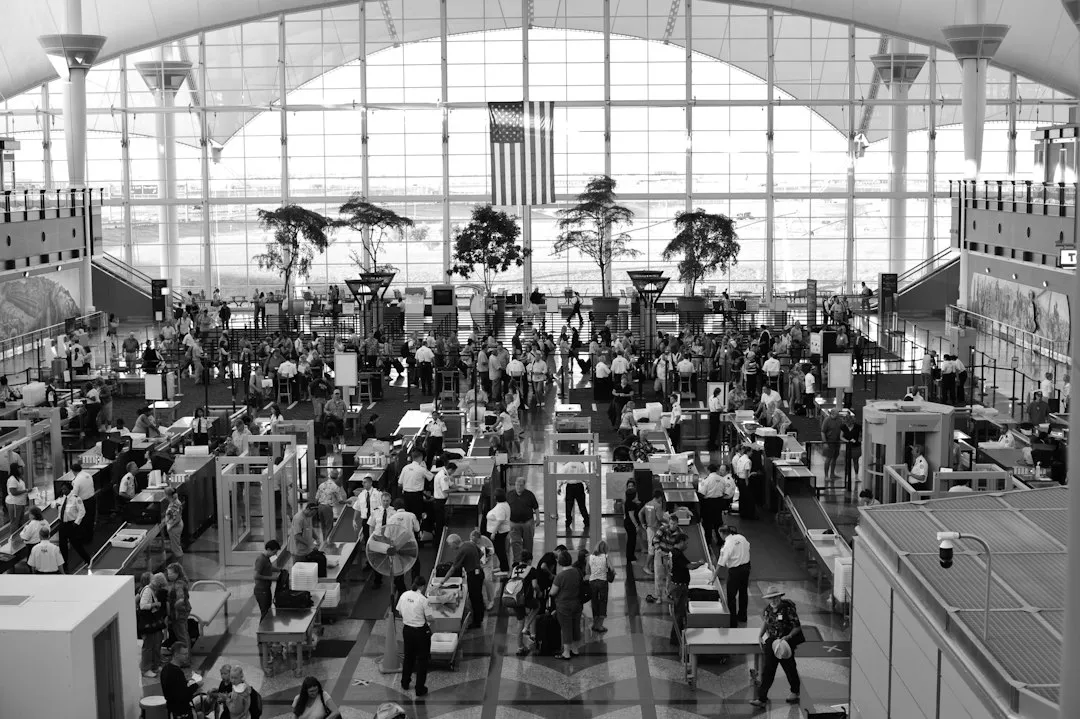
Screenshots are easily manipulated. While most travelers wouldn’t consider altering their boarding pass, the potential for fraudulent activity is a genuine concern for airport security. This heightened vigilance makes it more likely that a screenshot will be rejected.
Gate agents are trained to be cautious, and a static image on a phone is simply harder to verify than a live pass from a validated app. When a scanner fails to read your screenshot, the default assumption isn’t always in your favor.
Screen Brightness and Glare Compound the Problem
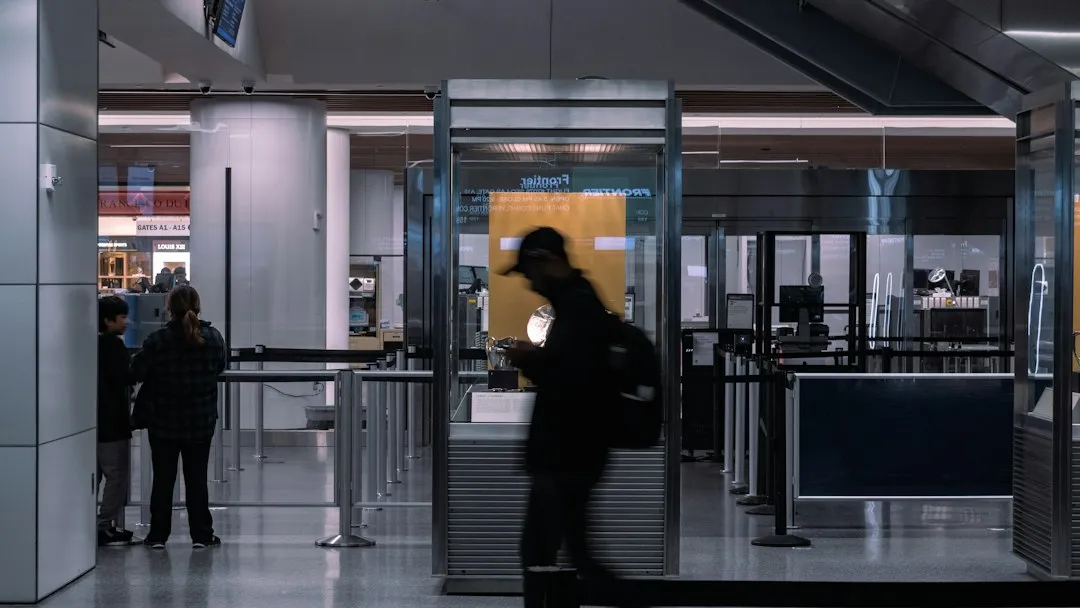
Low screen brightness or power-saving dimming is a known scan failure cause. Scanners rely on contrast between light and dark, and dim screens reduce that contrast, making the barcode unreadable to optical readers.
Dim screens are the top scan failure cause for mobile passes. A screenshot sitting in your camera roll is especially vulnerable to this, since you’re less likely to have thought ahead to maximize brightness before approaching the scanner. The combination of a static code and a dim screen is genuinely problematic.
What the Barcode in Your Screenshot Actually Contains
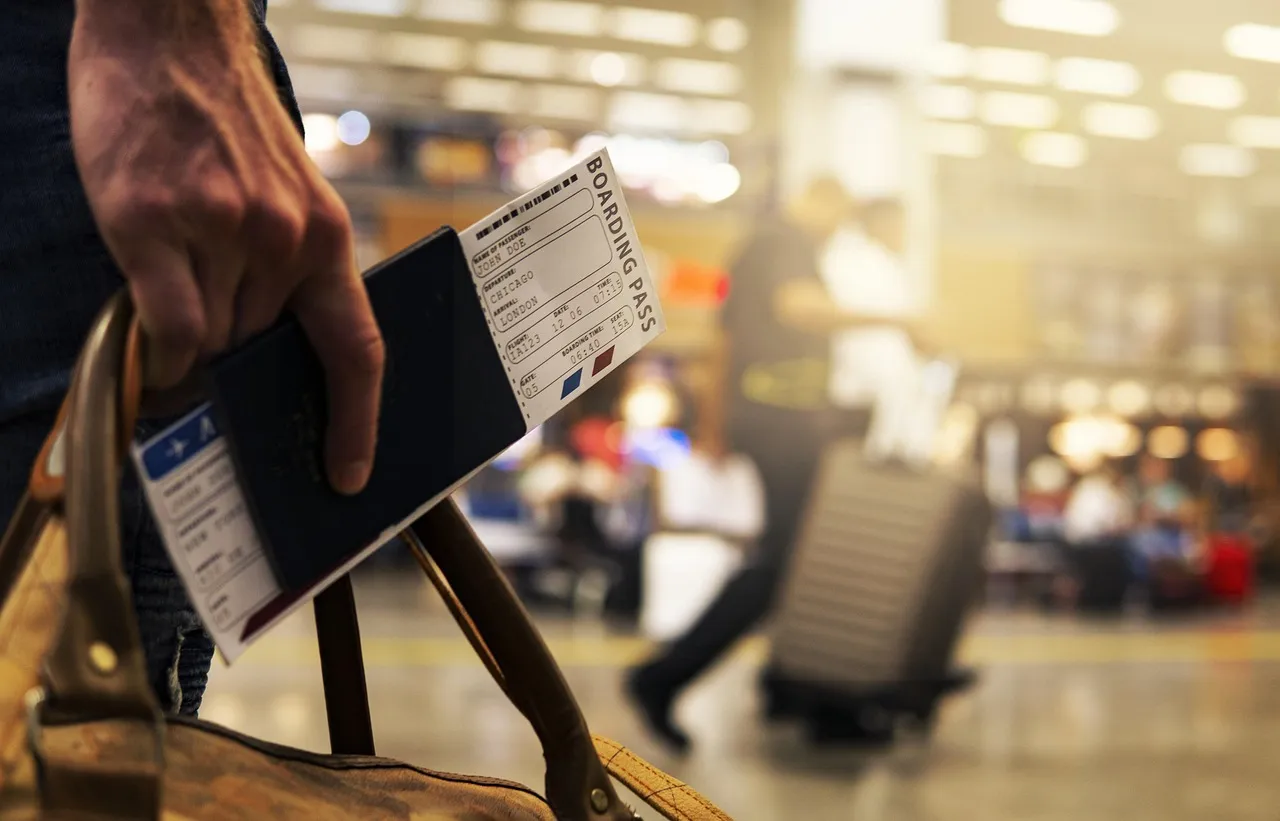
At first glance, your boarding pass seems to display only basic flight information: your name, flight number, departure time, seat assignment, and destination. However, the barcode or QR code on your boarding pass is a data goldmine that contains significantly more information than meets the eye.
Linked loyalty program membership numbers reveal status tiers and may provide access to a history of qualifying activity, other enrolled travelers, custom account settings, and even partial payment credentials. This can enable hacking schemes given enough supplemental intelligence obtained publicly. A screenshot in your camera roll, shared carelessly or stored on a compromised device, exposes all of it.
Posting That Screenshot on Social Media Is Its Own Catastrophe
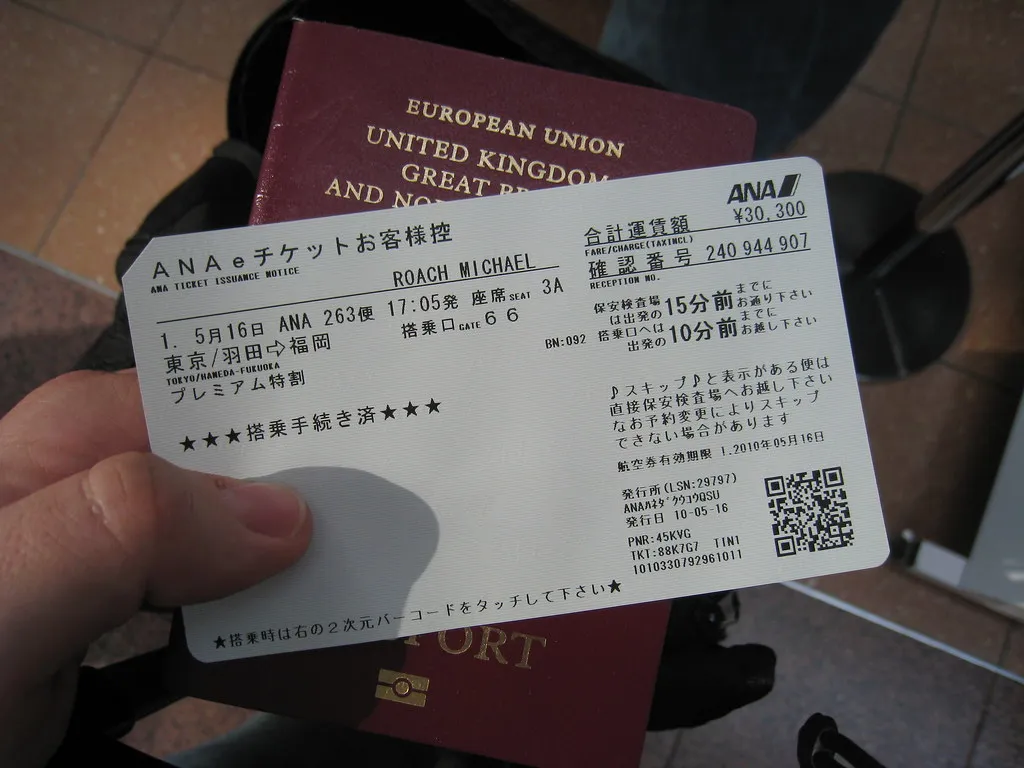
Posting photos of your boarding pass on social media is risky. The barcodes contain sensitive information that hackers could misuse.
Any boarding pass barcode can easily be scanned and evaluated with free tools. If a cybercriminal is willing to hunt down photos in the first place, minor obstructions aren’t likely to stop them, when the barcode only takes a few clicks to scan.
The main concerns come from barcodes or QR codes synchronizing to passenger name records with passport, frequent flyer, and identification details that are useful for identity theft. Financial assets can be targeted through exposed loyalty program tiers.
When a Screenshot Actually Does Help (and When It Doesn’t)
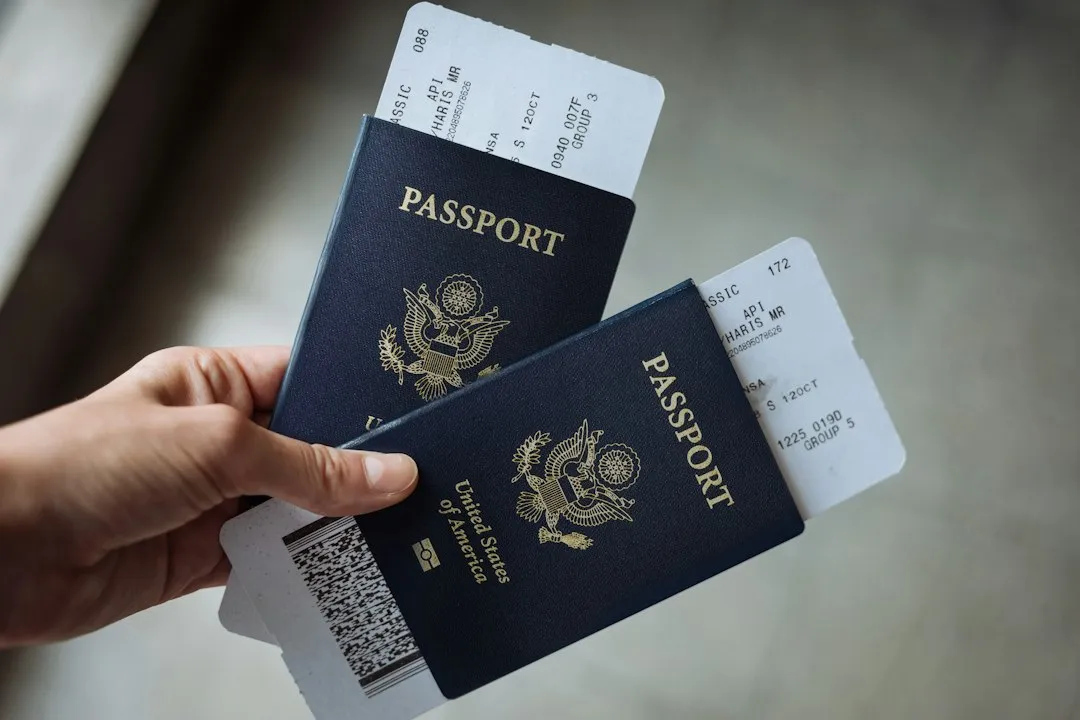
There is nuance here worth acknowledging. If the app completely implodes at the gate, a screenshot gives you visual proof of your booking that agents can reference while manually entering your confirmation. That is a legitimate, documented use case.
However, in 2026, using a simple photo or screenshot of a boarding pass is generally accepted at security checkpoints, but it is not recommended for the actual boarding gate. That distinction matters. Getting through the TSA checkpoint with a screenshot is one thing. Using it as your primary boarding document at the jet bridge is another situation entirely.
The Smarter Alternatives That Actually Work
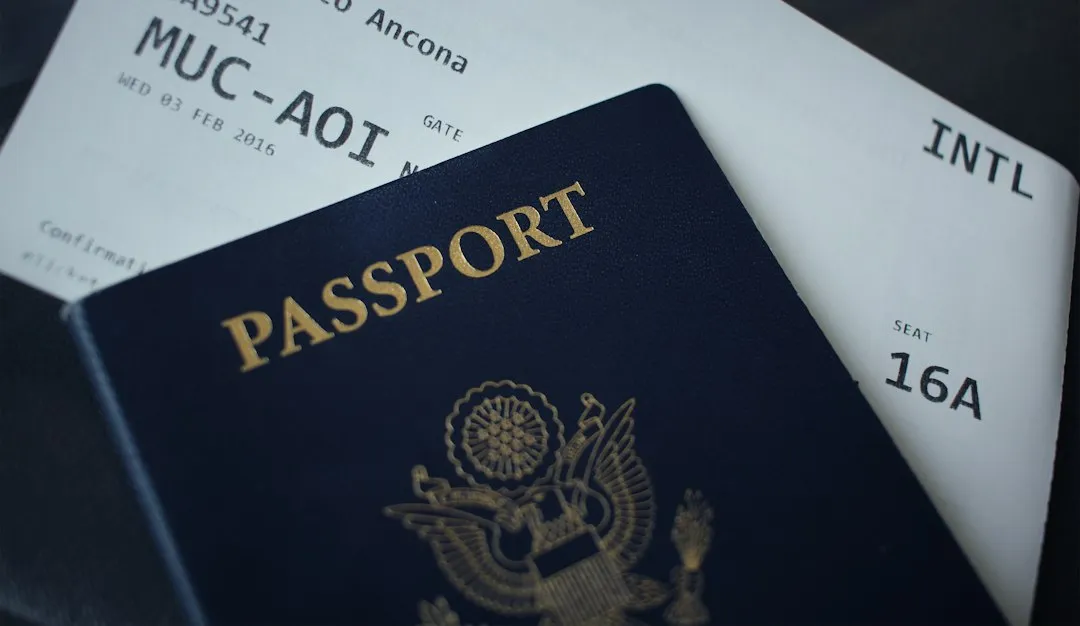
The best practice in 2026 is to add your boarding pass to your Apple or Google Wallet, which allows the pass to function offline and ensures the most up-to-date barcode is used. Wallet passes are integrated with the airline’s system, receive live updates, and don’t require you to be inside the app at the moment of boarding.
If your phone battery is low, it is safer to print a paper backup at an airport kiosk than to rely on a picture that might not scan correctly under the gate’s bright lights. Some countries, including Morocco and Turkey, still require printed passes, so for international travel, a paper backup is genuinely worth carrying.
The Older Traveler Problem That Airlines Can’t Ignore
Consumer advocates are concerned that aggressive digital-only policies risk making travel more difficult for millions of older people, particularly in regional airports where Ryanair may be one of the only carriers available.
According to a 2024 Ofcom report, seventeen percent of those aged sixty-five and over don’t own a smartphone. That is not a small demographic. Policies that assume universal smartphone ownership and app literacy will inevitably create friction for a meaningful portion of the traveling public, and a screenshot habit born of genuine anxiety about technology is often the result.
The Takeaway
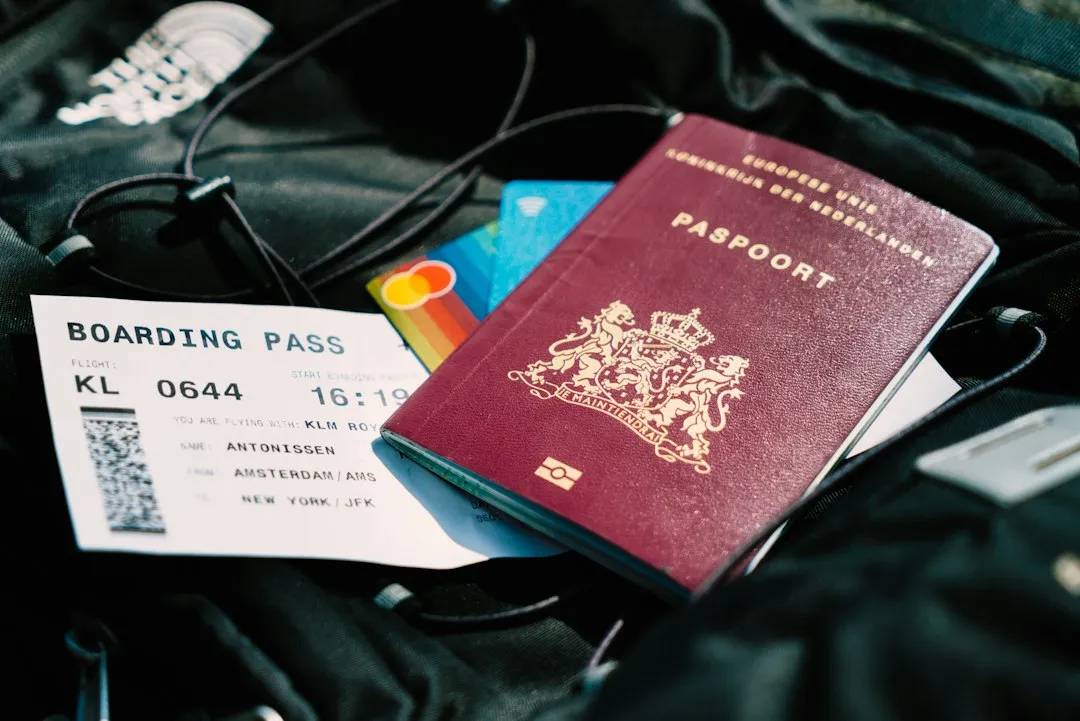
The screenshot habit made sense in a simpler era of air travel. It was cautious, it was practical, and for most airlines it caused no real problems. That era is ending. Dynamic barcodes, rotating QR codes, and airline-specific app mandates have collectively made the static screenshot a much shakier foundation than it used to be.
The safest approach right now is to use Apple Wallet or Google Wallet as your primary boarding document, keep the airline app installed and updated as a backup, and print a paper copy for international journeys where scanning standards vary significantly. Your screenshot can stay in your camera roll as a reference in case of a dispute over seat assignments, as one American Airlines traveler discovered on a widely shared 2024 Reddit post. Having the screenshot of the original boarding pass proved essential when seat assignments went wrong mid-flight. Without it, the outcome would have been very different.
Use it as evidence. Just don’t try to board a plane with it.
AI Disclaimer: This article was created with the assistance of AI tools and reviewed by a human editor.