
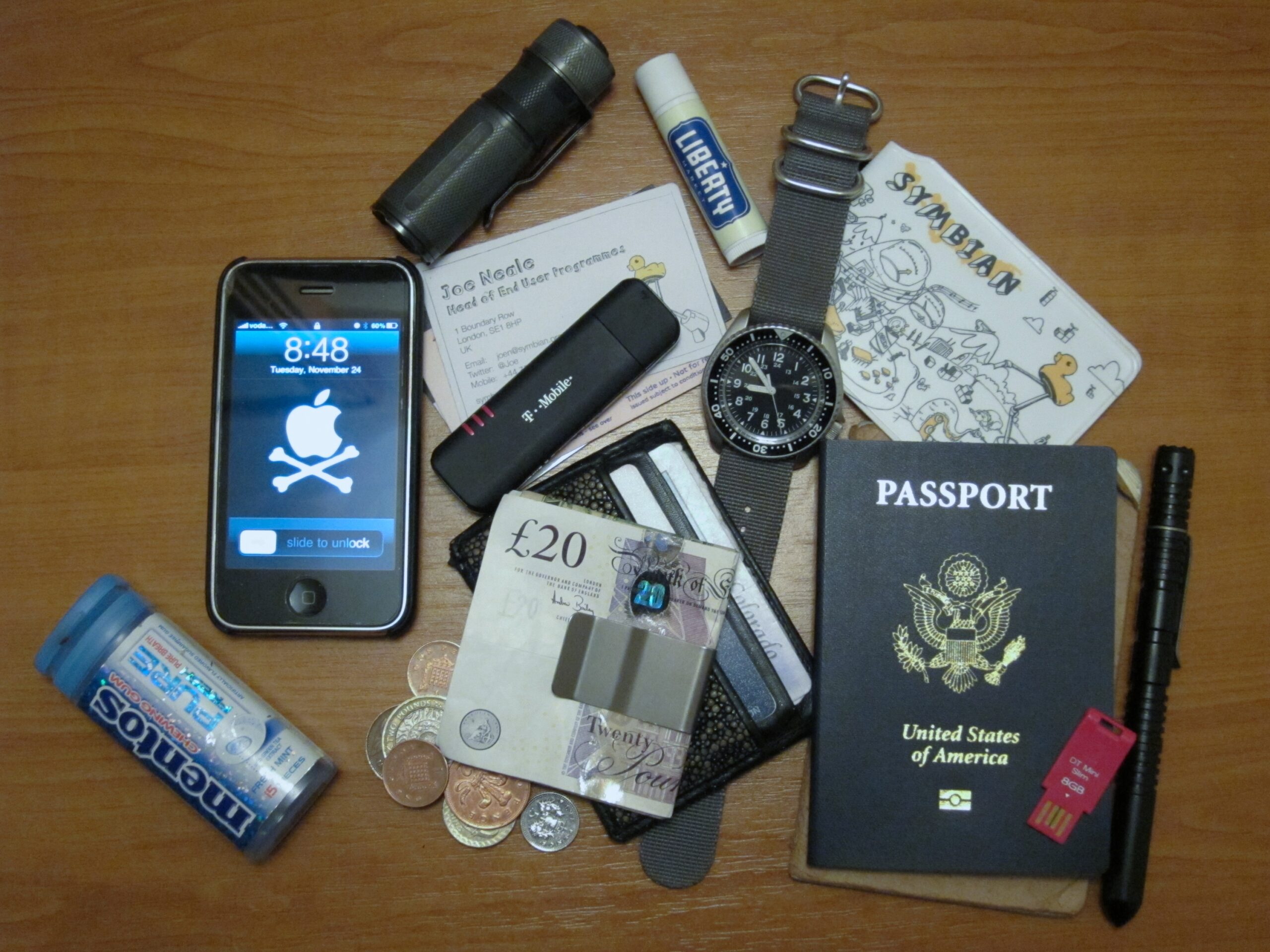

Most travelers pack with care. They triple-check their flight times, download offline maps, and memorize the name of their hotel. What many skip entirely, though, is building a real backup for their most critical document: the passport. It’s the one thing that, when gone, turns a great trip into a crisis measured in hours at a consulate window.
The good news is that the habit itself is simple. It takes about fifteen minutes before any international departure, costs nothing, and can make the difference between a delay and a disaster. Here’s what it actually looks like in practice, grounded in the most current guidance available.
The Scale of the Problem Is Bigger Than Most Travelers Realize
According to the U.S. State Department, between 2024 and 2025, nearly 900,000 passports were reported as lost or stolen. That’s not a rare edge case. As travel frequency increases, so does the rate of document mishandling, and the sheer volume of replacement applications has placed unprecedented strain on processing centers, meaning that a lost passport is no longer just a minor inconvenience – it’s a potential months-long disruption to international mobility. Japan’s own government data adds more context: in 2025, the number of reported lost or stolen passports in Japan was approximately 28,000, down about eight percent from the previous year. The problem is global, persistent, and growing.
Scan the Photo Page Before You Leave Home
The U.S. Department of State advises travelers to make multiple copies of their documents so they can replace originals if those documents are stolen or lost, with its traveler tip card directly stating to carry copies of your passport ID page while overseas. The scan needs to be high quality. Make a clean digital copy of the page with your photo, passport number, and expiration date, check that every line is readable – a dark, crooked phone photo taken on the couch does not count. If you ever need consular help, airline assistance, or just the passport number for a report, this is the page you will want first.
Use Cloud Storage, But Secure It Properly
The idea is to have electronic copies of your travel documents to save space and reduce stress, but these are critical documents – if stolen, they could cause real harm through identity theft, so they should be guarded closely, secured with a password, with portable devices and laptops secured with a password as well. A cloud folder paired with a password manager is a reasonable setup, but it needs to be tested before departure. Ask yourself whether you can open the encrypted note offline, whether you can sign into your password manager from a second device, and whether you know the master password without depending on biometric unlock. These are not paranoid questions. They’re the difference between having a backup and merely thinking you do.
Never Rely on Only a Phone
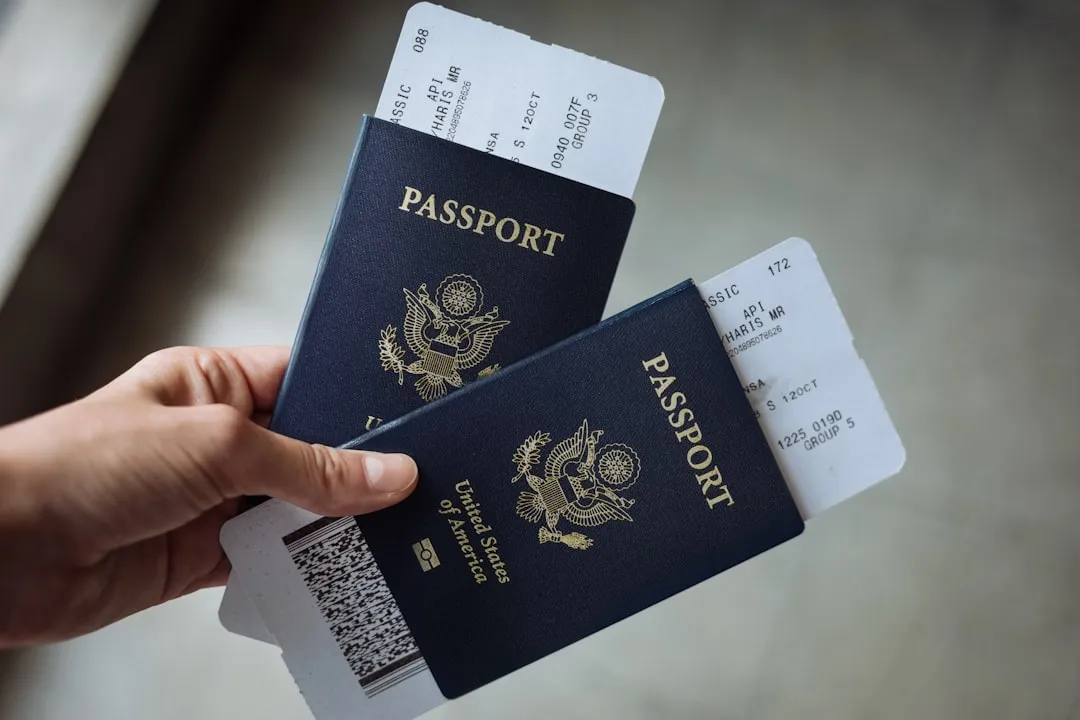
Never rely on just your phone – carry physical photocopies and cloud backups of all critical documents. Phones get stolen, run out of battery, and lock up at the worst moments. Make two physical copies of your passport identification page: leave one at home and carry the other in your luggage, separately from where you keep your actual passport. That physical separation is key. If your bag is stolen and the passport and its only copy were in the same compartment, you’ve lost both at once.
Keep a Printed Emergency Sheet in Your Luggage

A printed emergency sheet can include the passport number, expiration date, embassy contact, insurance assistance line, and hotel address without carrying full copies of everything. Think of it as a recovery cheat sheet rather than a full document replica. A printed layer carries only enough to start recovery, while a cloud folder can hold complete scans for more detailed needs. Tuck one copy into your checked luggage and another into your day bag so that losing one piece of your travel kit doesn’t erase all access points at once.
Leave a Full Copy With Someone at Home
It can also be smart to leave a physical copy with someone at home in case of an emergency. A trusted friend or family member who has a clear scan of your passport and your itinerary becomes a remote support system when you’re standing in a foreign city trying to figure out your next move. If you can’t get to a computer with a printer or one with internet access, you can call that person and have them send the copies by email, fax, or courier to the nearest embassy or to another trusted contact. It sounds old-fashioned, but it works when everything digital has failed.
What Actually Happens When You Report a Passport Lost Abroad
Losing your passport while traveling abroad can feel overwhelming, but emergency passport services exist specifically to help citizens in these urgent situations, with embassies and consulates worldwide providing expedited services for passports that are lost, stolen, damaged, or unexpectedly expired. The timeline isn’t always slow. Emergency passport services are designed for genuine travel emergencies where you need immediate documentation to return home or continue essential travel, and these services can process a replacement passport in as little as one business day, though the exact timeline depends on your location and circumstances. Filing a police report is also part of the process, as some embassies require this for emergency passport issuance.
The EU Introduced a New Emergency Travel Document in Late 2025
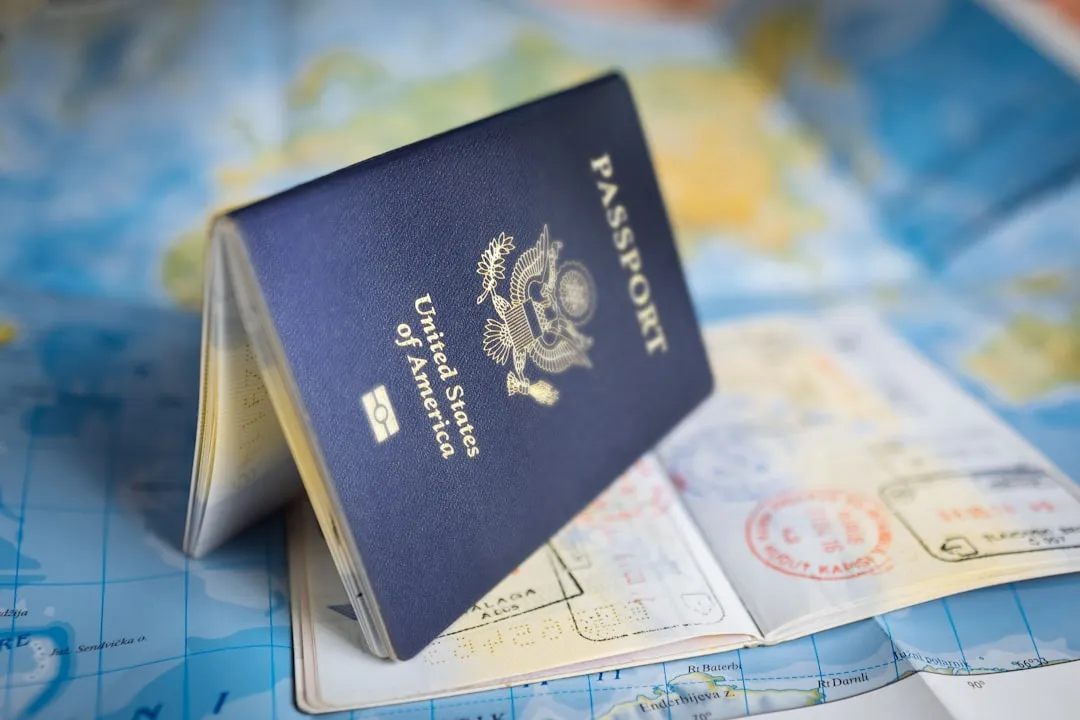
As of December 9, 2025, EU Member States began issuing a new EU Emergency Travel Document to EU citizens whose passport has been lost, stolen, or destroyed, or cannot otherwise be obtained within a reasonable time. EU citizens who lose their passport in a country outside the EU where their own EU Member State of nationality does not have an embassy or consulate have a right to receive this document from any other EU Member State located in that country. This is a meaningful change for European travelers, and knowing it exists before you need it is exactly the kind of pre-trip knowledge that pays off.
Time Your Backup Routine Around Three Key Moments

The best time to build a travel backup pack is not at midnight before a flight – use three review moments instead: one week before departure, the night before departure, and immediately after arrival. Each moment has a different job. One week before departure is for gaps that require time, such as an expired passport, missing visa confirmation, or insurance purchase, while the night before is for freshness: updated boarding passes, the first hotel address, transit instructions, and charged devices. After arrival is for local reality: taking a photo of your entry stamp if useful, picking up the hotel business card, noting the local emergency number, and checking whether your cloud or offline copies still open on the network you actually have.
Don’t Forget the Six-Month Validity Rule
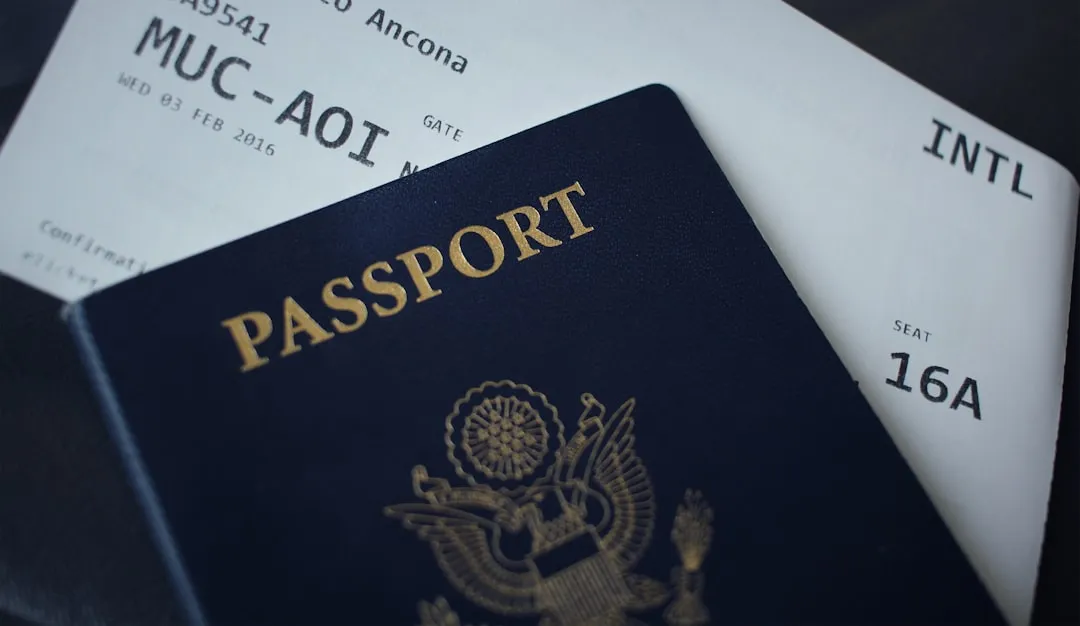
Many countries require passports to be valid for six months beyond the travel date, and this catches more travelers off guard than almost anything else. A backup copy of an expired or near-expiring passport provides very little protection at a border. The six-month rule is real: ensure your passport is valid for at least six months beyond your return date, or risk being denied boarding. Check expiration dates when you book, not when you pack. A calendar reminder set six months before expiry is one of the simplest protective habits a frequent traveler can build.
Use the Hotel Safe for a Physical Backup, Not Just Valuables

Use your hotel’s in-room safe to secure backup copies of your passport, travel insurance, and emergency contact information during your stay, keeping these documents in a waterproof folder to protect against potential moisture issues – this creates a secure base location where you can always retrieve essential information if your carried documents go missing. The original passport should ideally stay in the safe too when it’s not required at immigration or official check-ins. Document security is about balance: you need quick access for border crossings and check-ins while keeping everything safe from theft or loss, and the key is spreading your risk across different storage methods and locations.
The Quiet Confidence of Being Prepared
Losing a passport abroad is jarring, but it’s rarely the end of a trip for someone who prepared properly. The documents exist in a cloud folder, on a printed sheet in the luggage, and in a contact’s email inbox back home. The embassy number is saved. The process, while inconvenient, is navigable.
The backup habit isn’t about pessimism. It’s about traveling with enough confidence to recover from the unexpected without losing days to panic. Fifteen minutes of preparation before any departure is a quiet, permanent form of travel insurance that no policy can quite replicate.
AI Disclaimer: This article was created with the assistance of AI tools and reviewed by a human editor.