


Most travelers have been there. You check in, fire up your laptop, connect to the hotel Wi-Fi, and then wait. And wait. Pages load as if it’s 2003 and you’re back on dial-up. The connection isn’t broken, exactly – it’s just painfully, frustratingly slow. What most guests don’t realize is that there are practical, real-world tricks you can use to squeeze significantly more speed out of the same network, starting with a question you can ask right at the front desk.
The core of it comes down to how hotel networks are structured. Hotels often run multiple networks, tiered access systems, and different frequency bands – and most guests connect to whatever pops up first on their device without a second thought. That automatic default is usually the slowest option available to them. Here’s what you can actually do about it.
Ask the Front Desk for the Staff or Secondary Network Password
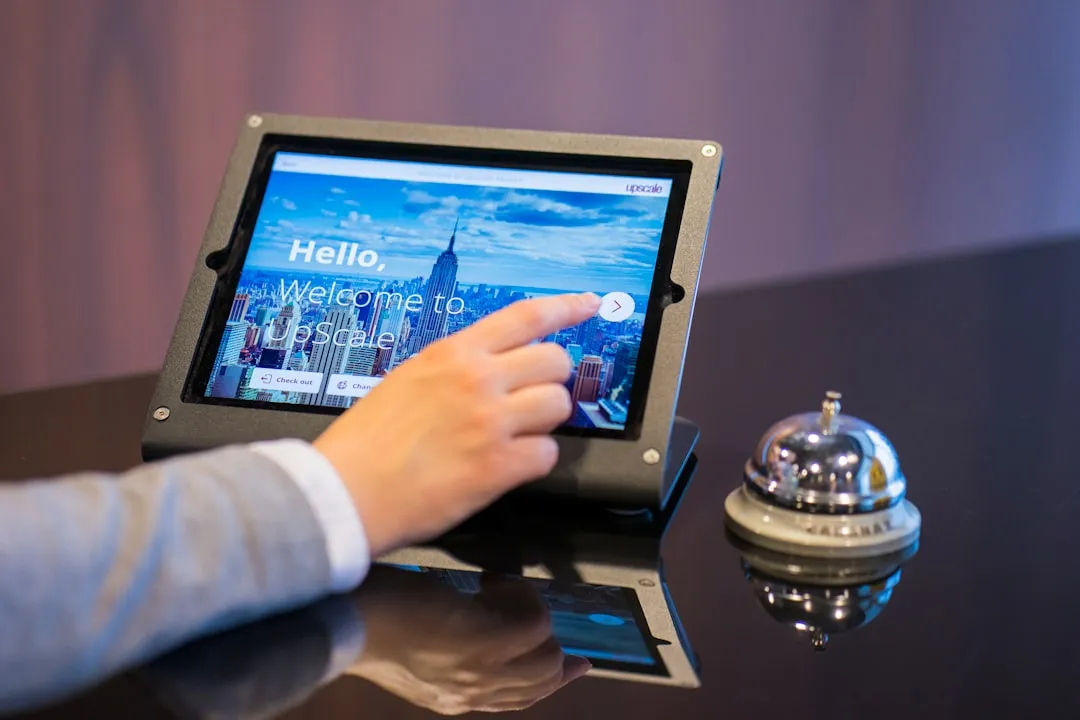
There are usually two reasons for slow hotel internet. First, hotels often don’t invest in superior hardware and internet connectivity – and even many expensive hotels are running on the bare minimum. On top of that, many properties run tiered systems: a public-facing guest network and a separate, less congested network used for business operations or premium guests.
Simply asking at the front desk whether there’s a secondary network available – framed politely as a work-related need – can occasionally get you access to a faster, less crowded option. It doesn’t always work, but it costs nothing to ask. Some hotels offer a free, slow tier and a paid premium tier of faster internet access, and the free tier may be intentionally slow in an attempt to encourage upgrades.
Switch to the 5GHz Band, Not the Default 2.4GHz
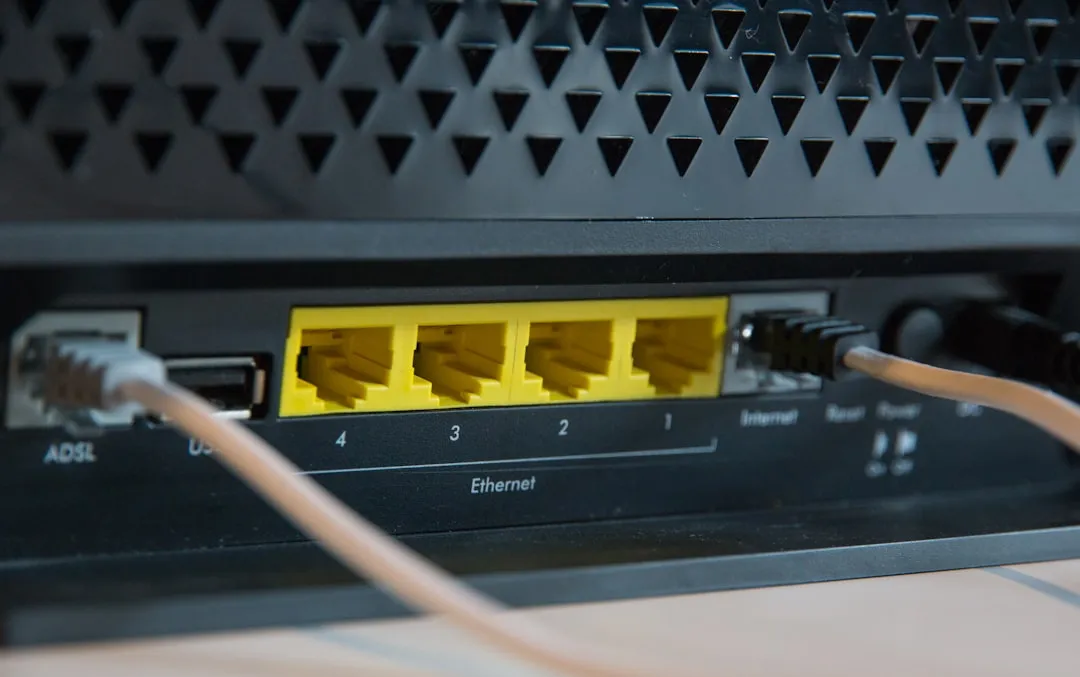
One of the most effective and underused tricks is simply connecting to the right frequency band. The biggest difference between 2.4GHz and 5GHz Wi-Fi is data bandwidth – 5GHz offers connection speeds up to about one gigabit, whereas 2.4GHz connections top out at about 300 megabits. In a busy hotel, that gap is even more pronounced.
The 2.4GHz spectrum is narrow, offering only three non-overlapping channels. In dense environments like a hotel floor or a conference center, this leads to severe co-channel interference – every access point within earshot that’s on the same channel is competing for the same airtime. When you connect to a 5GHz network instead, you sidestep most of that congestion. The 5GHz band is far faster and less congested, while 2.4GHz reaches further but is slower and crowded – and almost every device made in the last decade is dual-band and capable of using 5GHz.
Time Your Connection Strategically
Hotel Wi-Fi is a shared resource – the more guests connected, the slower the connection tends to be, and speeds can drop significantly during periods of high demand. Peak times are usually early morning when business travelers are sending emails, and evening when leisure guests are streaming. Those windows are worth avoiding if you need a fast, reliable connection for something important.
If you have a video call or a large file upload scheduled, try pushing it to mid-morning or early afternoon on a weekday. The network is typically carrying far less load during those hours. It’s a small scheduling shift, but one that can make a real difference in practice.
Move Closer to the Access Point
Physical barriers like walls can diminish signal strength significantly, and Wi-Fi strength decreases with increased distance from the source. Hotel rooms at the far end of a long corridor, or several floors above the main router cluster, are often the worst performers on the entire property. When you’re staying at a hotel or guesthouse, it often happens that the room you’re assigned to is too far from the router to give you a reliable and fast connection.
If your room’s signal is consistently weak, consider working from the lobby, a business center, or a seating area near the reception desk. Strategically choosing your location in the hotel – such as lobbies or business centers – can maximize Wi-Fi signal quality. It’s not always convenient, but for tasks that genuinely need bandwidth, it’s worth the short walk.
Use a Travel Router to Create Your Own Private Network
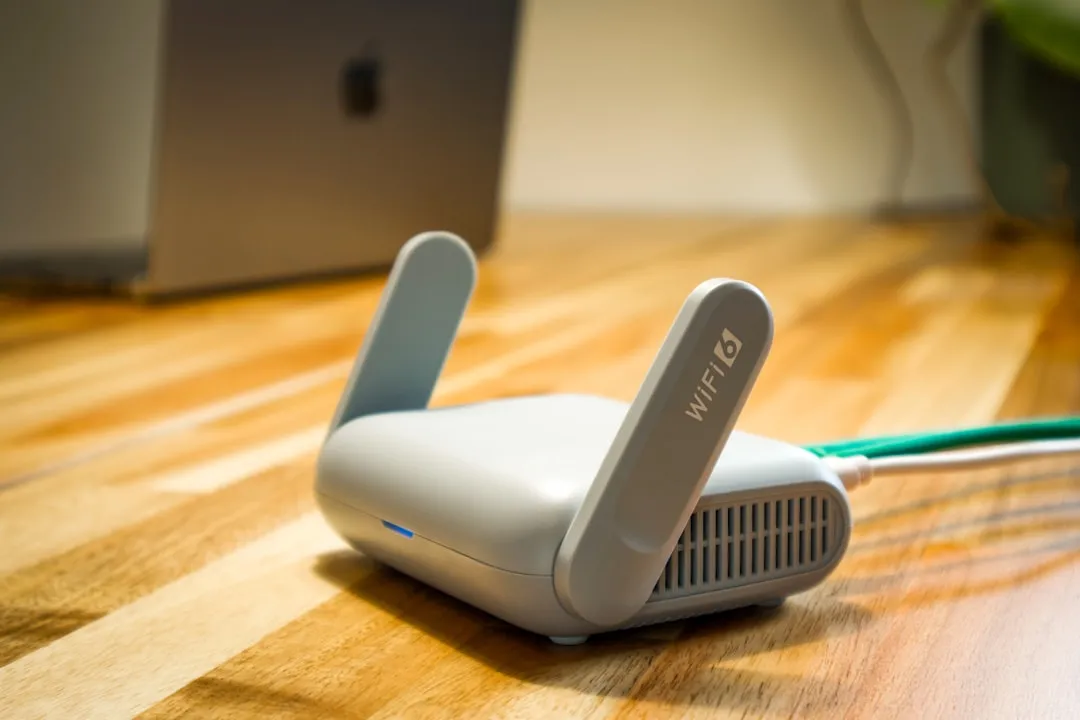
The main benefits of using a travel router include enhanced security on public networks, convenient connection through a single device to hotel Wi-Fi, and the ability to bypass hotel-imposed device restrictions. A travel router connects to the hotel’s network and rebroadcasts a private, clean signal just for your devices – which can dramatically improve performance and stability in a noisy wireless environment.
A travel router also counts as only one “device” to the hotel network, so once you’re signed in from the first device, you don’t need to sign in on each device separately, and you can connect as many devices to your local network as you want. A travel router helps to strengthen weak Wi-Fi signals in your room space and establishes a network for devices to exchange data.
Plug Into the Ethernet Port If One Is Available
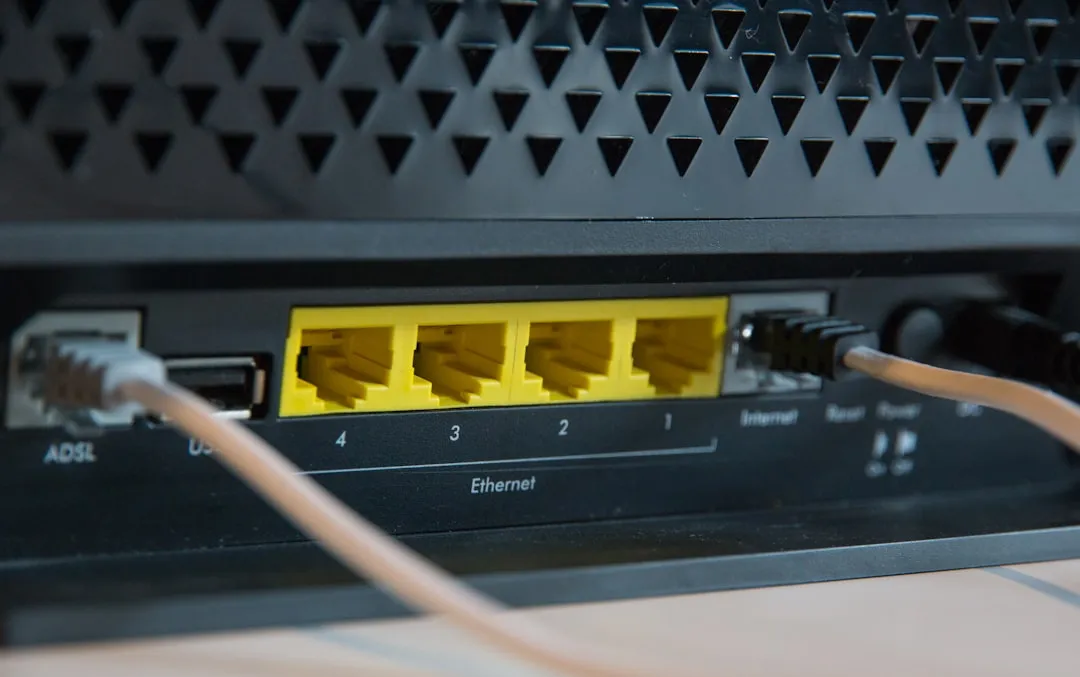
Another way to improve the internet connection in your hotel room is to bypass the hotel Wi-Fi altogether. If your hotel room has an Ethernet port, you can speed up your internet connection significantly by using it instead of Wi-Fi. Wired connections are immune to interference, channel congestion, and the signal degradation that affects every wireless network in a busy building.
Many hotel entertainment systems use Ethernet, and some hotels will have an Ethernet port near the TV – though the ports are sometimes not actually wired up. The phone system is also worth checking, as IP telephones sometimes have an Ethernet jack. Using these methods, it’s possible to find and use a wired Ethernet connection in roughly seven out of ten hotels. You’ll likely need a USB-to-Ethernet adapter for a modern laptop, but that’s a small and inexpensive addition to any travel kit.
Close Bandwidth-Heavy Apps Running in the Background

Closing unused apps is a simple but effective way to free up bandwidth on a shared hotel connection. Cloud backup services, software update managers, video streaming auto-play, and syncing tools can all quietly consume a large portion of your available speed without you realizing it. On a home network with generous bandwidth, that’s rarely a problem. On a constrained hotel connection shared by dozens of guests, it absolutely is.
Before you run a speed test or start a video call, take a moment to check what’s running in the background on every device you have connected. Pausing iCloud or Google Drive syncing, disabling automatic system updates, and turning off streaming apps can noticeably free up the connection for whatever you actually need.
Run a Speed Test First to Know What You’re Working With
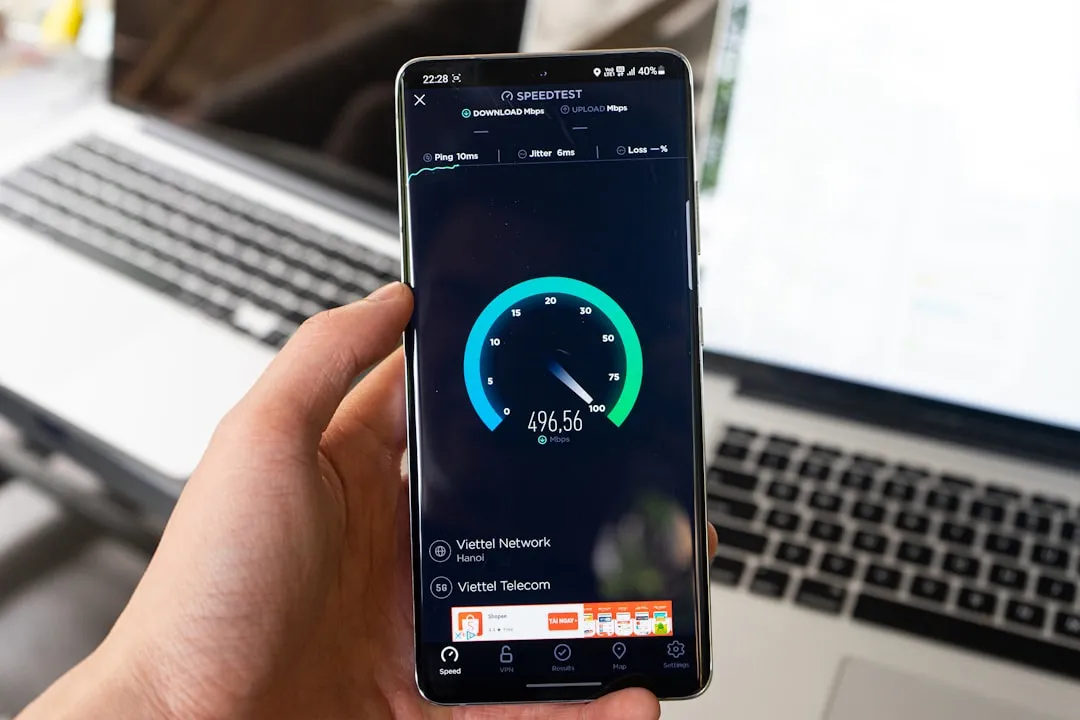
Before applying any remedies for a slow hotel internet connection, it’s worth first testing the existing speed. By re-testing after applying a fix, you’ll know definitively whether the measure actually worked. Free tools like Fast.com or Speedtest.net take about thirty seconds and give you a concrete baseline to work from. Without that baseline, you’re guessing.
Hotel Wi-Fi Test is a service that ranks internet connection speeds of the world’s top hotels that offer Wi-Fi, along with information including whether guests will have to pay for access. Checking a property’s rating before you book – rather than after you arrive – puts you in a far better position to make informed decisions about where to stay.
Consider Bonding Hotel Wi-Fi with Your Mobile Data

If you have access to multiple internet connections, certain apps can combine them for greater throughput and reliability – for example, bonding your hotel Wi-Fi network with a tethered smartphone to combine the speed and reliability of both connections. This approach is particularly useful when the hotel signal is unreliable but you still want to avoid burning through your entire mobile data plan.
Public Wi-Fi hotspots in hotels and airports often suffer from overcrowding, limited bandwidth, and weak signal coverage across large areas. Error correction and packet recovery technology built into bonding apps can significantly improve performance in these conditions, sometimes doubling your connection speed compared to using the hotel Wi-Fi alone. Many hotels also have more than one available Wi-Fi network – often a separate network for each floor – so combining those signals is also worth exploring.
Plug Your Laptop In and Adjust Its Power Settings

When running on battery power, laptops slightly cut the energy supply to resources that require the most power. By plugging in, you might get the extra boost of energy that could be enough to improve wireless card performance and speed. It’s a subtle but real factor, especially on older laptops where the wireless adapter is sensitive to power management settings.
On Windows devices, you can go into your advanced power settings and set the wireless adapter to maximum performance mode rather than balanced or power-saving mode. On a Mac, switching from battery to power-saver modes can affect background network behavior too. Neither change is dramatic on its own, but combined with the other steps here, it’s one more variable you’ve taken out of the equation.
The Takeaway
Hotel Wi-Fi frustration is nearly universal among travelers, but it’s rarely as hopeless as it feels in the moment. The single most impactful action is often the simplest: ask at the front desk about a secondary or premium network, and then make sure you’re connecting to the 5GHz band rather than the default crowded 2.4GHz option. The 5GHz band offers much more spectrum than 2.4GHz, with every channel occupying its own space without colliding with others – meaning each channel can run uninterrupted and connect to access points more efficiently.
Beyond the password trick, the combination of the right band, a wired connection where possible, background app management, and a travel router covers most scenarios a traveler will face. None of these require technical expertise. They just require knowing the options exist – which, unfortunately, most hotel guests never find out.
AI Disclaimer: This article was created with the assistance of AI tools and reviewed by a human editor.