
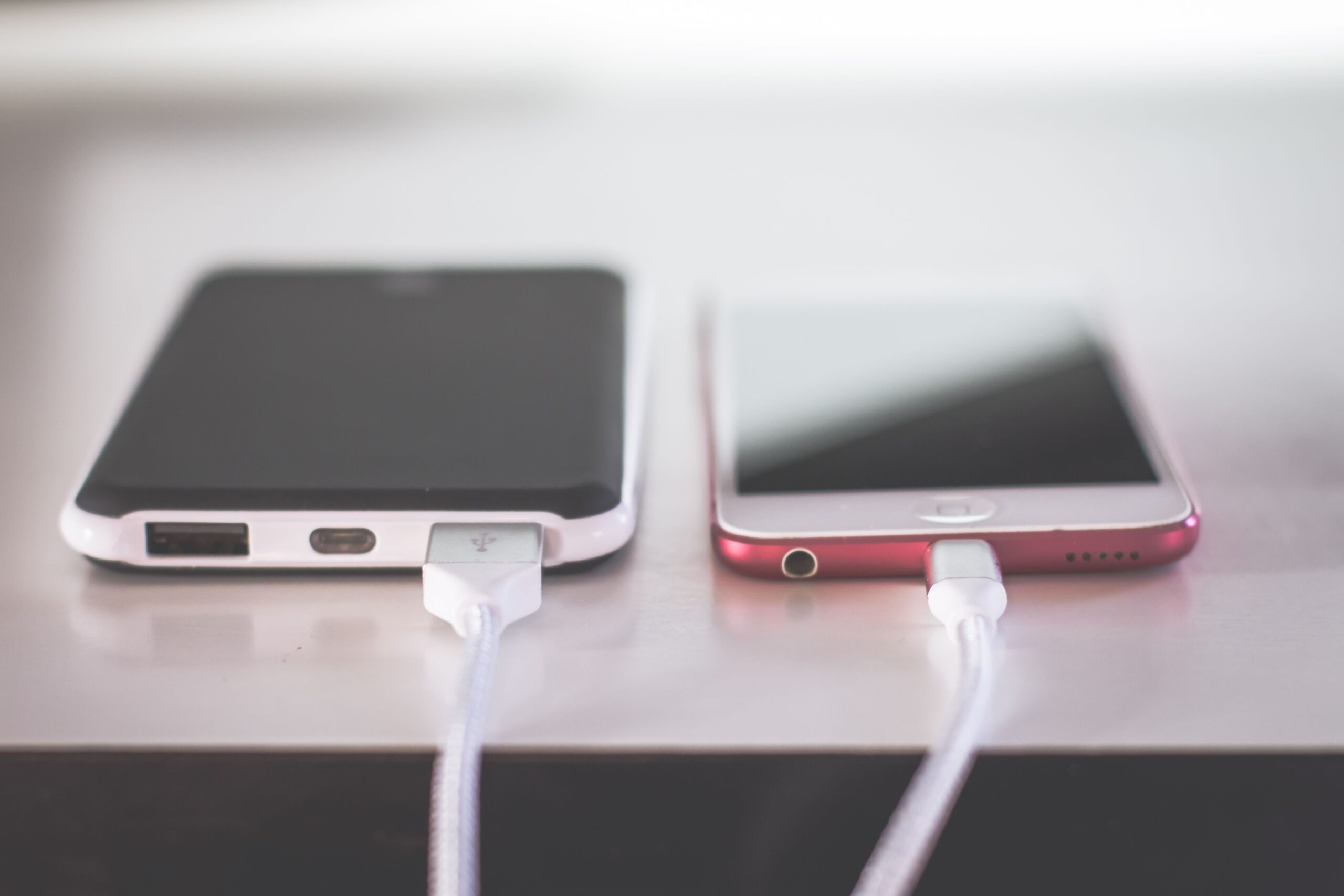

There’s a moment most travelers know well. Your phone hits single digits, your gate is still 45 minutes away, and a free USB charging port is right there, waiting. It feels like a small stroke of luck. What very few people consider, in that moment of relief, is that the port they’re about to plug into may be doing something far more than topping up their battery.
Security agencies across the United States have been raising alarms about this exact scenario for several years now, and those warnings haven’t gone quiet. If anything, they’ve gotten louder. Here’s what the experts are actually saying, and what it means for anyone who travels with a phone in their pocket.
The Threat Has a Name: Juice Jacking
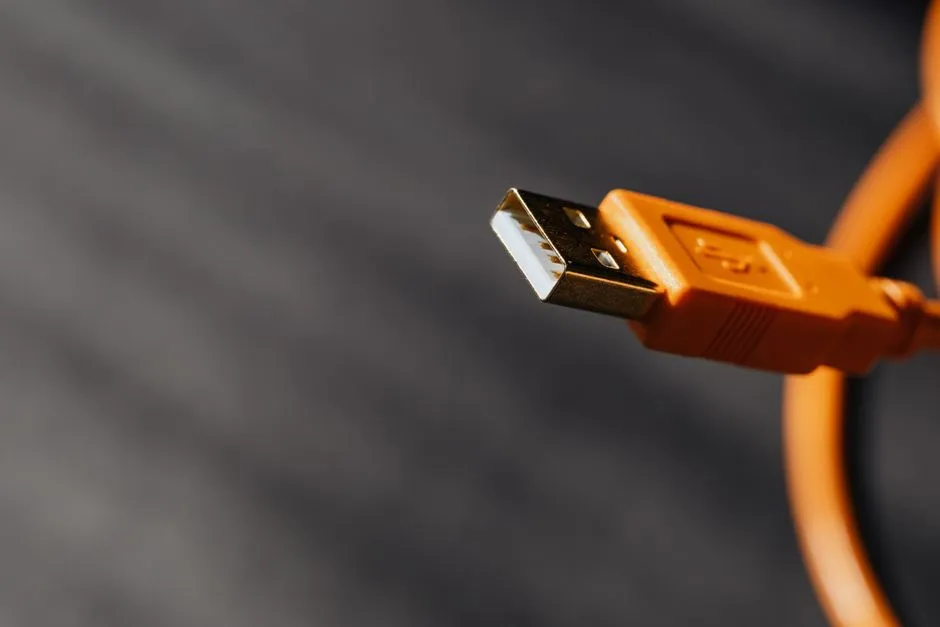
Juice jacking is the act of exploiting public USB charging stations to plant malware or steal data. It sounds almost too technical to be real, but the underlying mechanics are straightforward. A standard electrical wall outlet only transmits power, while a USB cable is engineered to transfer both electrical power and digital data simultaneously. That dual function is what makes a USB port a potential vulnerability rather than just a convenience.
Juice jacking is the theoretical ability of a malicious USB charging port or cable to steal data or install malware when you plug your phone into it. USB carries both power and data through the same cable, so the concept is that a compromised port could access your device while pretending to charge it.
Federal Agencies Are Taking It Seriously
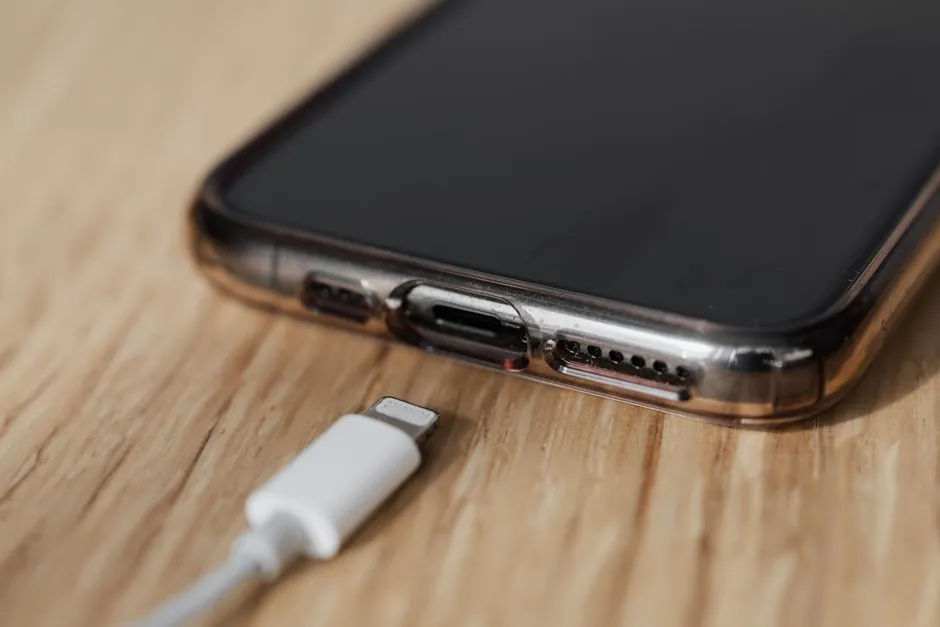
In June 2025, the Transportation Security Administration warned travelers to avoid plugging phones into public USB ports, especially in airports. This was not the first time. The FBI issued similar warnings in 2023, and the FCC maintains ongoing advisories about the threat.
The FBI’s Denver office issued a warning about juice jacking, specifically telling people to avoid free charging stations in airports, hotels, or shopping centers, noting that “bad actors have figured out ways to use public USB ports to introduce malware and monitoring software onto devices” and advising travelers to carry their own charger and use an electrical outlet instead. Three separate federal agencies converging on the same advice carries weight, even if the precise scale of the threat remains difficult to quantify.
How a Compromised Port Actually Works
Criminals can modify a USB charging port with a small hidden device that’s able to mimic a legitimate USB data connection. When you plug in, your device may “trust” the connection, opening itself up to data transfer. From there, the options for an attacker are wide ranging. Juice jacking malware can infect devices and steal credentials, log into banking apps, and access data, photos, and even money.
In some cases, the malware stays dormant and only activates once you’re off the public Wi-Fi, making it even harder to trace back to the charging station. That delayed activation is part of what makes this particular attack difficult to detect after the fact.
The “Bad Cable” Variation You Probably Haven’t Heard Of
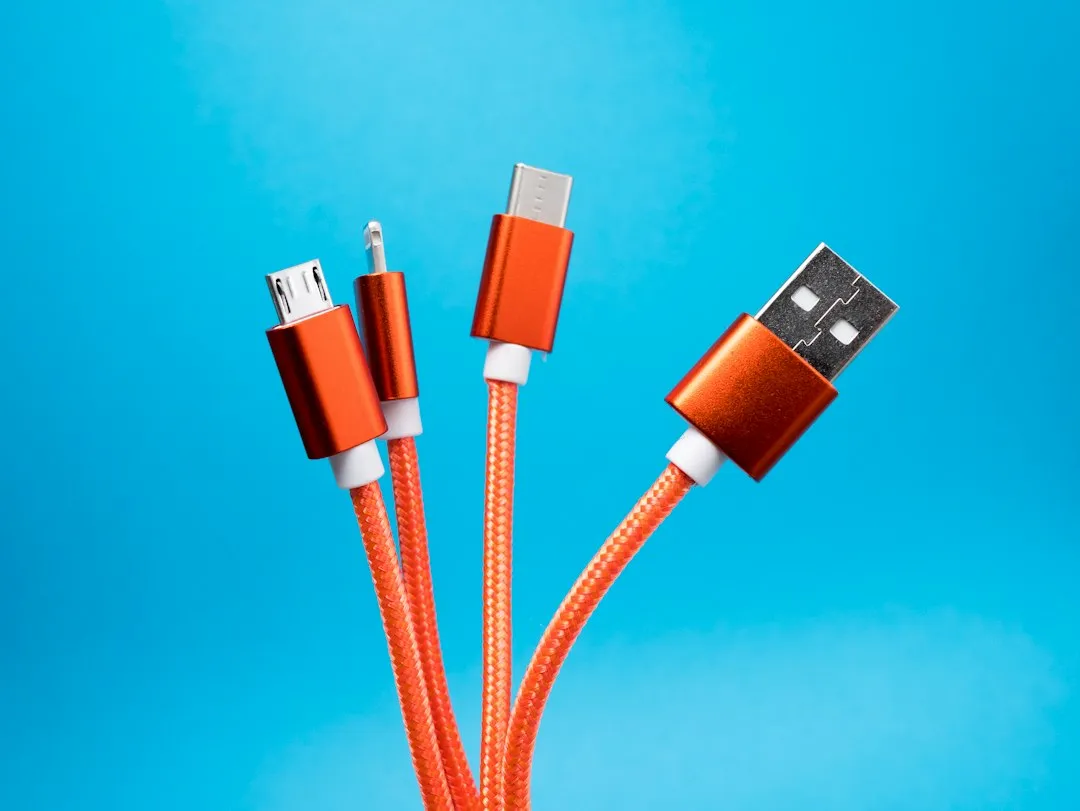
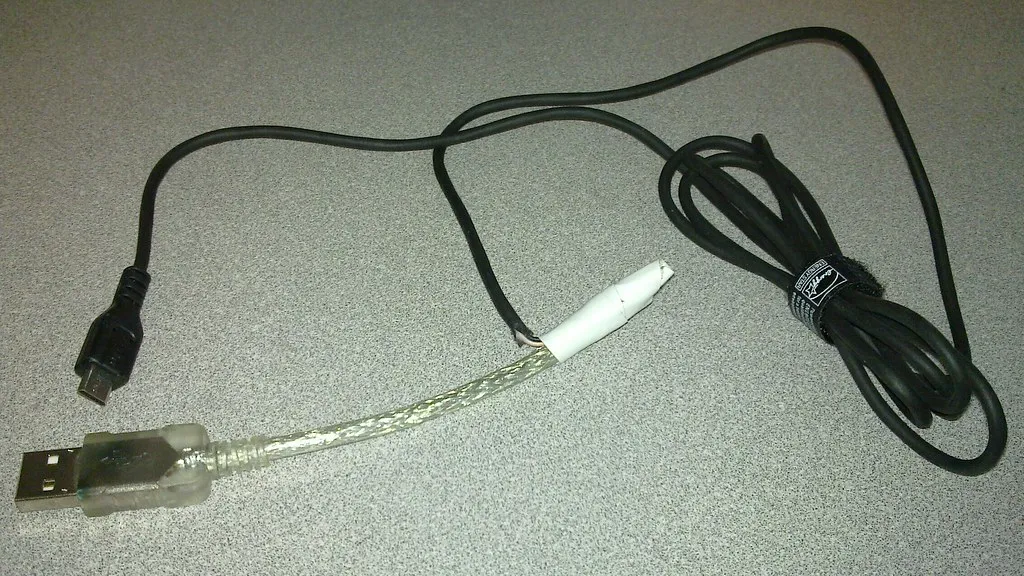
A newer variation doesn’t even require a tampered charging kiosk. Attackers leave behind innocent-looking USB cables in public places, sometimes branded, sometimes disguised as regular Apple or Android cables. Plug one in to charge your phone, and you’ve handed a hacker a backdoor into your device.
Even more troubling are so-called O.MG cables, malicious cables that look completely normal on the outside but contain microchips capable of injecting commands into a connected phone or laptop. Security researchers have demonstrated these cables can record keystrokes, redirect browsers, or download malware, all while appearing to be an ordinary charging cord. The lesson here extends beyond the charging port itself. Any cable found in a public space is worth treating with caution.
What the Evidence Actually Shows
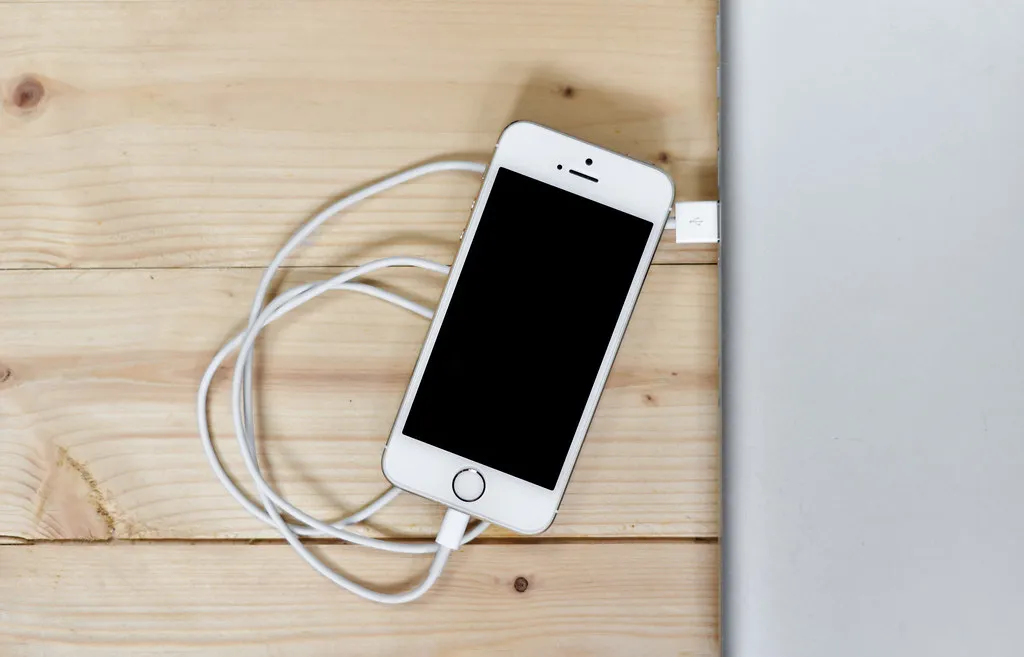
It’s worth being honest about where the evidence currently stands. Despite over a decade of warnings, there are still zero documented cases of juice jacking attacks in the wild. That’s a significant caveat. While it is technically possible for criminals to steal information and install malware via public USB ports, no evidence has been presented that the practice is widespread.
Juice jacking is technically possible, but publicly documented real-world cases remain limited. The 2023 FBI alert was a general security reminder rather than a response to a specific known incident. Still, the low cost of setting up such an attack changes the calculus a little. A malicious charging kiosk can be assembled for under $100, making it an accessible attack for even low-sophistication criminals.
Who Is Most Vulnerable
Most travelers face a relatively modest risk from a random public port. The picture shifts somewhat for certain groups. Business travelers frequently carry devices authenticated into cloud environments, proprietary internal networks, customer databases, and sensitive communications channels. Rushing through security checkpoints and managing tight schedules impairs security vigilance. Travelers prioritize convenience and immediate battery life over operational security.
Juice jacking tends to be more targeted at individuals rather than random opportunistic attacks on any traveler who plugs in. That said, it’s worth noting that targeted doesn’t mean rare. High-profile professionals, government employees, and frequent international travelers may present a more attractive target than they realize.
Airports Are Responding, But Inconsistently
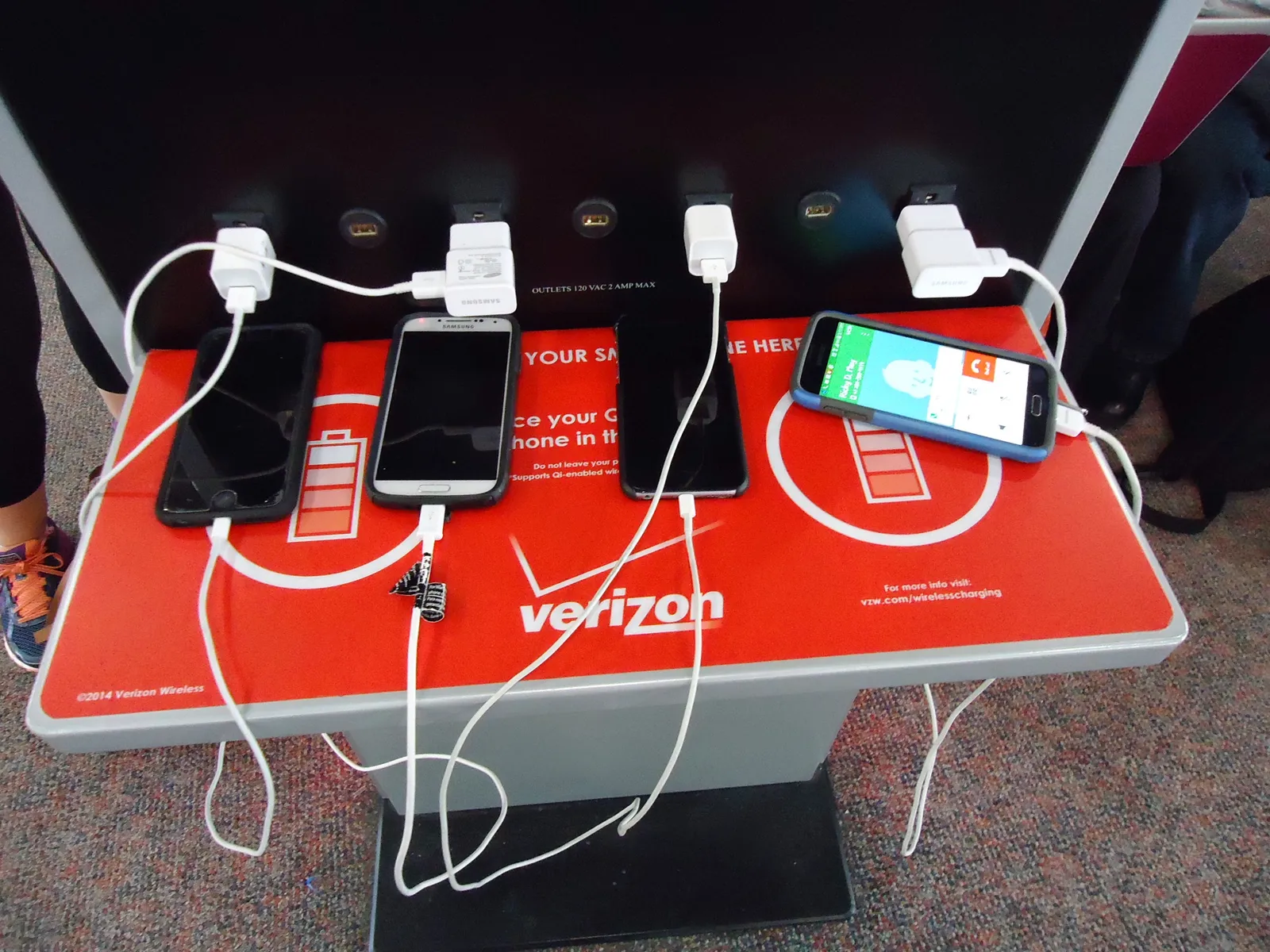
The Wayne County Airport Authority confirms that all public charging stations at Detroit Metropolitan Airport are power-only and not connected to any data networks. Other major hubs have taken similar steps. New York and New Jersey Port Authority airports, which operate the JFK, Newark, and LaGuardia locations, conduct regular inspections of charging stations for signs of tampering.
The challenge is consistency. Not every airport, train station, hotel lobby, or shopping center maintains the same standards, and there’s no universal certification travelers can rely on. When you’re in an unfamiliar terminal or a hotel corridor in another country, you have no easy way to verify what a charging kiosk is actually doing.
The Prompt You Should Never Ignore
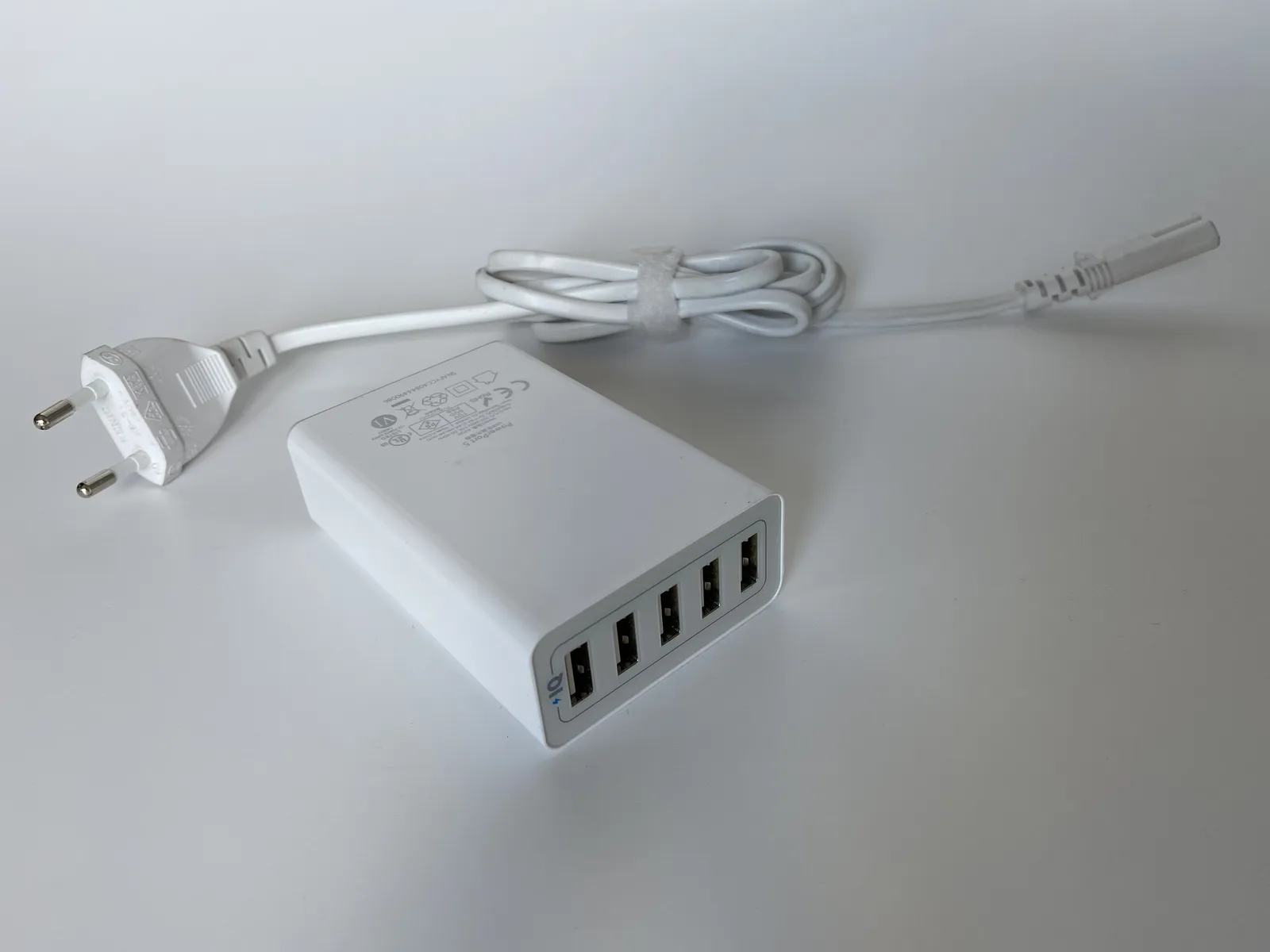
Modern iOS and Android operating systems have security features that require your explicit approval before your device can initiate USB data transfers. This is one of the more practical protections built into everyday devices. If you plug your device into a computer or an unfamiliar accessory, you’ll see a pop-up asking whether you trust the connection. If that message appears when you’re using a public port or shared charging station, the safest choice is to select “Don’t Trust.”
If you plug your device into a USB port and a prompt appears asking you to select “share data” or “charge only,” always select “charge only.” Many travelers dismiss these prompts without reading them, treating them as a routine confirmation. Taking two seconds to read that screen is one of the simplest defenses available.
Practical Defenses That Actually Work
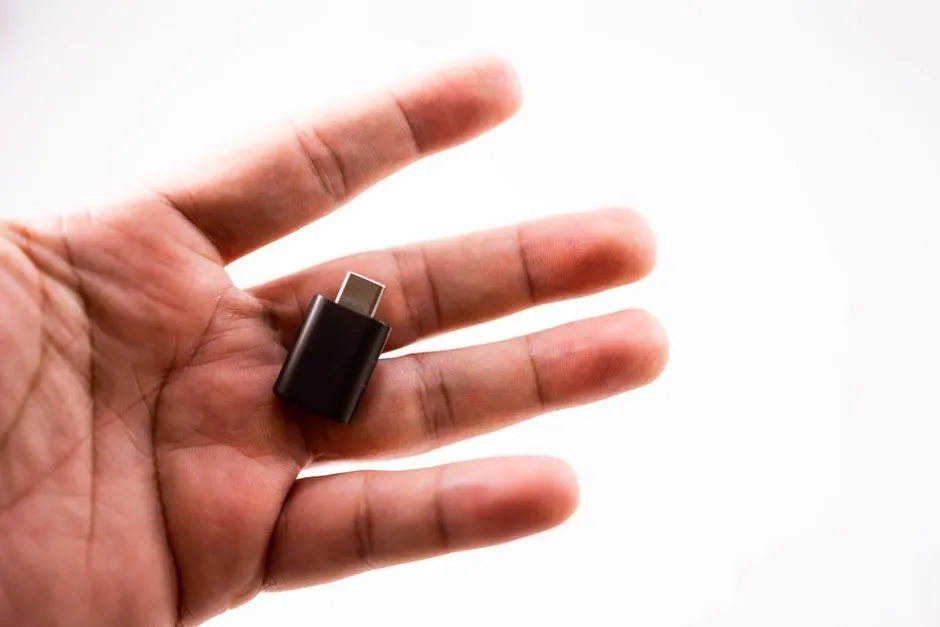
The most reliable solution requires no technical knowledge. Use your own charging block and plug into a standard electrical outlet, bring a portable battery or power bank to charge on the go, or buy a USB data blocker or charge-only cable, which allows power to flow but blocks data transfer. These three options together cover nearly every travel scenario.
Sometimes called a “USB condom,” a USB data blocker is a small device that allows power to pass through but blocks any data transfer. It’s an inexpensive and highly effective way to use public ports safely, if you must. They’re small enough to attach to a keychain and cost only a few dollars. It’s one of the lowest-effort upgrades a regular traveler can make.
Packing a Power Bank: What the Rules Say
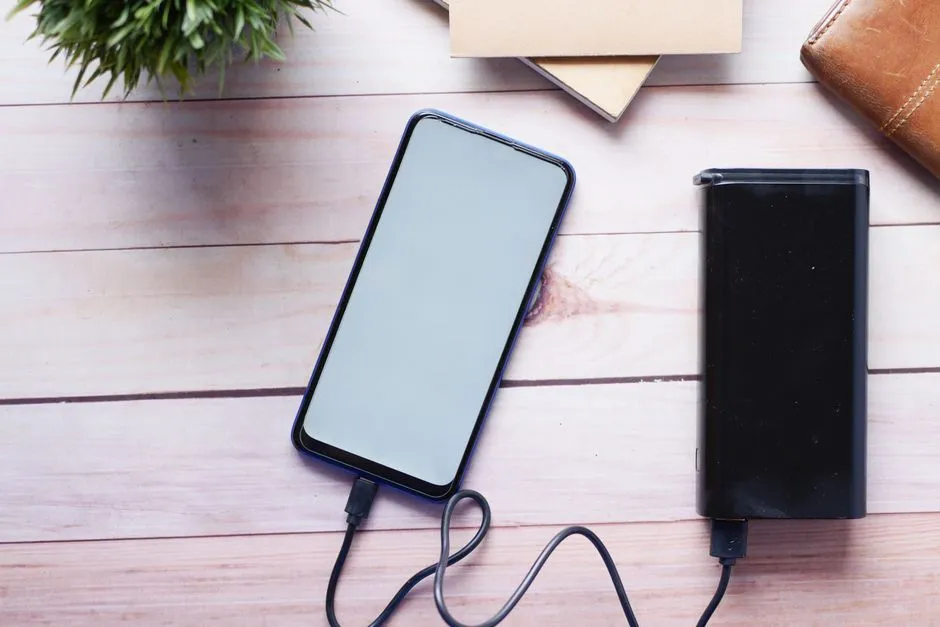
Portable chargers and power banks must meet TSA guidelines, meaning they must have a capacity of 100 watt-hours or less to be allowed on board. These devices must be packed in your carry-on luggage, as power banks are not permitted in checked bags due to fire risks associated with lithium batteries. This is a rule worth knowing before you get to the airport, not after.
Capacity limits cap most power banks at 100Wh for unrestricted travel, with higher amounts needing airline approval up to 160Wh. For most everyday travelers, a standard power bank well within that limit will handle a long-haul flight and a layover without any trouble. Charging your device from your own power bank is currently the cleanest solution available: no ports, no prompts, no risk.
The Takeaway
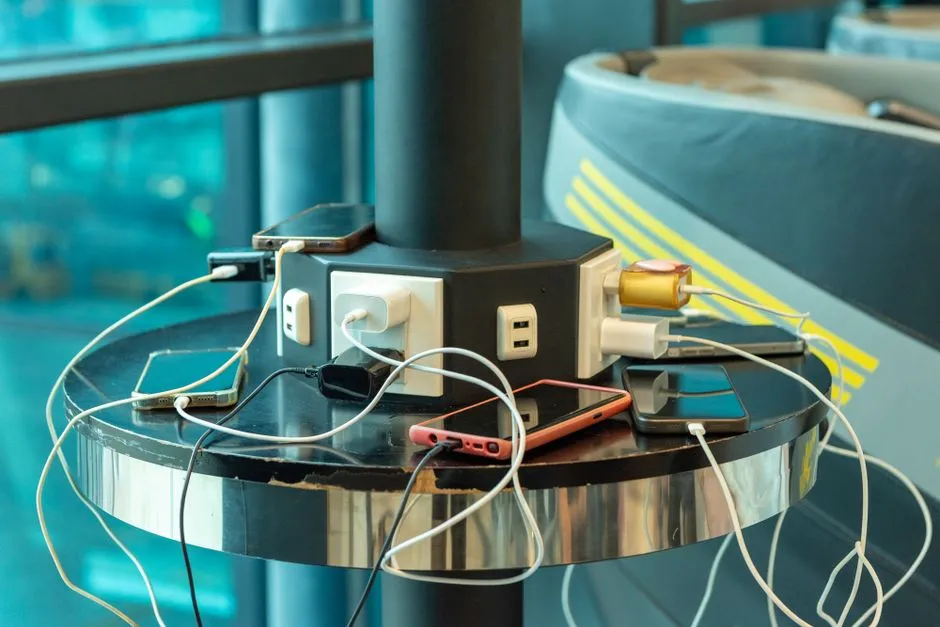
The habit security experts warn about isn’t exotic or complicated. It’s simply reaching for a public USB port without thinking twice. The risk, while not yet widespread, is technically real, officially recognized by federal agencies, and cheap enough for a motivated attacker to attempt. That combination deserves more than a casual shrug.
Carry your own charger. Keep a power bank in your bag. If you absolutely must use a public port, choose a USB data blocker and pay attention to what your screen is asking you. The threat may never land on your device, but forming the habit costs nothing and protects everything you’re carrying with you.
AI Disclaimer: This article was created with the assistance of AI tools and reviewed by a human editor.