
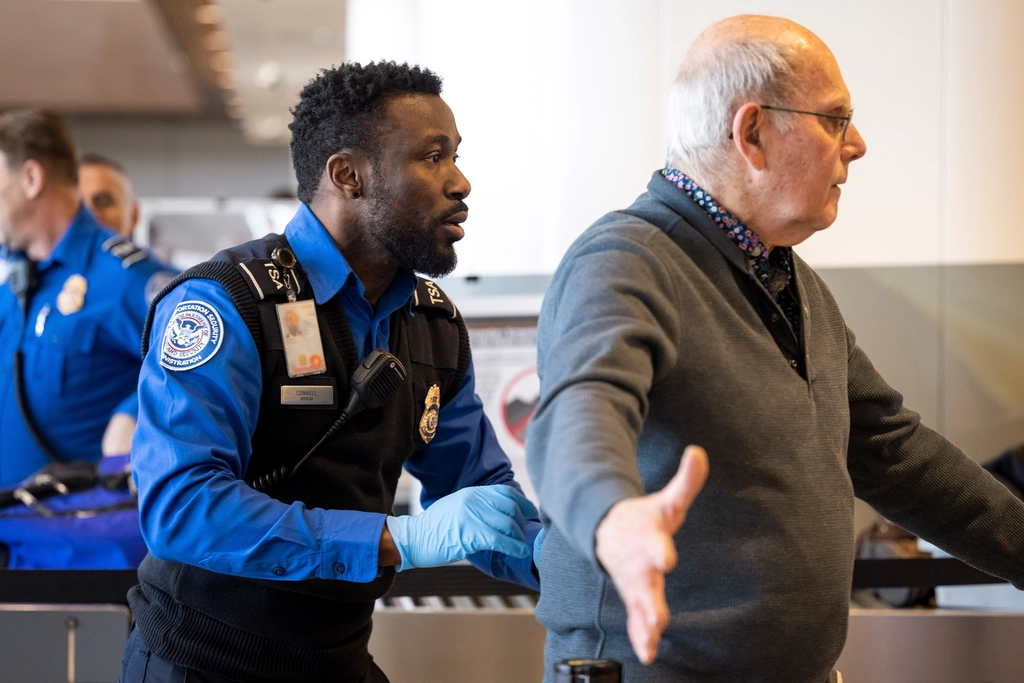

There’s a moment most travelers know well: the shuffle at the security belt, juggling a laptop, a jacket, a liquids bag, and a carry-on, while the line stacks up behind you and a TSA officer watches from five feet away. It’s one of the most reliably stressful minutes in air travel, and almost all of it is avoidable.
The TSA screened some 904 million passengers in 2024, along with 494 million checked bags and 2 billion carry-on items. With volumes like that, even small individual habits at the checkpoint ripple into meaningful delays for everyone. The good news is that TSA officers are consistent about what works – and the bin habits that move people through fastest are genuinely straightforward once you know them.
Prepare Before You Ever Touch a Bin
The single biggest mistake travelers make at the security belt is treating it as the place to figure out what they need to do. That moment of realization – “wait, do I need to take my laptop out?” – costs everyone in line behind you.
Prepare before you get to the belt: remove your laptop from your bag, have your liquids bag accessible, and empty your pockets while you’re waiting in line, not when you’re at the front. This one adjustment alone shortens your time at the belt considerably.
You can identify an experienced traveler because they start taking out their laptop or tablet from their bag and taking off accessories before arriving at the bins. Watch them and do the same.
Give Your Laptop Its Own Bin – Nothing Else in It
TSA officers will ask you to remove personal electronic devices larger than a cell phone from your carry-on bag and place them into a bin with nothing placed on or under them for X-ray screening. This is not a suggestion. It’s official TSA protocol, and it exists because a crowded bin forces the X-ray operator to slow down and recheck.
The laptop must be placed in a bin on its own without any other items present. Stacking your jacket on top of it, or sliding your phone underneath, creates the kind of visual clutter that the X-ray reader has to flag for a second look.
TSA loves an organized bag – it is easy to scan and identify threats. The same logic applies directly to your bin. Clean separation between items means the screener’s eye can process each one instantly.
Keep Your Liquids Bag at the Very Top of Your Carry-On
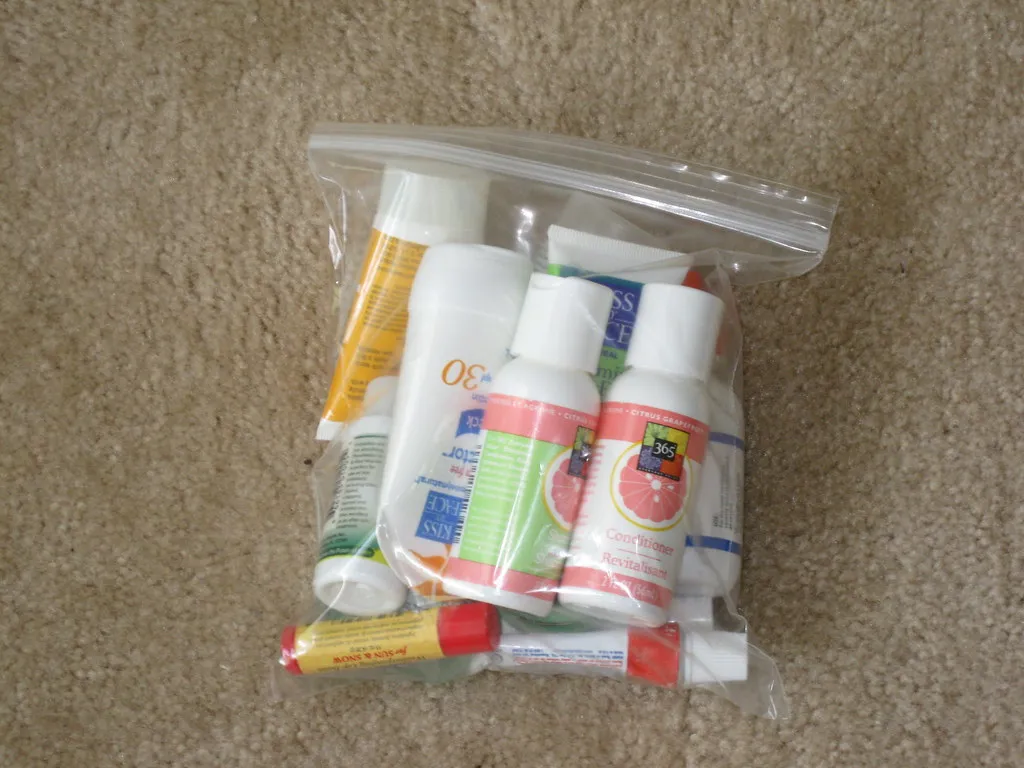
Place your 3-1-1 bag with liquids, gels, and aerosols in the front pocket of your carry-on for accessibility. This is straight from the TSA’s own travel checklist, and it’s one of those details that separates people who breeze through from those who end up repacking an entire bag at the belt.
The TSA’s 3-1-1 liquids rule allows passengers to bring liquids of 3.4 ounces (100 milliliters) or less in a one-quart-sized resealable plastic bag, with each passenger allowed one such bag in their carry-on luggage. Having it buried at the bottom of a full bag will get you pulled aside every time.
If you carry larger bottles that aren’t in a regulation-size bag, your items may be confiscated and your bags will have to be rescanned, costing you precious time. Pack it right before you leave home, not as an afterthought at the airport.
Don’t Cram Everything Into One Bin
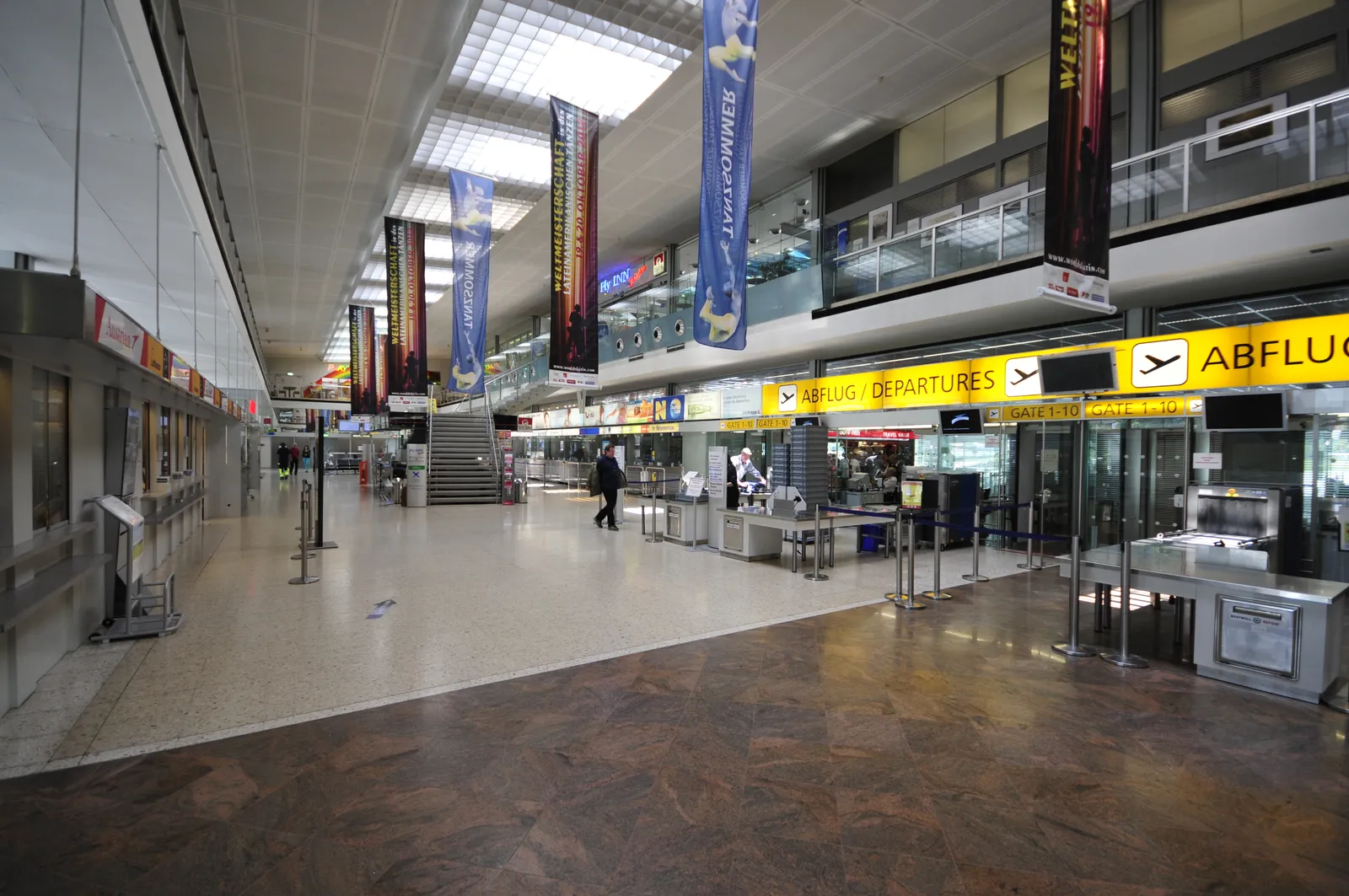
There’s a natural instinct to consolidate – fewer bins means less to manage, right? At a security checkpoint, that logic works against you. Don’t try to cram everything into one bin: a cluttered bin slows down the X-ray operator just as much as a poorly packed bag.
Bags get flagged when TSA agents can’t tell what they’re looking at on screen. Dense, messy packs trigger more manual inspections. Each manual inspection pulls an officer away from the line and slows everyone down.
There’s no limit on the number of bins you use, and they cost nothing. Use as many as you need to keep things flat, visible, and separated by category.
Empty Your Pockets Before You Even Step Up
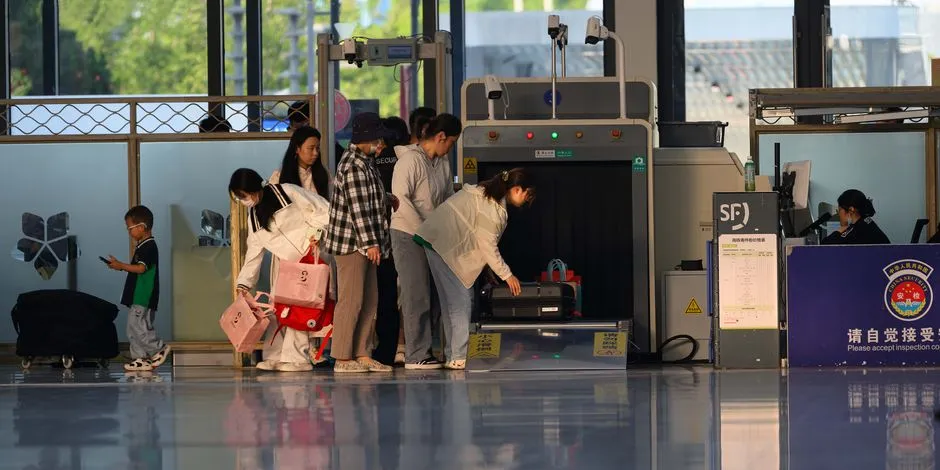
You need to ensure pockets are empty – keys, tissues, currency, wallets, and cell phones all need to come out. Walking through the scanner with a phone or keys in your pocket means an automatic alarm, a mandatory wand scan, and lost time.
The better strategy is to put all pocket items into your carry-on or personal item before you approach the belt – that way nothing extra needs to go in a separate bin. It keeps your bin count down and your movement through the scanner smooth.
Be careful when adding small items to an X-ray belt bin. Keys, phones, and small items can fall between the belt rollers. Retrieving such items means the belt has to stop, slowing down the line and causing frustration for TSA agents and fellow passengers.
Keep Electronics Accessible – and Grouped Together

TSA asks that you remove personal electronic devices larger than a cell phone and place them in a bin. Common examples include laptops, tablets, e-readers, and handheld game consoles. If you have more than one of these, each one needs clear space in the bin.
Both handheld and full-size gaming consoles must be removed from carry-on bags at the TSA security checkpoint, as gaming consoles fit into the definition of all electronics larger than a smartphone that must be separately screened under rules that took effect in 2017. Many travelers don’t realize this until they’re already at the belt.
Consider packing all of your electronics in a single compartment so they can be easily removed for screening. It sounds simple because it is – yet it’s among the most commonly missed preparation steps.
Organize Your Bag So the X-Ray Image Is Readable
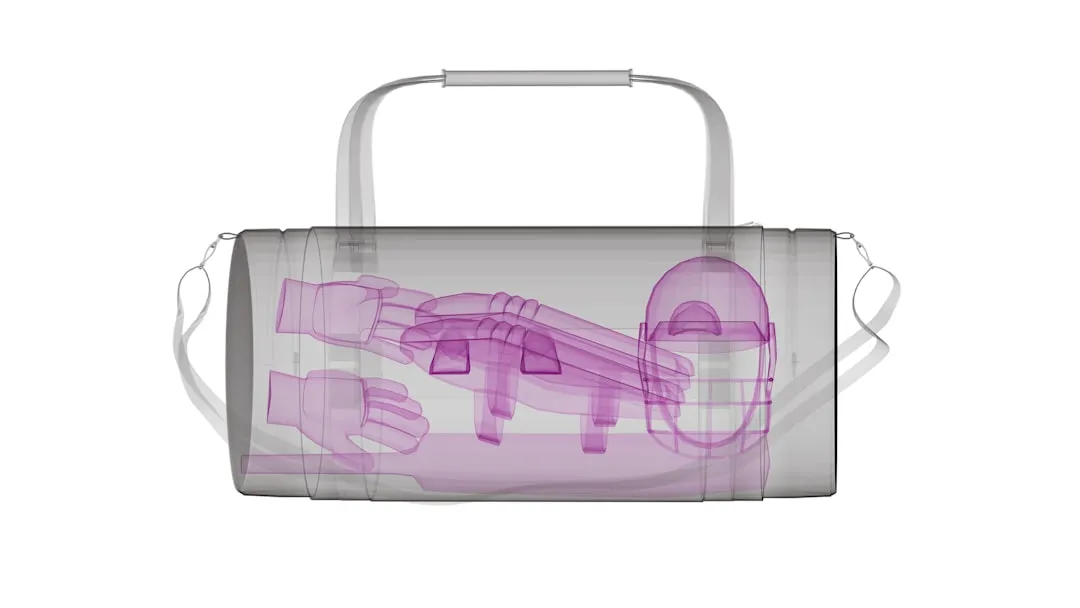
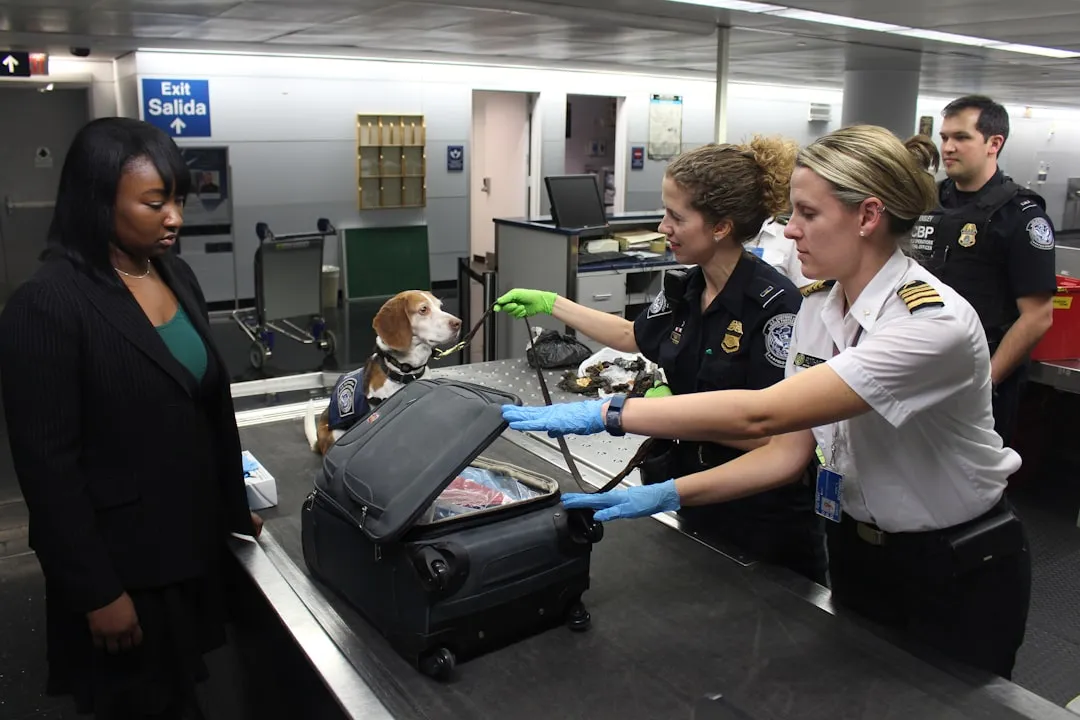
TSA officers may instruct travelers to separate items from carry-on bags such as foods, powders, and any materials that can clutter bags and obstruct clear images on the X-ray machine. When something looks ambiguous on screen, a hand search follows. Hand searches take minutes, not seconds.
TSA recommends keeping your bag organized to help ease the screening process, as it takes time for TSA officers to make sure a jam-packed, cluttered, overstuffed bag is safe. That time comes directly out of the line’s momentum.
An excellent way to organize is to use packing cubes and pack items in layers, with things used the least going on the bottom of the bag and documents on the top. The goal is for every layer to be legible at a glance on the X-ray screen.
Shoes Can Stay On Now – But Know the Exception
One of the biggest checkpoint changes in years happened quietly in the summer of 2025. As of Tuesday, July 8, 2025, the TSA no longer requires passengers to remove their shoes when passing through security checkpoints nationwide. This affects standard lanes, not just PreCheck travelers.
Homeland Security cited advances in screening technology and a multi-layered security system as the reason the rule is now unnecessary. The change was formally announced by the Department of Homeland Security and took effect immediately across participating airports.
The only exception is for those who are unable to present a REAL ID, as those passengers are subject to extra screening. So if your driver’s license isn’t REAL ID compliant, expect a more involved process at the checkpoint.
Know What the X-Ray Flags – and Pack Around It
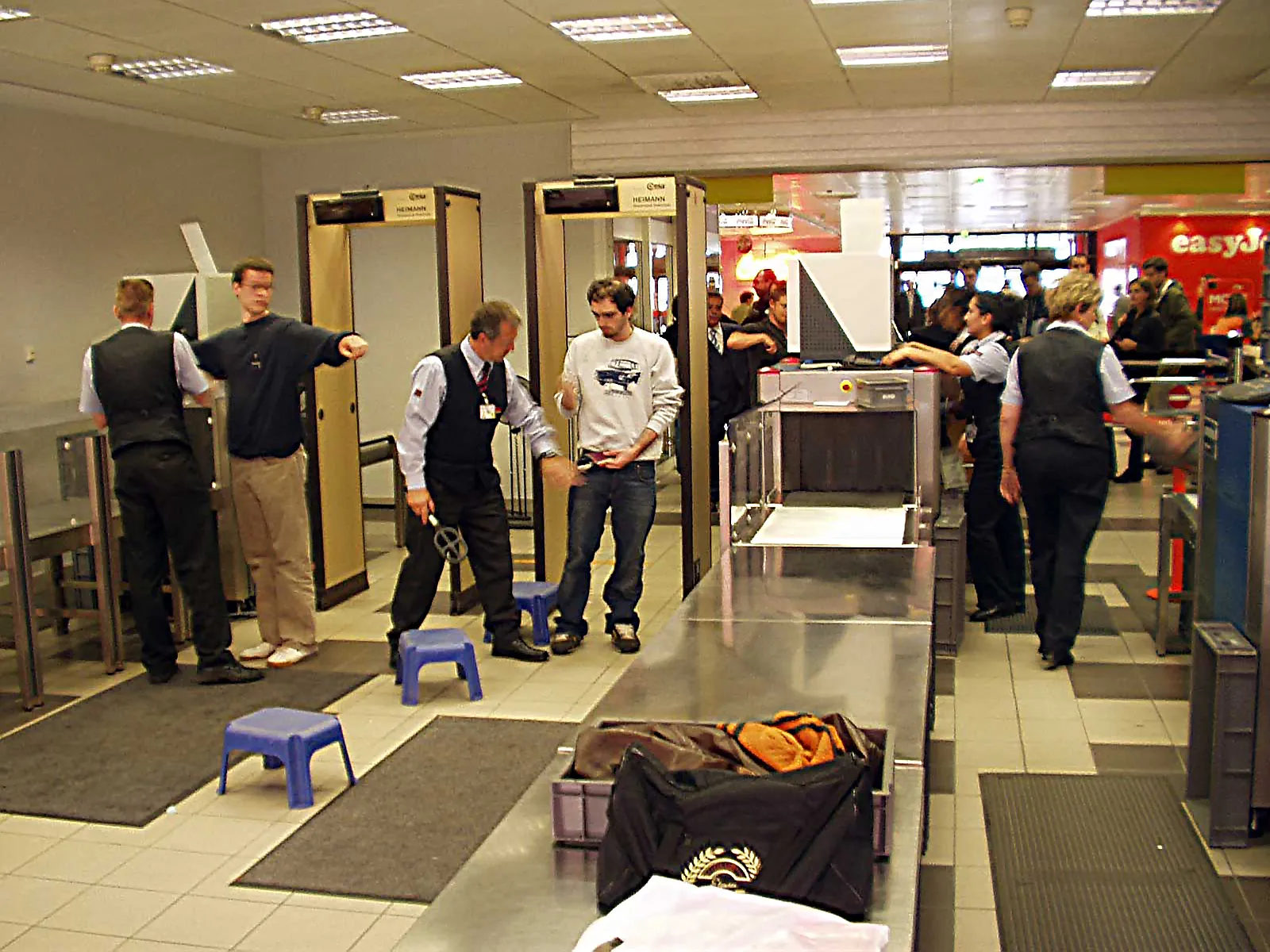
You may be asked to remove snacks and powders for additional inspection, so be prepared for those items to be screened in more detail. Dense powders like protein supplements, coffee, or dry shampoo can look suspicious under X-ray and often trigger a closer look.
In most cases, food or snacks such as fruit, health bars, and sandwiches can stay inside your carry-on bag. Still, placing snacks in an outer pocket rather than packed tightly among electronics makes scanning faster and reduces the likelihood of a secondary check.
Firearms found at checkpoints are a consistent issue. Nine times out of ten, the person just forgot the firearm was in their bag. The vast majority of these incidents are unintentional, but they happen quite frequently. Starting with an empty bag before each trip, as TSA officially recommends, is the most reliable way to avoid this.
Consider TSA PreCheck If You Fly More Than Twice a Year
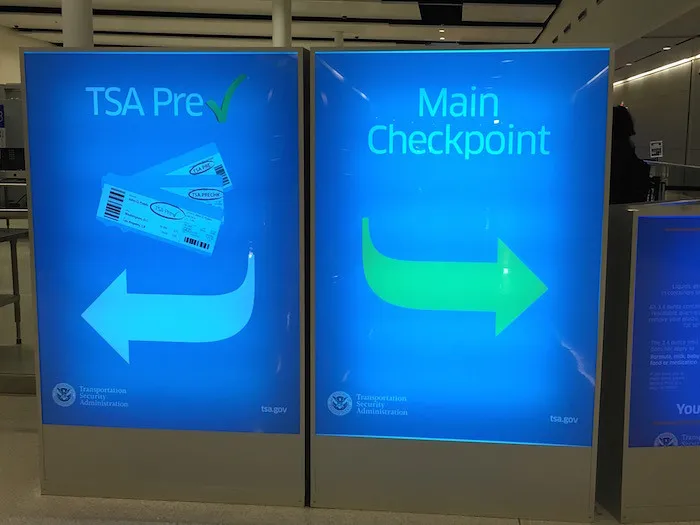
According to the TSA, roughly nine out of ten TSA PreCheck travelers wait in line for less than five minutes. That’s a meaningful difference compared to standard lanes, especially during peak travel periods.
TSA PreCheck has surpassed 20 million members, part of more than 40 million people enrolled across all DHS Trusted Traveler programs. PreCheck lanes are designed to keep waits under 10 minutes, versus a 20-minute target for standard lanes. Those design targets reflect real operational priorities at checkpoints.
Membership in TSA PreCheck allows travelers to use an expedited airport security line where they don’t need to remove their shoes or take laptops and liquids out of carry-on bags. For regular flyers, that convenience adds up quickly across a year of travel.
The Takeaway
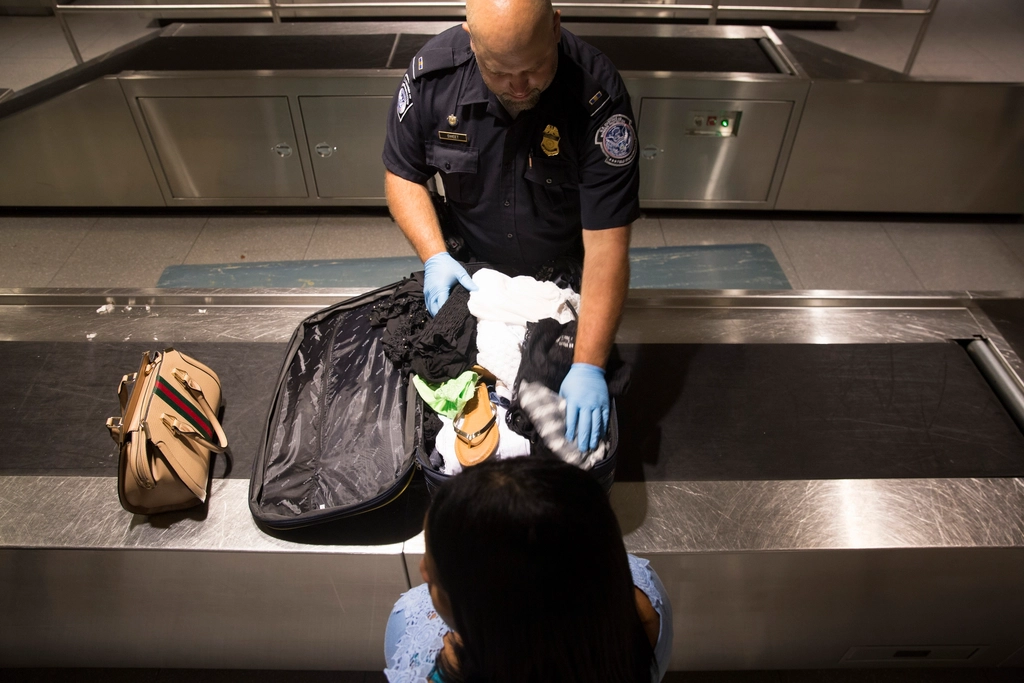
The bin habits that move you through the fastest share a common thread: they all involve doing the thinking before you reach the belt, not at it. Knowing the rules, packing to make the X-ray image clean, keeping mandatory removals at the top of your bag, and using as many bins as you actually need – none of this is complicated.
Every significant delay at airport security comes from one of three things: wrong documents, a flagged bag, or a slow routine. Fix those, and you’re through in under 10 minutes on most days – with or without PreCheck.
The checkpoint is not the place to improvise. A few minutes of preparation at home saves you far more than that on the other side of the scanner – and makes the experience a little less stressful for everyone in line behind you, too.
AI Disclaimer: This article was created with the assistance of AI tools and reviewed by a human editor.