
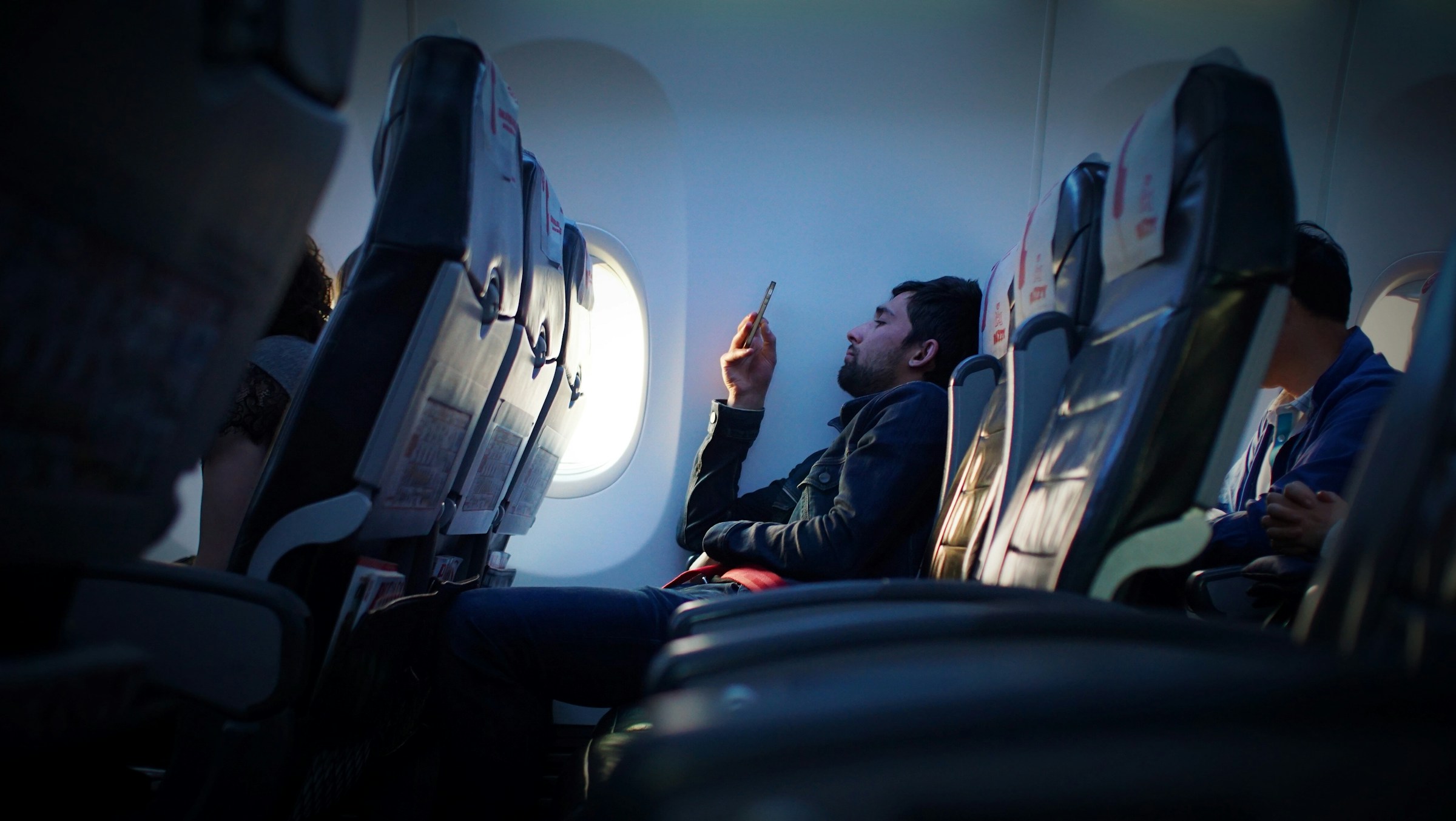

Most people tap that little plane icon out of habit, barely a second thought before tucking their phone away for takeoff. The cabin crew announces it, the seatback card confirms it, and the whole ritual feels settled and understood. Except it isn’t, not quite.
Airplane mode is one of those features that seems simple on the surface but hides a surprising amount of nuance underneath. What it actually does, what it leaves untouched, and why regulators still require it even when the science is less alarming than many assume – all of it is worth knowing before your next flight.
The Basic Definition Isn’t the Whole Story
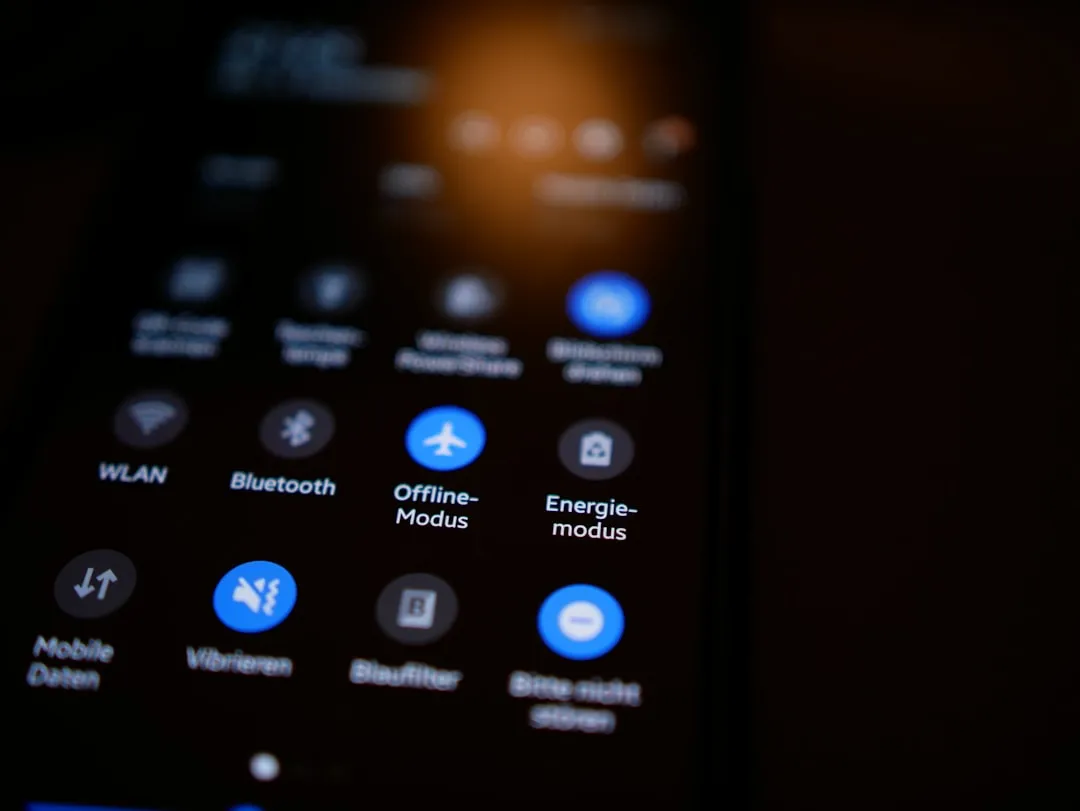
Airplane mode is a setting on phones, tablets, and other wireless devices that shuts down all radio-frequency communication so the device won’t send or receive signals during a flight. That sounds comprehensive, like a total blackout for your phone’s wireless activity. The reality is messier and more flexible.
The most critical component that airplane mode disables is your phone’s cellular radio transmitter, the system that constantly searches for nearby mobile towers. Everything else – including Wi-Fi and Bluetooth – is switched off by default, but not permanently locked. You can turn them back on manually while the mode remains active, and that changes the picture considerably.
Wi-Fi Can Still Work in Airplane Mode
Wi-Fi and Bluetooth can be manually re-enabled after activating airplane mode, which is why you can still use in-flight internet and wireless headphones. This surprises many travelers who assume the mode creates a complete digital silence. It doesn’t. It creates a cellular silence.
You can manually turn Wi-Fi back on while still in airplane mode. This is useful for in-flight internet or using a travel eSIM. Most airlines now offer in-flight Wi-Fi, which you can use by re-enabling Wi-Fi while airplane mode stays active. The key requirement is keeping the cellular radio off, not every radio on the device.
Bluetooth Follows the Same Logic
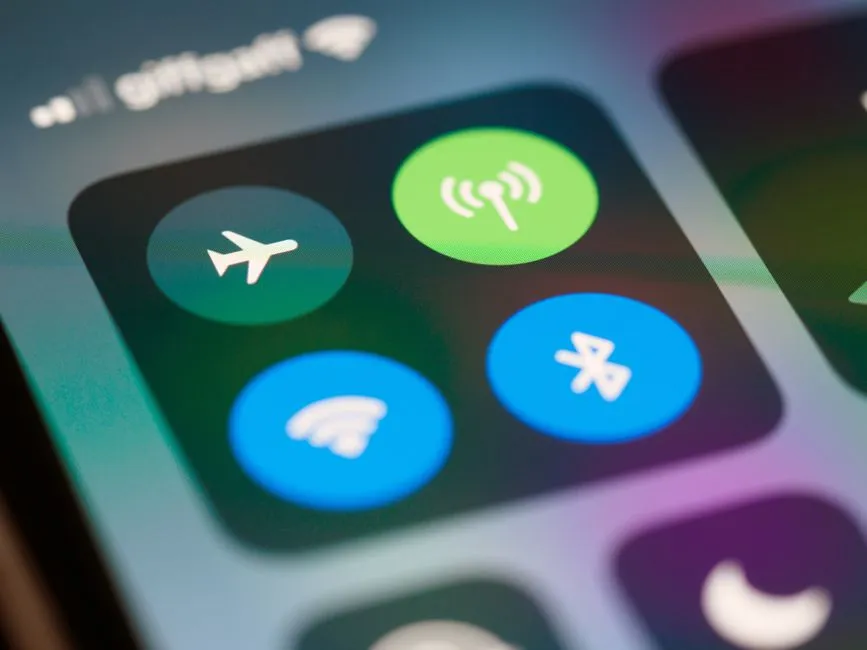
Even though Bluetooth gets turned off automatically, you can manually turn it back on without turning airplane mode off. This is exactly how people use wireless headphones, keyboards, or other devices during a flight. Most travelers don’t realize this is entirely allowed and genuinely common.
As long as your airline allows it, and most do, it’s perfectly safe and common to use Bluetooth in airplane mode. Many passengers use it to connect to airline entertainment systems or their own headphones during the flight. Most modern aircraft now offer Wi-Fi and allow Bluetooth in airplane mode. In fact, some even let you pair your own headphones directly to the in-seat screen via Bluetooth.
Your Phone Remembers Your Settings
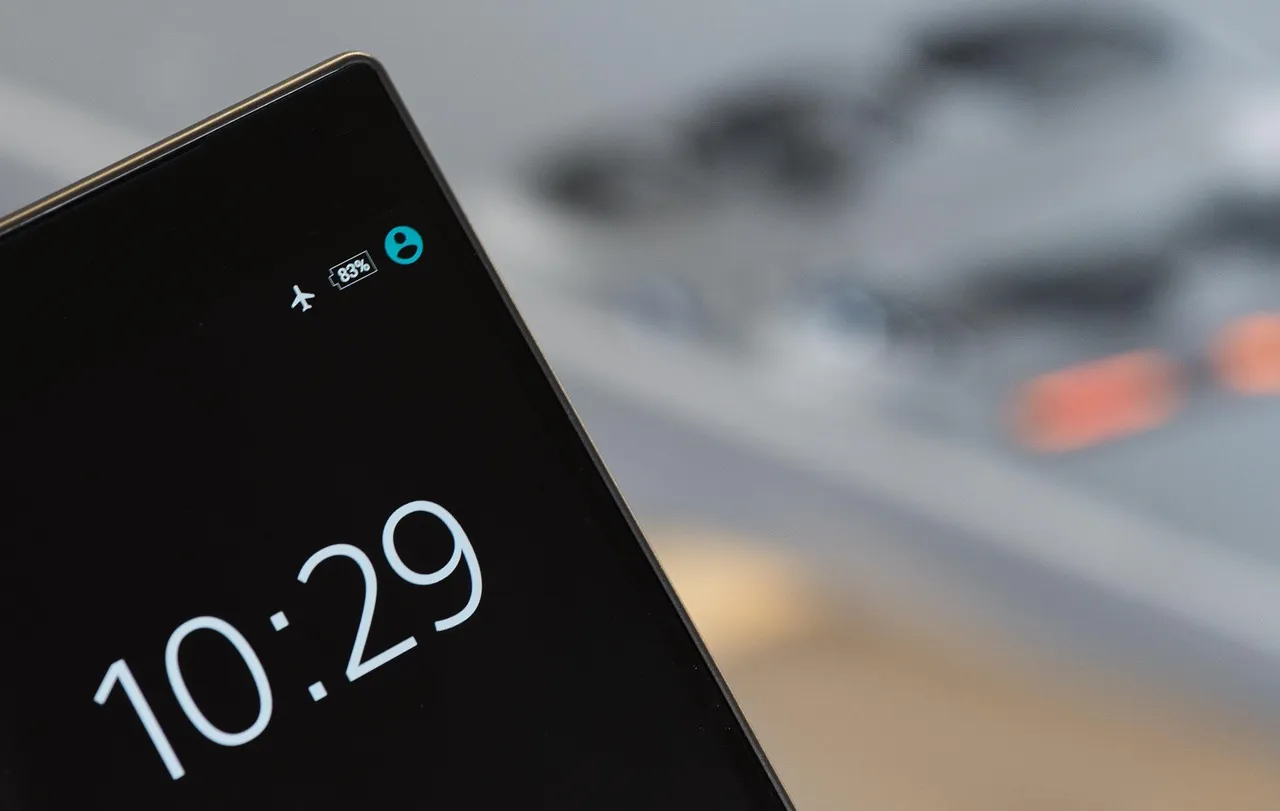
Here’s something that catches travelers off guard. Airplane mode retains the last-used state of wireless settings. For example, if Wi-Fi or Bluetooth was manually turned on while in airplane mode previously, they will remain enabled the next time you activate airplane mode unless manually disabled.
Whether you have Bluetooth and Wi-Fi both on or both off, or one enabled and the other disabled, your Android phone will remember how you had the settings the last time airplane mode was enabled. The next time you turn on airplane mode, the phone will return to that configuration. This means your device might not be in the strict “all radios off” state you assume it’s in.
GPS Is a Different Animal Entirely
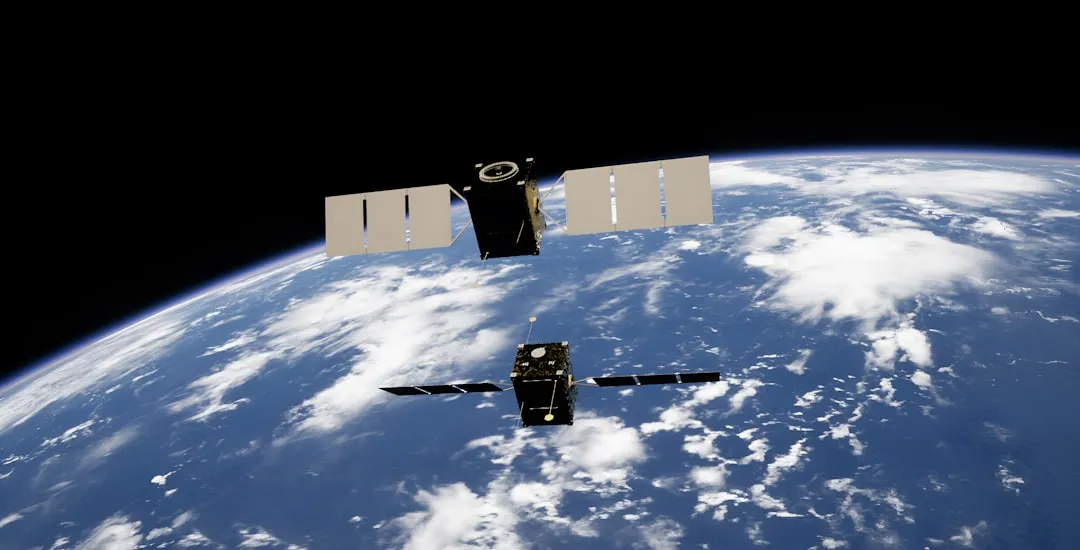
GPS, however, is not disabled by airplane mode. It continues to function because it only receives satellite signals and doesn’t transmit data. This distinction matters more than most people appreciate. Receiving a signal is fundamentally different from broadcasting one.
Airplane mode doesn’t disable GPS. GPS only receives signals from satellites and doesn’t transmit anything, so it keeps working. However, it might take longer to lock onto your location without help from Wi-Fi or mobile networks. Travelers who download offline maps before a flight can still navigate on the ground using GPS, even with airplane mode fully active.
The Interference Concern Has More Nuance Than You’d Expect

Modern aircraft use shielded electronics, and studies found no significant electromagnetic interference from mobile devices, even on older planes. 5G phones operate on tightly regulated frequencies far from aviation bands used for VHF communication. The picture that emerges from the evidence is more reassuring than the announcement overhead would suggest.
The consensus in 2025 is that cellular signals pose little to no threat to aircraft systems, especially in newer planes. The continued requirement for airplane mode is less about proven dangers and more about regulations, precaution, and a desire to avoid any risk or distraction. That doesn’t mean you should ignore the rule; it means the reasoning behind it is more layered than pure physics.
Ground Networks Are Actually a Bigger Concern

There’s a less-discussed reason for the airplane mode requirement that has nothing to do with cockpit instruments. Picture a plane cruising at 35,000 feet, moving at 500 mph. Your phone, searching for a signal, doesn’t just connect to one cell tower. It pings multiple towers as you zip across regions. This creates a flood of handoff requests that ground networks aren’t designed to handle efficiently.
Mobile phones transmit at a much higher power level than Wi-Fi, typically around three watts versus one hundred milliwatts for Wi-Fi, increasing the risk of interference with the aircraft’s onboard systems. Transmitting from the air can also cause problems for the mobile network itself. Your phone will be heard by multiple base stations and will upset the way the cell structure works.
Rules Differ Significantly Across Regions

In the United States, both the Federal Aviation Administration and the FCC continue to enforce rules requiring cellular signals to be turned off during flight. The FAA’s official policy is that devices must be used in airplane mode or with the cellular connection disabled while airborne. This is federal regulation, not just airline preference.
In 2022, Europe approved the use of cellphones on planes through 5G connectivity for calls and data usage. The EU decision is in sharp contrast to the stance of U.S. authorities. Regulators have begun to update their guidance as technology evolves, but not all countries are moving at the same pace. For international travelers, it’s worth knowing which regime applies to each leg of a journey.
Airplane Mode Has Real Value Beyond the Cabin
Over time, airplane mode has evolved far beyond aviation. People now use it for various reasons like saving battery, improving charging speed, or cutting distractions. The feature has quietly become a general-purpose tool for anyone who wants to take a temporary step back from connectivity.
In areas with weak cellular coverage, the radio broadcasts at maximum power searching for towers. Airplane mode stops this and extends battery life by twenty to forty percent in low-coverage environments. If you’ve ever landed in another country and received a flood of roaming notifications, or come home to a surprise bill, you know how fast international data can rack up. Airplane mode, used strategically on the ground, can prevent exactly that.
Airplane Mode vs. Turning Off Data Roaming: They’re Not the Same
Airplane mode and data roaming off are not the same setting. Most travelers reach for airplane mode when they only need data roaming off. The wrong choice costs you Wi-Fi, calls, and GPS for no reason. This is one of the most common and genuinely costly misunderstandings among frequent fliers.
Airplane mode blocks all wireless signals including cellular, Wi-Fi, and Bluetooth. Data roaming off only blocks cellular data on foreign networks. For roaming avoidance, you only need to disable data roaming. Wi-Fi does work in airplane mode. A lot of people using airplane mode to avoid roaming worry that since using data causes roaming charges, Wi-Fi must too, but this is not the case.
The Takeaway

Airplane mode is a genuinely useful tool, but it works best when you understand what it actually does rather than what you assume it does. It silences your cellular radio. It doesn’t necessarily silence everything else, and that gap between assumption and reality has real consequences for how you manage your device, your data, and your travel costs.
The next time you tap that plane icon, take a moment to check which other radios are still quietly running in the background. You might find your Bluetooth headphones still paired, your Wi-Fi hunting for the gate’s network, or your GPS holding a fix on your location. None of that is a malfunction. It’s just the full, more complicated picture of a feature most travelers have never quite seen clearly.
AI Disclaimer: This article was created with the assistance of AI tools and reviewed by a human editor.