


There’s a quiet ritual that experienced travelers share. Before they lock their phones, before they step off a plane, before they hand their passport to customs, they take a screenshot of one thing: their hotel address. It seems almost too simple to matter. It matters enormously.
The reason isn’t paranoia. It’s pattern recognition. Anyone who has traveled enough has hit at least one moment where the phone has no signal, the Wi-Fi won’t connect, and the taxi driver is waiting with his hand out. In that moment, a screenshot is worth more than any app subscription you’ve ever bought.
Your Phone Doesn’t Care That You Just Landed

International roaming issues can quickly turn travel convenience into frustration, covering activation errors, SIM or eSIM problems, network incompatibility, and device settings that simply fail to cooperate. You can be standing at a perfectly functional international airport and still have a phone that refuses to connect to a local network. It happens to experienced people, not just first-timers.
Roaming relies on local networks, which may not have the same level of coverage as your home carrier. In rural or remote locations, connectivity issues can leave you stranded without internet access, and travelers can be caught out with no signal if their domestic provider has no partner networks in the destination region. That gap between “should work” and “actually works” is exactly where the screenshot earns its place.
The CrowdStrike Lesson Nobody Expected

On July 19, 2024, cybersecurity company CrowdStrike distributed a faulty update to its Falcon Sensor security software that caused widespread problems with Microsoft Windows computers. Roughly 8.5 million systems crashed and were unable to properly restart, resulting in 5,078 flights globally, or about 4.6 percent of those scheduled that day, being cancelled. For a single day, digital travel infrastructure simply stopped working at scale.
Major hotels, including Marriott International and some Hiltons, were impacted both in regard to payment processing and delays to check-in processes. This was a vivid real-world demonstration that even the most polished hotel booking apps, airline portals, and mapping services can be wiped out simultaneously. According to a July 2024 survey, roughly a third of U.S. adults who had flights on the day of the global internet outage had their travel affected by the event.
Taxi Drivers Don’t Always Speak Your Booking Platform’s Language

Here’s a practical scenario that plays out in cities from Bangkok to Buenos Aires: you’re in a cab, the driver has no idea what “click here for hotel details” means, and the app won’t load the address because it requires a live connection. A screenshot with the hotel name, exact address, and even a nearby landmark printed clearly on the screen solves this in seconds.
Approximately four out of five travelers now prefer digital navigation tools due to their reliability and ease of use, with the vast majority opting for digital over paper maps. That reliance is a strength in most situations. In the moments when connectivity fails, it can become a liability, unless you’ve planned a workaround.
Offline Maps Are Useful, But They Need a Destination
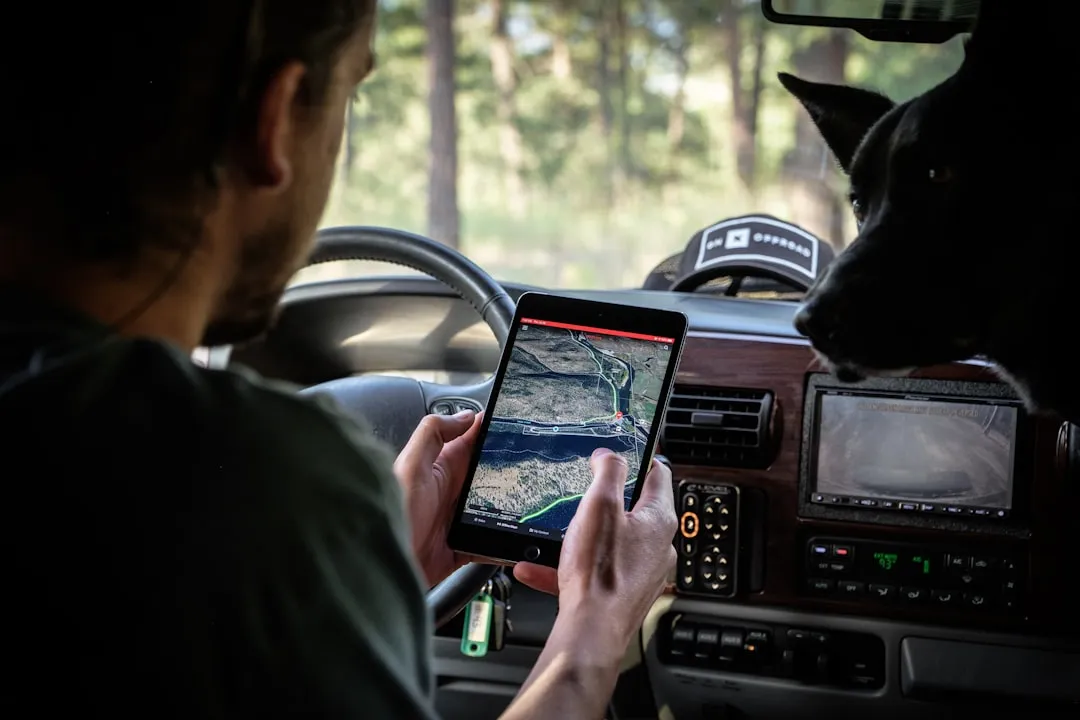
Offline maps are crucial for reliability because they are free from the constraints of cellular networks and Wi-Fi hotspots, and are essential when navigating in areas with poor connectivity. Apps like Google Maps allow you to download entire regions in advance, which is genuinely helpful. The catch is that an offline map still needs coordinates or an address to navigate toward.
Google Maps supports downloading entire regions for offline use, including turn-by-turn directions. Users can pre-download maps before traveling to areas with anticipated connectivity limitations, enabling full navigation functionality without data access. A screenshot of your hotel address paired with a pre-downloaded offline map is a complete, self-contained navigation system that works even without a single bar of signal.
Background Data Drain Is a Hidden Threat
The default settings on your smartphone can lead to unintentional data usage while roaming. Background app updates and notifications can consume significant data unnoticed. Many travelers unknowingly exhaust their data plan within the first hour of arriving at a destination, simply because their phone is syncing emails, updating apps, and refreshing social feeds in the background.
A significant number of travelers, approaching roughly four in ten, seem to overlook adjusting their digital habits while abroad. This can lead to unwelcome surprises on their data bills, particularly in countries with high roaming charges. Once data is gone, so is your ability to look up directions on the fly. The screenshot is already there, unchanged, requiring nothing.
Screenshots Work When Your Battery Is Near Zero
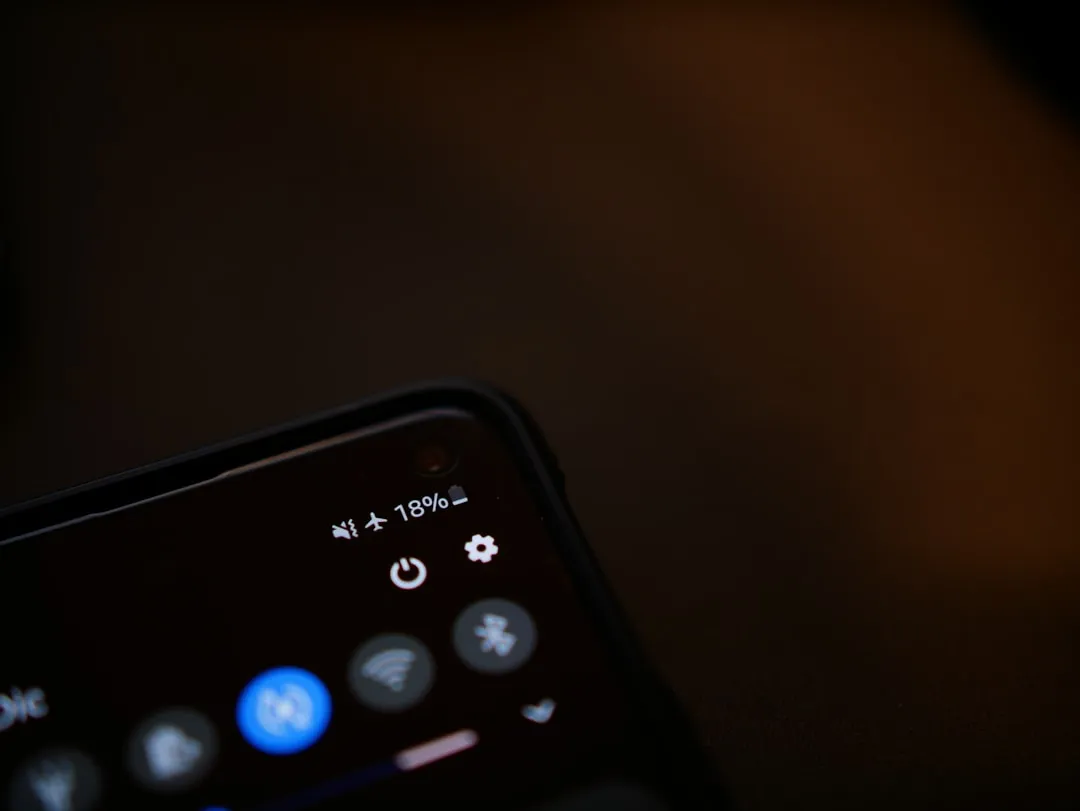
Battery life is a key concern for travelers. Running GPS apps can drain power quickly, especially when offline maps are in constant use. A device running on five percent battery will often struggle to load a mapping app or authenticate a booking confirmation. Pulling up a screenshot, on the other hand, takes almost no processing power and works instantly.
Even the best offline map apps can have errors or missing details, particularly in rural areas or developing regions. Travelers should always carry a backup option, whether that’s a paper map, screenshots of a route, or directions saved in another app. This simple precaution prevents getting lost if your device fails. Screenshots are that backup, and unlike a paper map, they’re always in your pocket.
Hotel Check-In Goes Faster With the Right Information Ready

Many hotel check-in desks, especially at smaller boutique properties and guesthouses, have limited staff. Arriving with your confirmation number, your name, and the exact hotel address already visible on your screen removes a layer of friction from the process, especially if there’s a language barrier involved.
Roughly seven in ten of all online traffic for travel and hospitality websites in 2024 came from mobile devices. Most travelers are managing their entire trip through a phone, which makes any moment of phone failure a more serious disruption than it would have been a decade ago. The screenshot habit is a small acknowledgment of that dependency.
Emergency Situations Demand Instant Information

If you’re in an unfamiliar city and something goes wrong, whether that’s a medical situation, a theft, or simply getting separated from your travel group, being able to show someone your hotel address immediately is genuinely important. Emergency responders, locals trying to help, and taxi drivers all need the same thing: a clear address.
In the wake of the global IT outage in July 2024 that disrupted thousands of flights worldwide, airline passengers from several states found themselves facing canceled and delayed flights along with unexpected hotel costs. Travelers who had their accommodation details saved offline navigated those chaotic hours more smoothly than those who depended entirely on apps that weren’t loading.
The Screenshot Should Include More Than Just the Name

A smart hotel screenshot captures the full street address including postal code, the neighborhood name, the hotel’s phone number, and ideally a note about which district or transit zone it’s located in. Hotel names in major cities can be deceptively similar, and more than a few travelers have ended up at the wrong location because they only saved a partial name.
Using offline maps or pre-downloading content can be smart ways to reduce data consumption. In many cases, opting for local SIM cards or eSIMs specifically designed for international travel is a good approach to avoiding astronomical roaming fees and allowing for a seamless connected experience. Even with those smart choices in place, a screenshot of the full address remains your most immediate and reliable fallback.
It Takes Three Seconds and Costs Nothing
The habit itself requires almost no effort. When you receive your booking confirmation, before you close that email or app, take a screenshot. Store it in an album labeled with your trip. Do the same for your departure airport, the address of any major activity or tour you’ve booked, and your return transport details.
According to a Hilton survey, roughly three quarters of global travelers said they look for travel apps that reduce the friction and stress of travel. Screenshots do exactly that. They reduce friction at the one moment when friction is most costly, which is when you’re physically in a new place and the digital tools you rely on have quietly stopped working.
The Takeaway

Experienced travelers know that technology is a wonderful servant and a fragile one. Apps go down, networks fail, batteries die, and outages happen at scale, as 2024 demonstrated in a way few people will forget. None of that needs to derail your journey if your most essential piece of information, where you’re sleeping tonight, is already saved and waiting.
The screenshot habit isn’t about distrust of technology. It’s about understanding it well enough to know when to work around it. That three-second action before departure is one of the quietest, most reliable things a traveler can do for themselves.
AI Disclaimer: This article was created with the assistance of AI tools and reviewed by a human editor.